
Adobe Experience Cloud: AEM and Digital Transformation Guide
Adobe Experience Cloud, Content Management System (CMS), Digital Asset Management (DAM), Personalized Marketing, Website Analytics
19 October 2026
Summary
How does Adobe Experience Cloud help enterprises connect websites, content, customer data, and marketing activities? For organizations pursuing digital transformation, the goal is more than adding another software platform: content should go live faster, customer needs should be easier to understand, and marketing investments should deliver measurable results. Starting with Adobe Experience Manager (AEM), this article explains how enterprise content management, digital asset management, web analytics, and personalization work together, helping teams identify the right starting point for implementation. LeadsTech can help businesses map handoffs between AEM publishing, customer data, and marketing campaigns.

1. Why Does Digital Transformation Stall Even After a Website Launch?
A new product launch often follows a familiar pattern: marketing requests images from design, regional teams translate copy, IT updates pages, and sales waits for inquiries. By the time everything is ready, half the campaign window has passed. After launch, another problem emerges: website traffic increases, but no one can clearly explain which content generates qualified prospects.
These challenges usually stem from three disconnects: content is scattered across folders, customer behavior is recorded in separate systems, and business goals have not been translated into consistent metrics. Replacing a website template alone typically addresses only a small part of the problem.
Adobe Experience Cloud should be evaluated against these specific challenges: can the enterprise connect content production, experience delivery, analytics, and continuous optimization into an actionable business process? Identifying the most disruptive disconnect before selecting products is more practical than buying a large set of capabilities at once.
2. How Are Adobe Experience Cloud and AEM Related?
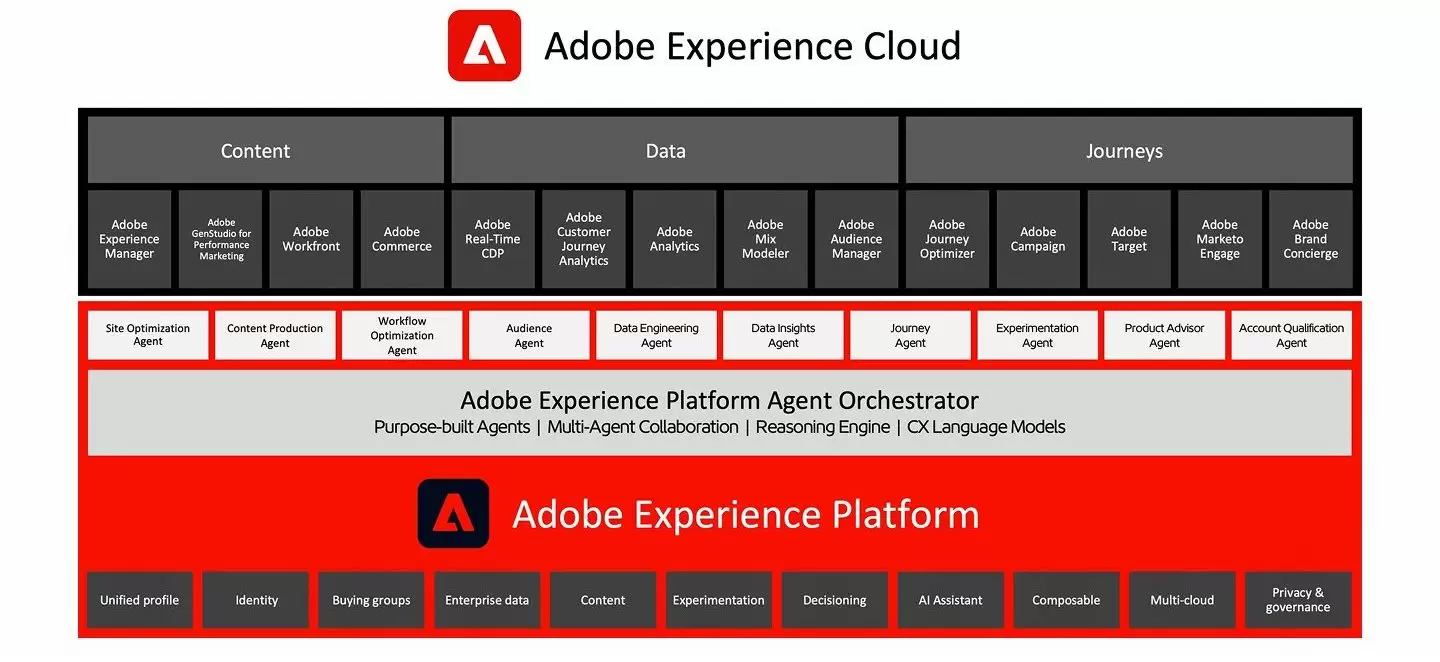
Adobe Experience Cloud includes a range of digital experience applications, while AEM primarily supports content and experience delivery. When discussing architecture, enterprises should distinguish content, data, analytics, personalization, and commerce capabilities rather than treat every product as one system that works without configuration.
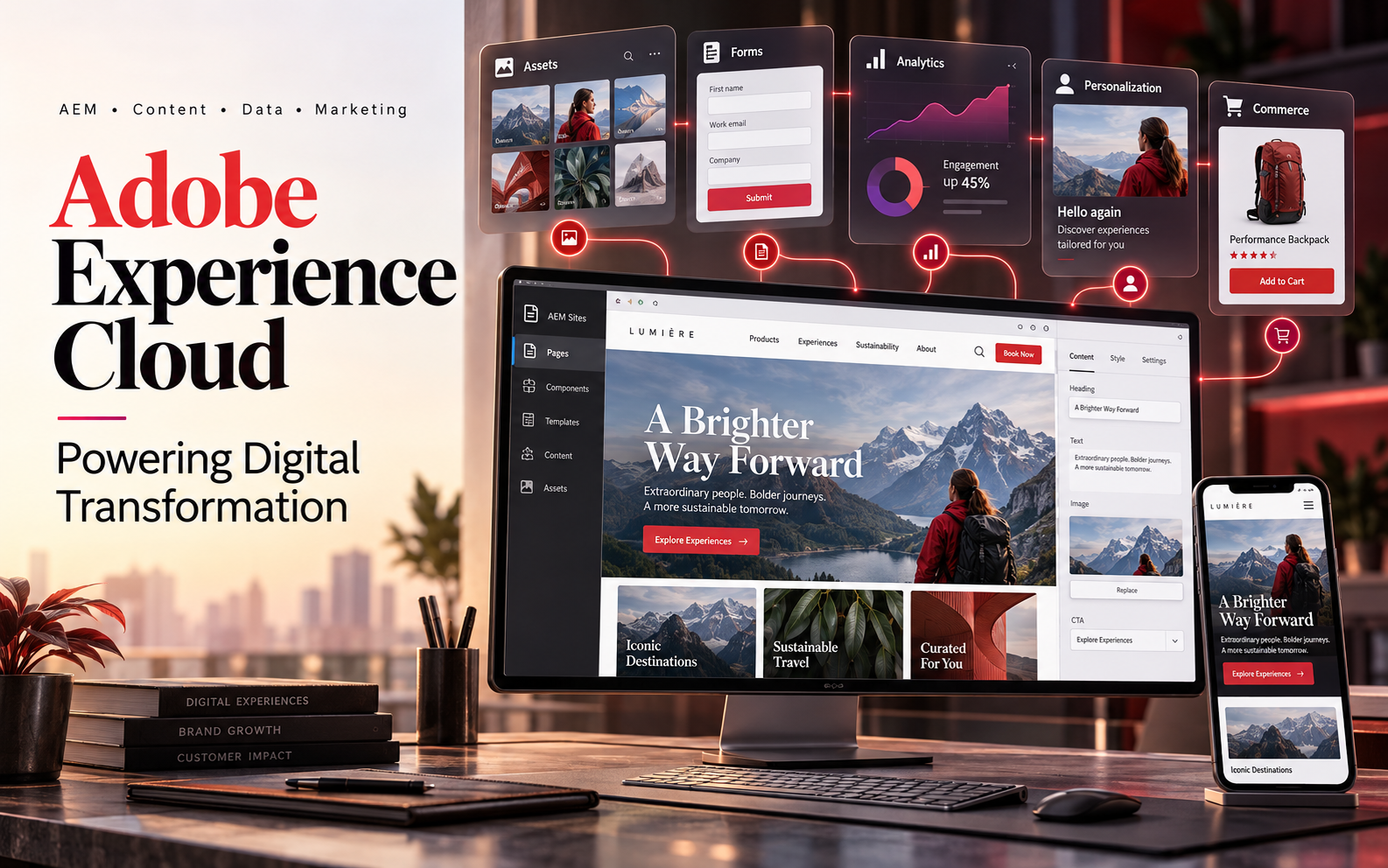
AEM Sites manages and delivers website and cross-channel content; AEM Assets focuses on digital asset management; and AEM Forms supports digital forms and related workflows. Each addresses different business needs, so selection should begin with a clear understanding of the capabilities required.[1]
Adobe Experience Platform (AEP) provides foundational capabilities for customer experience data, with applications such as Real-Time CDP built on top. Managing content in AEM does not mean it automatically replaces a CDP, CRM, or transaction system. Enterprises still need to define each system’s data sources, interfaces, and responsibilities.[2]
3. How Does AEM Bring Structure to Enterprise Content Management?
1. AEM Sites: Make Website Updates Repeatable
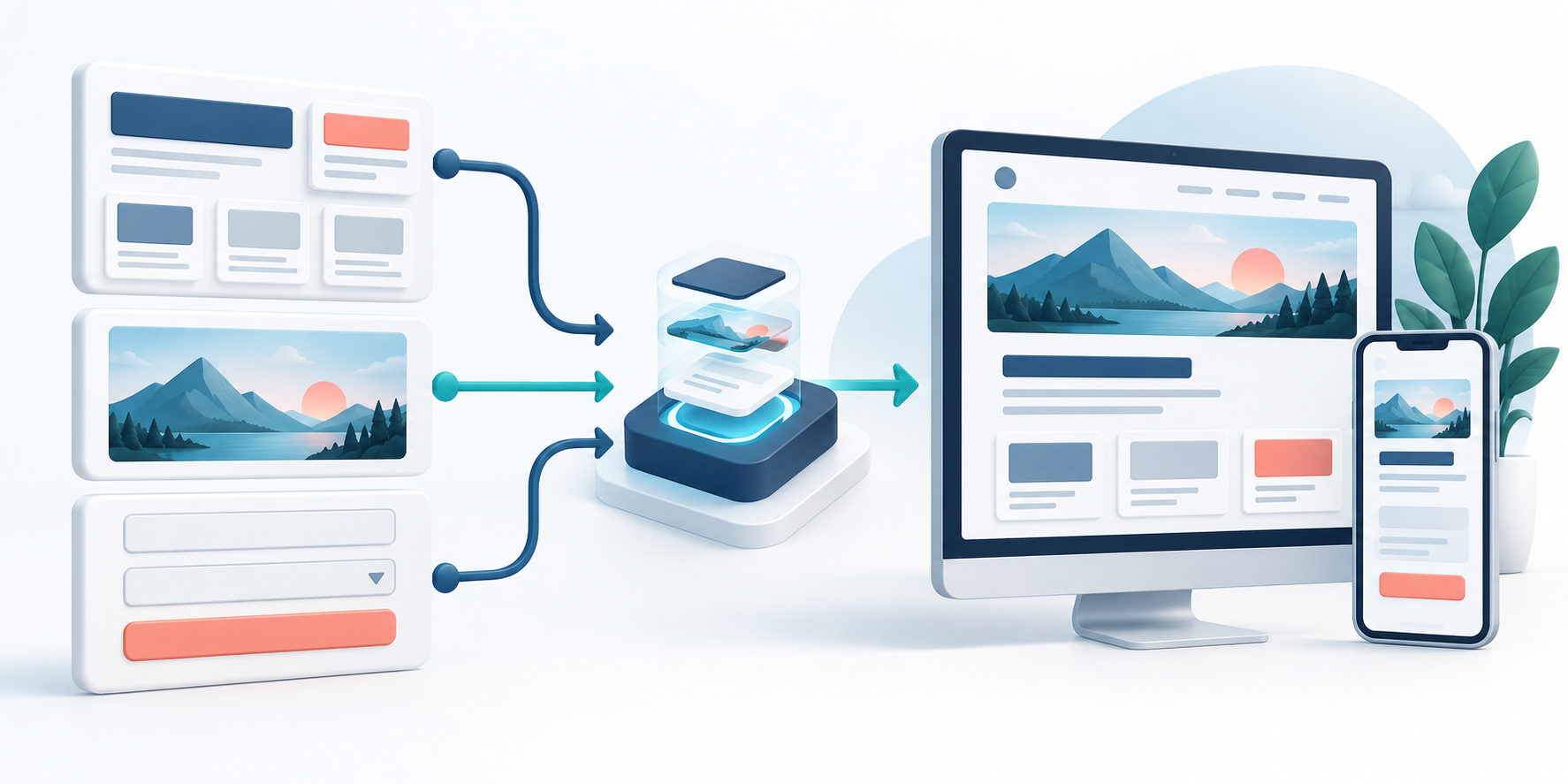
AEM Sites supports creating, managing, and delivering digital content.[1] During implementation, enterprises can build reusable components and templates for common pages, including product information, customer stories, and campaign landing pages. Marketing teams update content within established standards, while developers focus on complex functionality and platform capabilities.
For teams spanning multiple brands and regions, an early priority is deciding which content must remain consistent and which can be adapted locally. Without rules for product naming, brand standards, translation review, and publishing permissions, changing the CMS will not automatically eliminate duplicate work.
2. AEM Assets: Make Assets Findable, Reusable, and Manageable
AEM Assets provides digital asset management capabilities to help teams organize and deliver assets.[1] In practice, images and videos should have clear names, associated products, languages, intended uses, and owners, preventing different versions of the same asset from spreading across folders.
For example, after a product’s main image changes, teams need to know which pages still use the old image and which channels have yet to replace it. Including asset governance in the publishing workflow helps reduce brand inconsistencies and rework.
3. AEM Forms: Treat Forms as Part of the Customer Journey
Forms do more than collect names and contact details. For resource downloads, demo bookings, and support requests, teams must consider whether each field is necessary, whether the form is easy to complete, and who handles the submission. AEM Forms provides digital form capabilities; connecting CRM and subsequent business workflows still requires design and implementation based on specific needs.[1]
4. How Does Data Support Continuous Optimization After Publishing?
Publishing is only the starting point. Teams also need to understand where visitors come from, what they read, where they leave, and which visits become qualified opportunities. Integrations between Adobe Experience Cloud applications enable collaboration across content, analytics, and testing; results depend on implementation quality and how the business uses these capabilities.[3]
First, align measurement definitions. On a B2B website, a resource download should not be equated with a sale; on an ecommerce site, clicking Buy is not the same as completing payment. Teams should distinguish visits, engagement, submissions, qualified leads, and transaction outcomes, and confirm that each can be reliably tracked.
Next, form testable hypotheses. If a product page receives many visits but few inquiries, start by reviewing its value proposition, supporting customer evidence, button placement, and form length. Test one main question at a time to avoid changing so much that the cause of a result becomes unclear.
AEM and Adobe Target can support experience optimization through integration, and Adobe Analytics and Target offer corresponding analytics integrations.[3][4] This does not mean the system automatically discovers the best marketing strategy. Teams still need to define objectives, audience criteria, experiment duration, and evaluation standards.

5. How Can Personalization and Commerce Connect to One Customer Journey?
A customer may read an industry article, download product information several days later, and then discuss a solution with sales. If each channel focuses only on its own clicks, understanding the customer’s actual needs becomes difficult. Adobe Experience Cloud planning should center on this continuous journey rather than treat every touchpoint as an isolated activity.
Real-Time CDP focuses on unifying customer data and audiences, Journey Optimizer on journey and message orchestration, and Customer Journey Analytics on journey analysis. These applications share AEP’s foundations for data, identity, and governance.[2][5] Enterprises should select a combination based on business needs and define rules for audience entry, exit, and stopping outreach.
Personalization can start with simple scenarios, such as showing more detailed solution information to visitors who have downloaded introductory materials. Do not infer a person’s identity or purchase intent from a single click, or design overly complex individual journeys without suitable data and sufficient content.
For businesses that sell online, Adobe Commerce supports B2B and B2C digital commerce scenarios.[6] Define early in the project which content AEM manages, which processes the commerce platform handles, and how products, prices, inventory, and orders synchronize with other systems.
6. Five Priorities for Enterprise Implementation
First, choose a specific business problem. Are campaign pages slow to launch, multilingual content difficult to maintain, or inquiry quality inconsistent? Connect the Adobe Experience Cloud evaluation to a measurable objective so that the team can determine whether continued investment is justified.
Second, inventory existing content and systems. List the corporate website, asset libraries, analytics tools, CRM, and commerce platforms. Confirm who maintains the data, which interfaces are available, and which older content should be retained, updated, or retired.
Third, establish a minimum viable use case. Pilot one product line, one market, or one type of customer journey, covering content publishing, data collection, and business follow-up. Then extend proven practices to other teams.
Fourth, define acceptance metrics and owners. Launch speed, content reuse, form completion rate, and the proportion of qualified leads are potential metrics, but targets should reflect the business baseline. Each metric needs someone responsible for interpreting it and taking action.
Fifth, budget for training and maintenance. An Adobe Experience Cloud project involves more than software: it also includes implementation, migration, integration, content organization, testing, and ongoing operations. Even a comprehensive platform will struggle to create lasting value without people and processes to support it.

7. Which Enterprises Should Prioritize an Evaluation?
Enterprises operating multiple brands or markets, updating content frequently, managing large asset libraries, and connecting websites with customer data, marketing, and sales workflows can consider Adobe Experience Cloud. The evaluation should focus on business complexity, organizational capabilities, and long-term operational needs rather than company size alone.
If the website currently has only a few informational pages, infrequent updates, and simple integration requirements, the existing CMS may be sufficient for standardizing content and improving conversion paths. Strengthening these foundations helps the team make a more informed decision about future architecture upgrades.
8. Frequently Asked Questions
Are Adobe Experience Cloud and AEM interchangeable?
They should not be treated as the same product. Adobe Experience Cloud includes multiple digital experience applications, while AEM primarily addresses content and experience delivery. First determine whether the need involves content, data, analytics, or transactions, then select the appropriate capabilities.
Do we still need developers after adopting AEM?
Usually, yes. Components, templates, integrations, performance, and publishing workflows require technical support. What content teams can manage independently depends on the delivered functionality and governance rules.
Do we need to implement every product at once?
Launching every capability at once does not need to be the project goal. Validate key scenarios first, then expand based on results and the team's ability to manage them. Confirm the product combination and licensing scope during planning.
How can we tell whether the project is creating value?
Compare business metrics before and after launch using consistent definitions, accounting for changes in traffic, campaigns, and seasonality. Beyond page views, evaluate content delivery efficiency, customer experience, and lead or transaction quality.
9. Conclusion: Use Technology to Support Sustainable Business Improvement
The value of Adobe Experience Cloud and AEM ultimately depends on connecting business objectives, content rules, data foundations, and collaboration. For teams planning a website upgrade or marketing system integration, the most useful next step is to identify the three most time-consuming or difficult-to-measure activities and start with a scenario that can be validated.
For a more detailed evaluation, consider LeadsTech’s AEM services alongside your project requirements to define content management, integration, and ongoing operational needs, then develop a phased implementation plan.


Related Articles
Enterprise AI MarTech Trends Analysis 2024-2029 Outlook Report
From AI content productivity tools to a core engine for revenue growth and marketing transformation
*The PDF will be sent directly to your inbox.
Email Error
Please enter a valid email address.
Thank You!
The whitepaper has been sent to your inbox. If you don’t see it, please check your spam or promotions folder.