
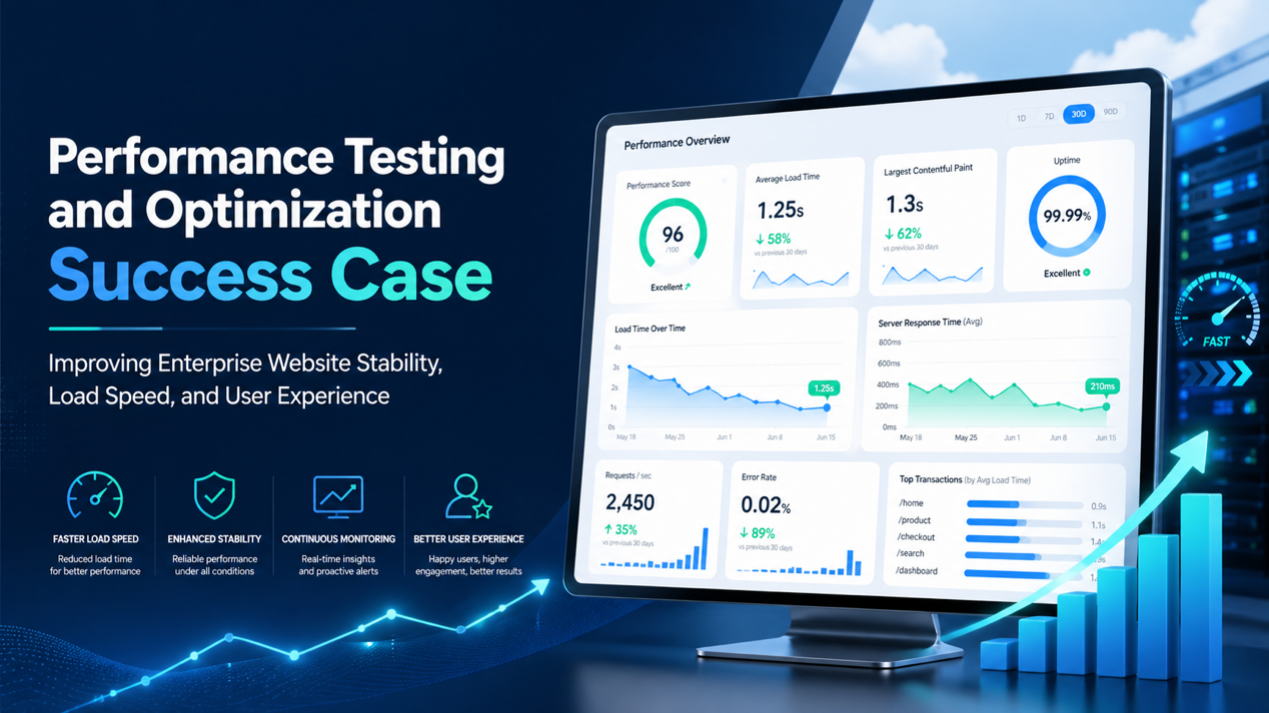
Performance Testing & Optimization Case | Improve Website Speed Stability & UX
Client Background
The client is a mid-to-large enterprise serving both consumers and business customers. Its website supports multiple key functions, including brand presentation, product information, content browsing, member interaction, and online inquiries.
1. Project Background
With the continuous growth of online business, the website traffic in this case has gradually increased. Users have higher and higher expectations for page loading speed, operational smoothness, and stability. Especially during marketing campaigns, product launches, holiday promotions, or media exposure, the website needs to handle high traffic volumes within a short period.
Before optimization, the enterprise website was already capable of supporting daily operations. However, there was still room for improvement in handling peak traffic, page loading speed, core page experience, and system stability. Therefore, the company aimed to enhance the overall user experience through systematic performance testing and optimization, reduce system risks under high traffic conditions, and build a more stable technical foundation for future business growth.
2. Challenges Before Optimization
Before performance testing and optimization, the website mainly faced the following issues:
Unstable Page Load Speed
Some core pages show noticeable differences in load speed when accessed on different devices, networks, and regions. The homepage, product listing pages, content detail pages, and inquiry pages occasionally experience slower loading during peak hours, affecting the user browsing experience.
Insufficient System Capacity Under High Traffic
During large-scale marketing campaigns or when traffic spikes occur, server response times increase, and some API requests experience higher latency or even temporary errors. This indicates that the website still requires clearer capacity planning and optimization strategies to handle sudden traffic surges.
Heavy Front-End Resources
Some pages contain a large number of images, JavaScript, CSS, third-party tracking codes, and interactive components. Without proper compression, lazy loading, or layered loading strategies, the initial load time increases, delaying users from quickly viewing the main content.
Inefficient Backend Queries and Caching Strategies
Some pages rely on real-time data queries or responses from multiple backend services. If query efficiency, data caching, and API responses are not optimized, backend pressure increases under high concurrency, affecting overall response speed.
Lack of Continuous Performance Monitoring Mechanisms
Before optimization, the website primarily addressed issues after they occurred. There was a lack of regular performance monitoring, stress testing benchmarks, and periodic performance regression testing, making it difficult for the team to identify potential bottlenecks in advance.
3. Optimization Goals
The main objectives of this performance testing and optimization include:
- Improve the loading speed of core pages
- Enhance user experience on the homepage, product pages, content pages, and inquiry pages
- Increase system stability under high traffic conditions
- Reduce server response time and API latency
- Optimize front-end resource size and loading sequence
- Establish website capacity benchmarks and performance testing methodologies
- Implement continuous monitoring and ongoing optimization mechanisms
- Reduce the risk of website slowdowns or downtime during marketing campaigns
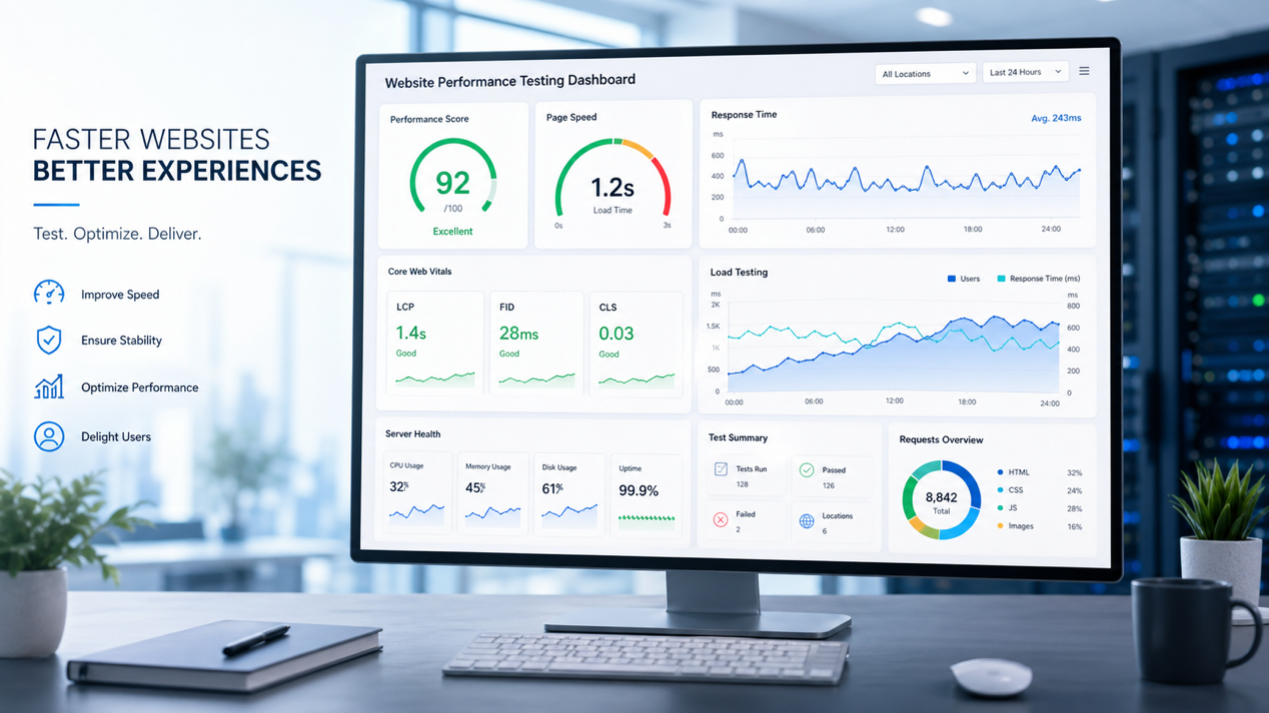
4. Performance Testing Strategy

Establish Performance Testing Benchmarks
We first established testing benchmarks for the website’s core pages and key workflows, including:
- Homepage
- Product or service listing pages
- Detail pages
- Search results pages
- Form inquiry pages
- Login or member-related pages
- Key API services
- Marketing campaign landing pages
Conduct Front-End Performance Testing
The focus of front-end testing includes:
- Total page resource size
- JavaScript and CSS loading time
- Image size and format
- Impact of third-party scripts
- Above-the-fold content load time
- Core Web Vitals metrics
- Differences between mobile and desktop experiences
- Loading performance across different regions and network conditions
Conduct Load Testing and Stress Testing
To evaluate the website’s capacity under high traffic conditions, we designed multiple test scenarios:
- Normal traffic scenarios
- Peak campaign traffic scenarios
- Traffic spike scenarios
- Sustained high concurrency scenarios
- Form submission peak scenarios
- API-intensive request scenarios
- Average response time
- P95 / P99 response time
- Requests per second
- Error rate
- Server CPU and memory usage
- Database query load
- API response stability
- System capacity thresholds
Perform Bottleneck Analysis
Based on the test results, we categorized performance bottlenecks into several types:
- Oversized front-end resources
- Images not compressed or not using appropriate formats
- JavaScript blocking rendering
- Excessive API response time
- Inefficient database queries
- Low cache hit rates
- Third-party scripts affecting page load
- CDN configuration not fully optimized
- Insufficient server resource allocation under high concurrency
5. Performance Optimization Strategy
Front-End Resource Optimization
We optimized front-end resources, including:
- Compressing JavaScript and CSS
- Removing unused front-end resources
- Splitting large JavaScript bundles
- Lazy loading non-critical scripts
- Prioritizing above-the-fold critical content
- Reducing unnecessary front-end requests
- Optimizing font loading strategies
- Minimizing the impact of third-party scripts on core workflows
Image and Media Resource Optimization
Images are often a major source of website performance issues. Therefore, we applied the following optimizations:
- Compressing large images
- Using WebP or other more efficient image formats
- Serving different image versions based on device size
- Enabling lazy loading
- Optimizing banner, product, and content image sizes
- Avoiding loading oversized desktop images on mobile devices
- Setting priority loading for critical images
Caching and CDN Optimization
To improve website response speed and cross-region access performance, we optimized caching and CDN strategies, including:
- Accelerating static resources via CDN
- Setting appropriate Cache-Control policies
- Optimizing caching strategies for HTML, images, CSS, and JavaScript
- Increasing cache hit rates
- Applying page-level caching for high-traffic pages
- Reducing repeated requests to lower backend pressure
Backend and API Optimization
For backend systems, we focused on optimizing APIs and data processing workflows:
- Optimizing slow queries
- Reducing unnecessary database queries
- Increasing data caching
- Optimizing API response structures
- Merging duplicate requests
- Setting appropriate timeout and retry mechanisms
- Conducting capacity planning for high-frequency APIs
- Improving error handling and logging
Lighthouse / PageSpeed and Core Web Vitals Optimization
In addition to load testing and system-level performance analysis, we also evaluated front-end quality using Lighthouse and PageSpeed Insights, reviewing metrics such as Performance, Accessibility, Best Practices, and SEO. These assessments help identify issues related to LCP, CLS, INP, resource blocking, image loading, semantic structure, and front-end best practices. LeadsTech’s website performance testing and optimization services also cover tools such as JMeter, LoadRunner, Google Lighthouse, and PageSpeed Insights, helping enterprises identify bottlenecks and improve website speed, stability, and overall user experience through practical content and code optimization.
Establish Continuous Monitoring and Regression Testing
In addition to one-time optimization, we also help establish continuous monitoring mechanisms, including:
- Regular tracking of Core Web Vitals
- Monitoring page load time
- Monitoring API response time
- Monitoring error rates
- Monitoring performance during high-traffic periods
- Conducting performance regression testing before major releases
- Pre-testing marketing campaign pages with stress testing
6. Optimization Results
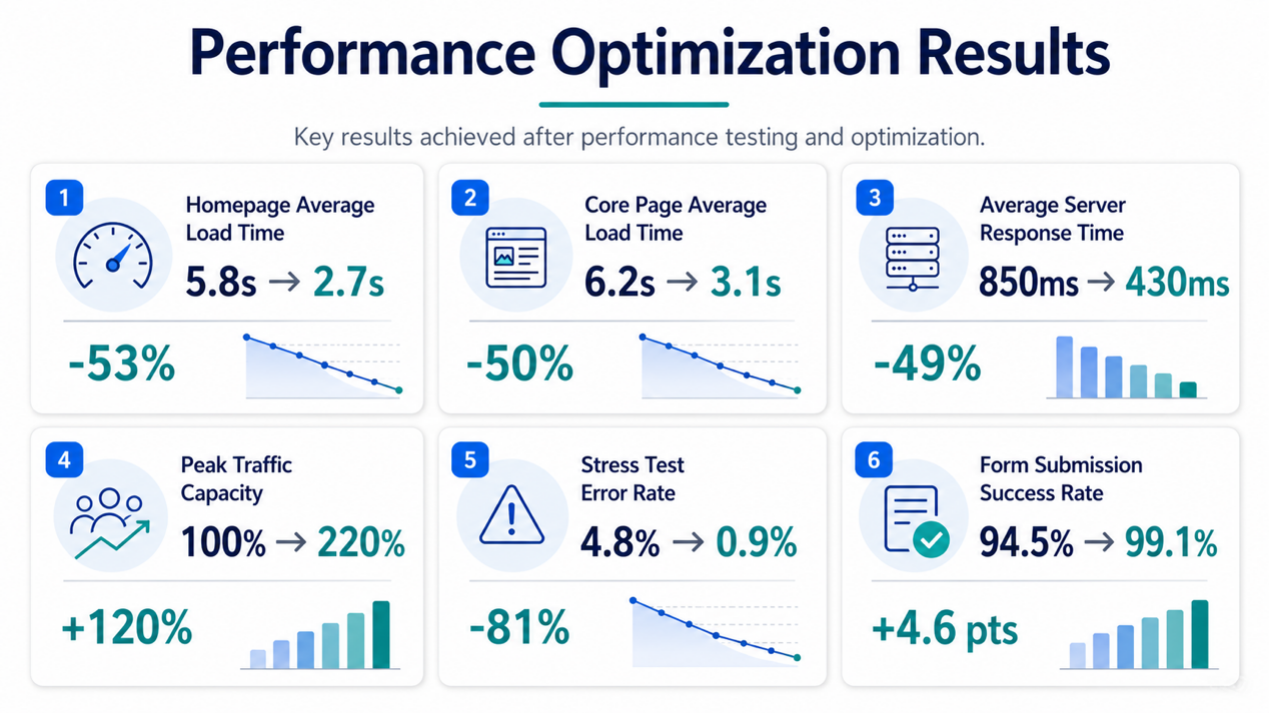
After performance testing and optimization, the website showed significant improvements in loading speed, system stability, and user experience. The following summarizes the results observed within approximately 2 to 4 months after optimization:
| Metric | Before Optimization | After Optimization | Improvement |
|---|---|---|---|
| Average homepage load time | Approx. 5.8 seconds | Approx. 2.7 seconds | Reduced by approx. 53% |
| Average core page load time | Approx. 6.2 seconds | Approx. 3.1 seconds | Reduced by approx. 50% |
| Average server response time | Approx. 850 ms | Approx. 430 ms | Reduced by approx. 49% |
| Peak traffic capacity | Baseline 100% | Approx. 220% | Increased by approx. 120% |
| Error rate in stress testing | Approx. 4.8% | Approx. 0.9% | Reduced by approx. 81% |
| Form submission success rate | Approx. 94.5% | Approx. 99.1% | Increased by approx. 4.6 percentage points |
Summary of Results
Through this performance testing and optimization, the average homepage load time was reduced from approximately 5.8 seconds to 2.7 seconds, and the average core page load time was reduced from approximately 6.2 seconds to 3.1 seconds. The average server response time also decreased from approximately 850 ms to 430 ms.
In terms of handling high traffic, the website’s peak traffic capacity increased by approximately 120%, while the stress testing error rate dropped from approximately 4.8% to 0.9%. This demonstrates that the website has become not only faster but also more stable, better supporting large-scale campaigns and high-traffic scenarios.
7. Key Success Factors
Test First, Then Optimize
Performance optimization should not rely on assumptions. Through performance testing, load testing, and stress testing, we can clearly identify real bottlenecks and avoid spending time on issues with minimal impact.
Address Both Front-End and Backend Bottlenecks
Website slowdowns are usually not caused by a single factor. Front-end resources, images, third-party scripts, APIs, databases, caching, and server configurations can all affect performance. Therefore, this optimization adopted a parallel front-end and backend analysis approach to ensure more comprehensive improvements.
Focus on Peak Traffic Scenarios
Good performance under normal traffic does not guarantee stability during peak events. By simulating high-concurrency scenarios in advance, businesses can complete capacity planning and system adjustments before real issues occur.
Go Beyond Reports to Real Implementation
Unlike typical services that only provide testing reports, this case focused not just on identifying problems, but also on executing practical optimizations across front-end, content, code, caching, and architecture based on test results, helping the website achieve real performance improvements.
Establish Continuous Monitoring Mechanisms
Performance cannot remain optimal after a one-time optimization. As website content grows, features evolve, and third-party tools change, performance may decline again. Therefore, establishing continuous monitoring and regular regression testing is essential for maintaining long-term stability.
8. Conclusion
This case demonstrates how an enterprise website can improve page load speed, system stability, and high-traffic handling capacity through performance testing and optimization.
For businesses that rely on websites for brand presentation, content operations, online inquiries, and marketing campaigns, website performance is no longer just a technical issue—it is a critical factor that directly impacts user experience, search performance, conversion rates, and business opportunities.
Through systematic performance testing, front-end optimization, backend optimization, caching strategies, and continuous monitoring, enterprises can ensure their websites remain stable, fast, and reliable under both daily operations and peak traffic conditions, building a stronger foundation for long-term digital growth.
If your website tends to slow down during marketing campaigns, has slow-loading homepages or key pages, suffers from low Lighthouse / PageSpeed scores, or lacks measurable performance testing and optimization strategies, you can explore our Website Performance Testing and Optimization Services. LeadsTech can assist enterprises with performance testing, stress testing, Lighthouse / PageSpeed evaluations, and practical optimization, helping identify key bottlenecks affecting speed, stability, and user experience, and providing actionable improvement solutions.
Similar Cases

Enterprise AI MarTech Trends Analysis 2024-2029 Outlook Report
From AI content productivity tools to a core engine for revenue growth and marketing transformation
*The PDF will be sent directly to your inbox.