Screens as a Cloud Service
Separate content and channel management from screen and player management to support digital content delivery across physical locations.

Products
Services
Interactive Digital Signage and Experience Content Management Platform
Adobe Experience Manager (AEM) Screens is an enterprise-grade digital signage and interactive display solution designed for retail, exhibitions, and reception areas. With centralized content management, cross-device media synchronization, and interactive integration, brands can deliver consistent on-site digital experiences, enhancing customer engagement and communication efficiency.

Explore how AEM Screens supports content creation, management and experience delivery.
Separate content and channel management from screen and player management to support digital content delivery across physical locations.
Use centralized management, scheduling and local time-zone activation to arrange playback across stores and locations, supporting operations across regions.
Reuse digital assets, content fragments and experience fragments so websites and physical screens use consistent brand content.
Plan content around time, location and data events. Touch, sensors, live data and analytics must be assessed against player, hardware and system integration requirements.
Centrally manage signage and scheduling across multiple locations, with region- or time-specific playback.
Incorporate touch and sensor devices to offer interactive navigation, product display, and inquiries, increasing engagement.
Instantly publish event information, videos, and guided content to enhance the event experience and brand perception.
Create branded displays and information screens in lobbies and meeting rooms for improved visitor impressions and internal communications.
AEM Screens is ideal for retail, exhibitions, tourism, high-tech, real estate, finance, corporate hospitality, and public sectors that require digital displays and interactive content. These industries benefit from multi-location, real-time, and controllable digital communication channels.
Unlike traditional signage software, AEM Screens is fully integrated with Adobe Experience Manager, enabling shared content, modular management, and media reuse—supporting screens, websites, and mobile for a true omnichannel experience.
Touchscreen and event-driven experiences can be implemented. Sensors, Beacons and RFID require compatible player hardware and the appropriate custom integrations.
Absolutely. Brands can centrally control playback content and timing across stores or exhibitions, enabling regional customization and consistent marketing.
Players can use locally cached content for offline playback. Confirm caching, scheduling and reconnection behavior for the selected player, content type and deployment.
Costs depend on screen quantity, number of playback points, interaction needs, and Adobe product integration. We provide tailored planning and estimates based on business needs.
AEM Screens is ideal for retail, exhibitions, tourism, high-tech, real estate, finance, corporate hospitality, and public sectors that require digital displays and interactive content. These industries benefit from multi-location, real-time, and controllable digital communication channels.
Unlike traditional signage software, AEM Screens is fully integrated with Adobe Experience Manager, enabling shared content, modular management, and media reuse—supporting screens, websites, and mobile for a true omnichannel experience.
Touchscreen and event-driven experiences can be implemented. Sensors, Beacons and RFID require compatible player hardware and the appropriate custom integrations.
Absolutely. Brands can centrally control playback content and timing across stores or exhibitions, enabling regional customization and consistent marketing.
Players can use locally cached content for offline playback. Confirm caching, scheduling and reconnection behavior for the selected player, content type and deployment.
Costs depend on screen quantity, number of playback points, interaction needs, and Adobe product integration. We provide tailored planning and estimates based on business needs.
See how AEM Screens capabilities support a real business scenario.

Use one content platform to manage display content and updates across multiple screens in an experience center.
Manage multiple WeChat Official Accounts through AEM and extend website content and brand assets into WeChat. Bring publishing, messaging and performance management into a coordinated workflow.
LeadsTech helps you plan locations, display content, scheduling, integrations and device operations, then implement AEM Screens for physical experiences.
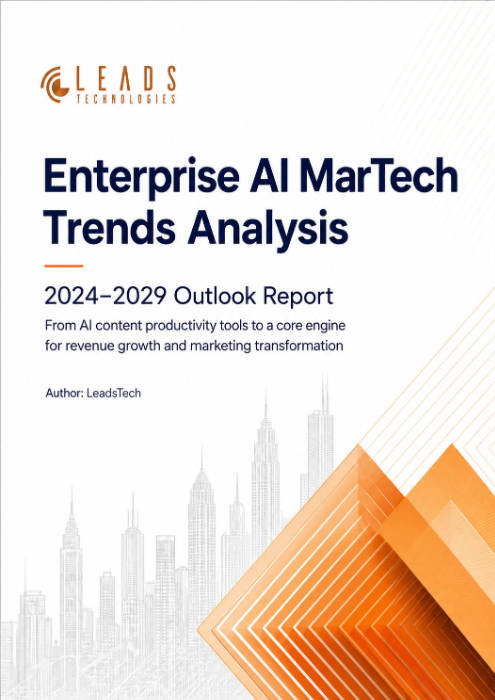
From AI content productivity tools to a core engine for revenue growth and marketing transformation
*The PDF will be sent directly to your inbox.
Please enter a valid email address.
The whitepaper has been sent to your inbox. If you don’t see it, please check your spam or promotions folder.

Scan this QR code to add us on WeChat

Scan this QR code to add us on Line