
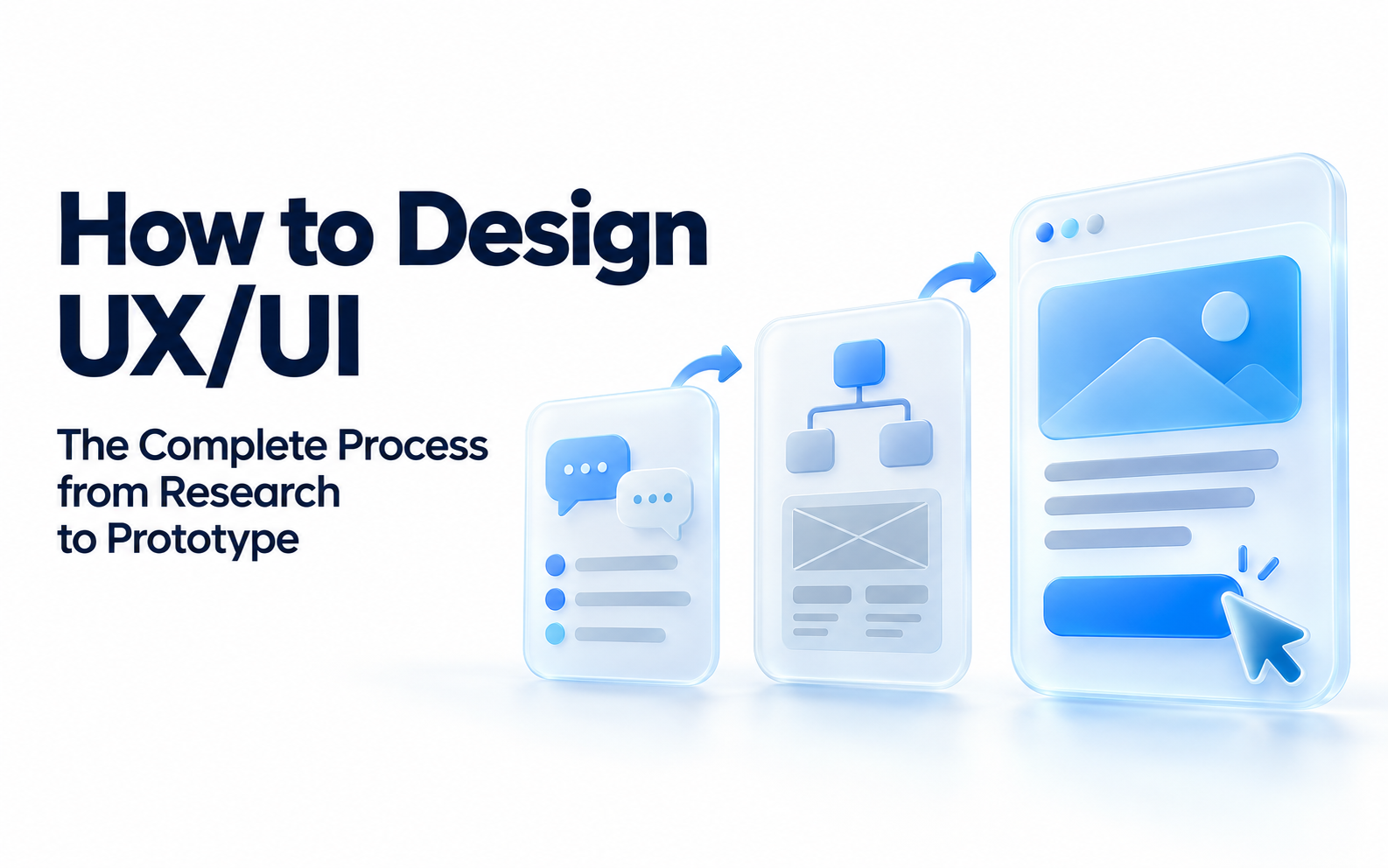
Good UX/UI design starts with what users need to accomplish and what the business needs to achieve. Colors, banners, and homepage layouts come later. Connecting research, architecture, flows, interfaces, and validation into a complete process keeps design decisions grounded in more than personal preference.
Summary
A mature UX/UI process typically includes requirements definition, user research, analytics reviews, information architecture, user flows, wireframes, visual design, design systems, prototypes, usability testing, developer handoff, and post-launch measurement. The depth of each activity can vary by project, but defining the problem and validating the solution should never be skipped.
1. Step 1: Define Business Goals and User Problems
At the start of a project, establish the website’s or product’s primary goals, such as increasing inquiries or registrations, improving product search, reducing support calls, or shortening internal workflows.
Define the main users and their tasks at the same time. On a B2B website, engineers may need quick access to specifications, procurement teams may focus on certifications and lead times, and decision-makers may need case studies and evidence of a solution’s value. These tasks directly shape information architecture and page hierarchy.
2. Step 2: User Research and Data Analysis
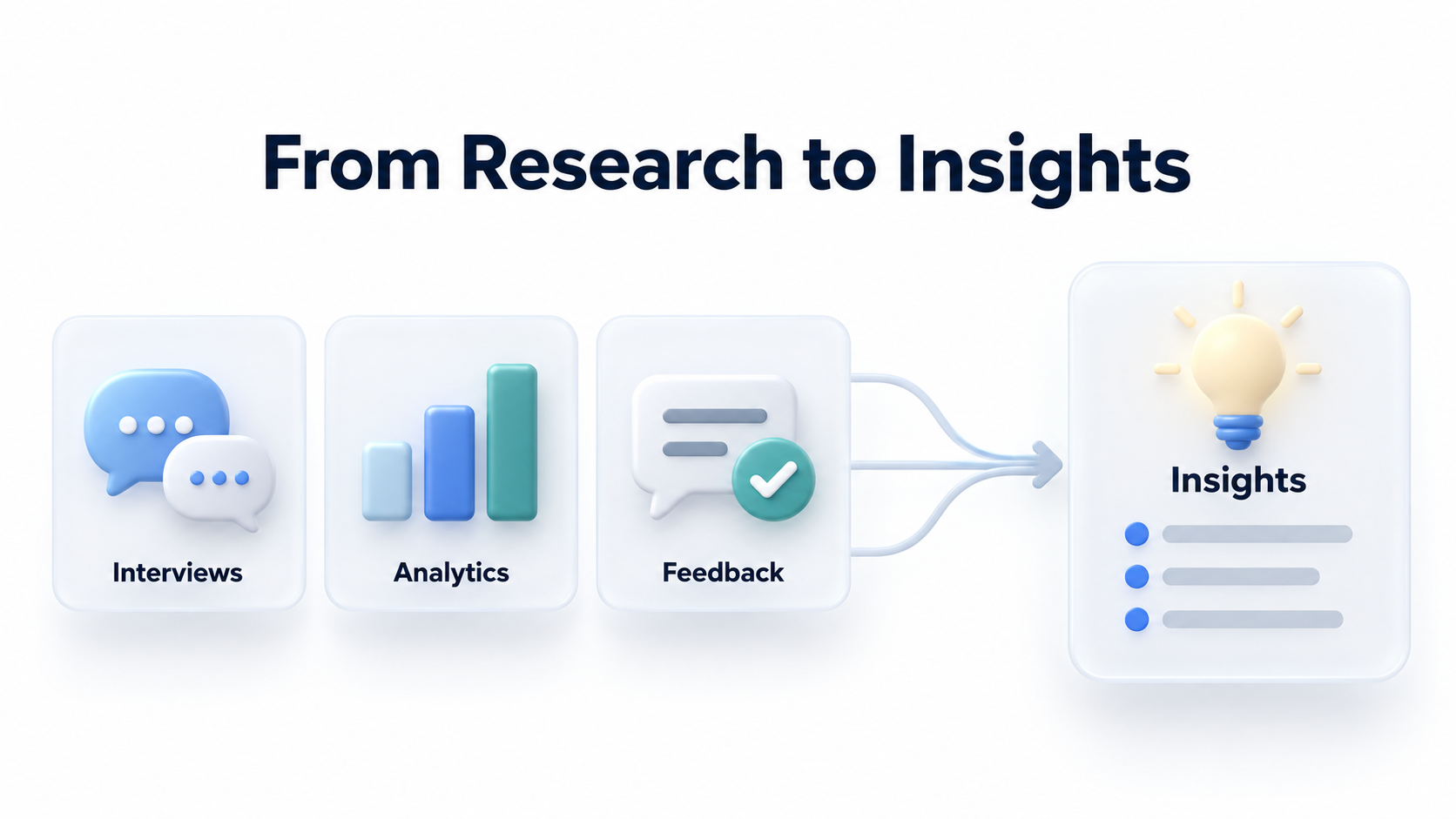
User research can include interviews, surveys, contextual inquiry, usability tests, support records, and internal stakeholder interviews. For an existing website, include web analytics, Search Console, on-site search, heatmaps, form data, and customer support questions.
The goal is to uncover real needs, common obstacles, decision-making information, and contexts of use, rather than produce polished personas. Findings should become actionable insights, such as users not understanding the differences between two product lines or mobile users struggling to find technical documents quickly.
3. Step 3: Information Architecture and User Flows
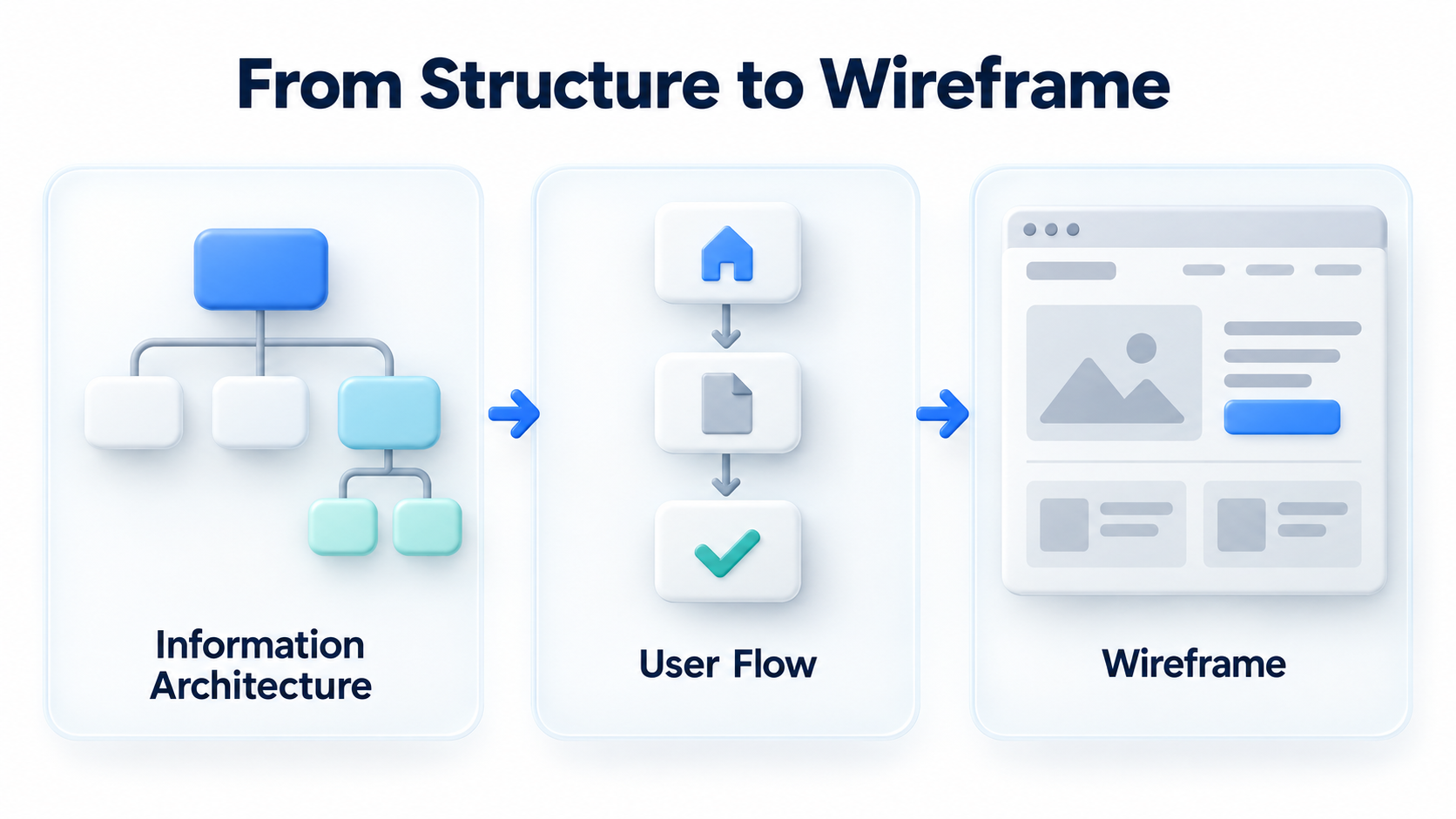
Information architecture determines how content is categorized, named, and connected. Businesses should use language customers understand rather than build menus entirely around internal departments.
User flows map the steps needed to complete a task, such as Home → Product Category → Product Details → Download Specifications → Contact Sales, or Campaign Page → Registration → Email Confirmation. Flow diagrams can reveal unnecessary steps and system dependencies early.
4. Step 4: Wireframes and Content Priorities
Wireframes address structure before visual design. They should establish the page’s most important message, CTA placement, which information needs to be collapsed, compared, filtered, or searched, and which elements take priority on mobile.
Content, SEO, marketing, and product teams should participate at this stage. This helps avoid discovering after design is complete that content length, SEO headings, CMS components, or data sources cannot support the proposed experience.
5. Step 5: UI Design and Design Systems
The UI phase turns wireframes into branded interfaces, including grids, typography, colors, spacing, icons, buttons, forms, cards, navigation, tables, modals, and responsive states.
For businesses with many pages or websites across markets, organize recurring interface patterns into a design system. Defining variants, states, spacing, accessibility, and usage rules for each component reduces future design and frontend maintenance costs.
6. Step 6: Prototypes and Usability Testing
Prototypes let teams simulate interactions before development. In testing, give users concrete tasks, such as finding a product specification and downloading its PDF. Observe whether they succeed, where they hesitate, and whether they misunderstand labels.
Usability testing does not always require a large sample. Small tests focused on clearly defined tasks can quickly reveal major problems. Record each issue’s severity, frequency, and priority for improvement.
7. Step 7: Developer Handoff and Post-Launch Validation
Developer handoff should document dimensions, spacing, component states, responsive rules, interactions, error states, and accessibility requirements. A few screenshots are not enough.
After launch, validate the experience through analytics, form conversion, search success, task completion, error rates, and feedback from actual users. UX/UI is a continuous improvement cycle that extends beyond launch.

8. Frequently Asked Questions (FAQ)
Does a UX/UI project always need to start with research?
At a minimum, use existing data and stakeholder input to establish initial assumptions. A major redesign, a new product, or a high-risk workflow warrants more comprehensive user research.
What is the difference between a wireframe and a prototype?
A wireframe focuses on information and layout structure. A prototype emphasizes interactive flows and simulated behavior. Both can be low or high fidelity.
Are design systems only for large enterprises?
No. Any website with many reusable components or ongoing iteration needs can benefit from a basic component library and design standards.
9. Conclusion
The core of a UX/UI process is connecting every design decision to a problem, supporting evidence, and a way to validate it. From research and architecture to prototypes and ongoing improvement with post-launch data, this approach helps businesses build digital experiences that are usable, maintainable, and effective at converting users.
If your business needs UX/UI planning, a website redesign, a design system, or a prototype, explore LeadsTech’s digital experience services:

To begin with a UX audit or a user journey workshop, contact LeadsTech:

Related Articles

Enterprise AI MarTech Trends Analysis 2024-2029 Outlook Report
From AI content productivity tools to a core engine for revenue growth and marketing transformation
*The PDF will be sent directly to your inbox.

