
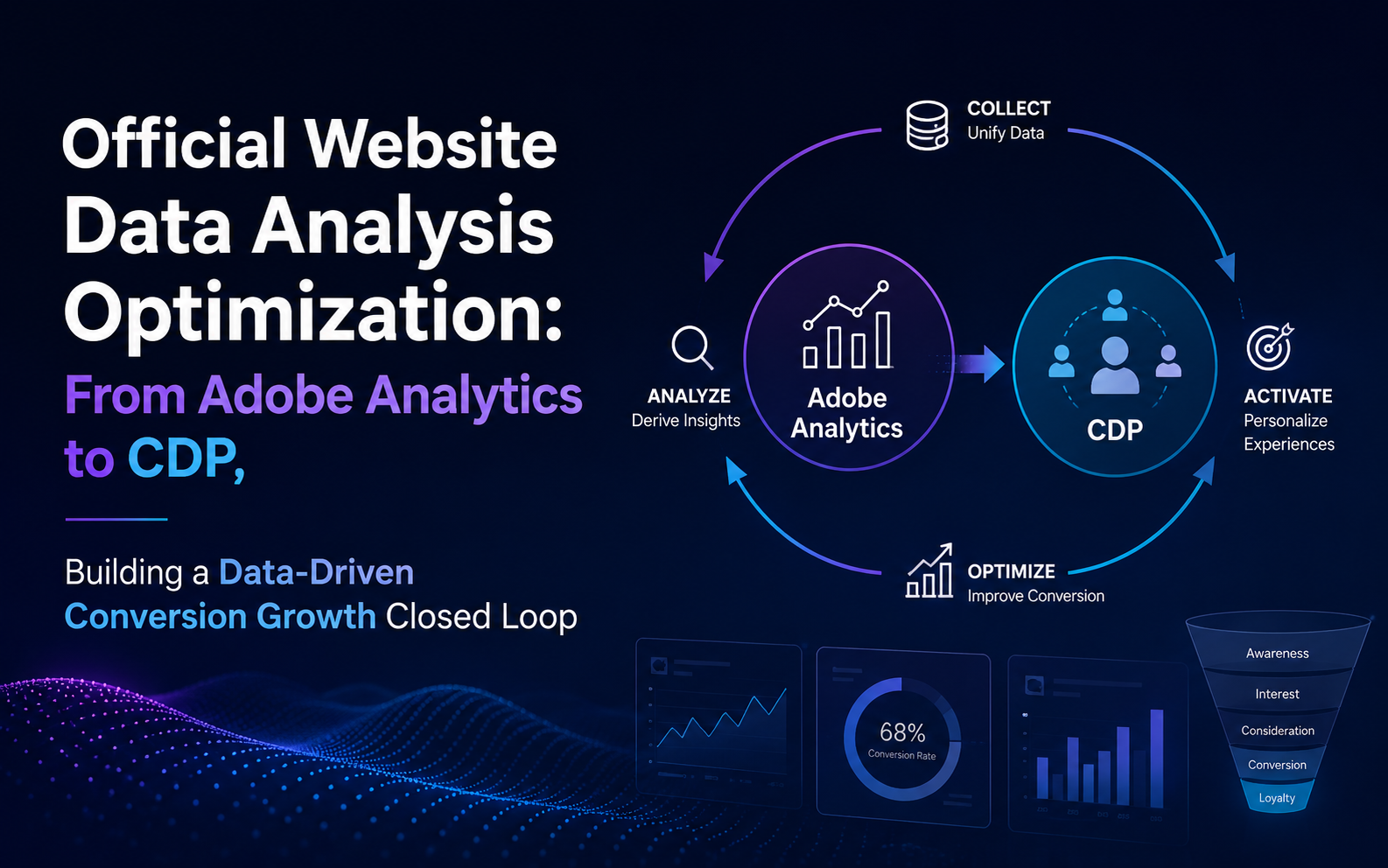
Website Data Analytics Optimization: From Adobe Analytics to CDP, Building a Data-Driven Conversion Growth Loop
Adobe Analytics, Adobe Real-time CDP, CDP, Martech, Website Analytics
10 May 2026
1. Introduction: Why Website Optimization Requires More Than Traffic
When many companies build their websites, they first focus on traffic volume, bounce rate, and inquiry numbers. But what truly impacts growth is often not whether you have data, but whether you can turn data into action. This is precisely the value of website data analytics optimization.
If a company can only see page views but cannot see where users come from, why they drop off, which content drives conversions, or which audiences are worth nurturing, then even more reports are just static results. The truly effective approach is to connect website behavior data, customer data, and marketing actions into one continuous line, enabling teams to move from viewing data to using data. This is why more and more companies are integrating analytics platforms with customer data platforms to drive data-driven growth. Adobe official documentation shows that Adobe Analytics implementation involves sending website or app data to Adobe data collection infrastructure, while Real-Time CDP focuses on integrating multi-source customer data and forming a unified view.
2. Core Objectives of Website Data Analytics Optimization
Many teams understand analytics as generating reports, but from a business perspective, website data analytics optimization must answer at least four questions.
First: Which Traffic Sources Truly Deliver Value
Not all visits deserve equal investment
Distinguish brand traffic, organic search, paid advertising, social media, and remarketing traffic
More importantly, examine the quality differences of various sources in subsequent conversions
Second: Where Users Drop Off
Is the landing page failing to address the need
Is the product page lacking information
Or are forms, consultation buttons, or page speed affecting conversions
Third: Which Content Drives Decisions
Which case studies, solution pages, or industry content generate higher quality leads
Which types of users are more likely to proceed
Fourth: How Data Feeds Back into Operations
Data should not remain in weekly and monthly reports
It must feed back into content optimization, page optimization, audience segmentation, and marketing automation
This level of judgment determines whether a company produces basic reports or enterprise-grade data analytics oriented toward business outcomes. And once a corporate website enters multi-market, multi-language, multi-channel phases, it becomes even more necessary to manage metrics and user journeys with unified standards.
3. Start with Adobe Analytics: Building an Actionable Analytics Foundation

For many medium and large enterprises, the first step in website data analytics optimization is to clearly define key website behaviors, then perform unified collection and analysis through Adobe Analytics. Adobe official documentation clearly states that Adobe Analytics requires deploying code on websites, apps, or other applications, sending data to data collection servers; companies can also implement through Tags and extensions.
This means that truly valuable Adobe Analytics implementation is not simply installing a tracking code, but first designing a metrics model. For example:
How to Categorize Traffic Sources
Establish unified standards to distinguish brand traffic, organic search, paid advertising, social referrals, and remarketing traffic.
How to Define Key Pages
Clarify core metrics and event tracking for homepage, product pages, case study pages, landing pages, and conversion pages.
How to Define Core Events
Whether downloads, form submissions, video plays, and button clicks are core events needs to be standardized in advance.
Multi-Site Naming Conventions
Whether different country sites use consistent dimension naming, variable classification, and conversion standards.
How to Map Leads to Conversions
How sales leads and marketing leads are layered and mapped to conversion goals needs to be aligned with business departments.
At this stage, teams are doing website behavior visualization; while mature enterprise data analytics goes further through segmentation, path analysis, funnel analysis, and attribution analysis to identify the most worthwhile pages and audiences to optimize. In this way, the analytics platform does not just tell you what happened, but also helps you determine what to change next.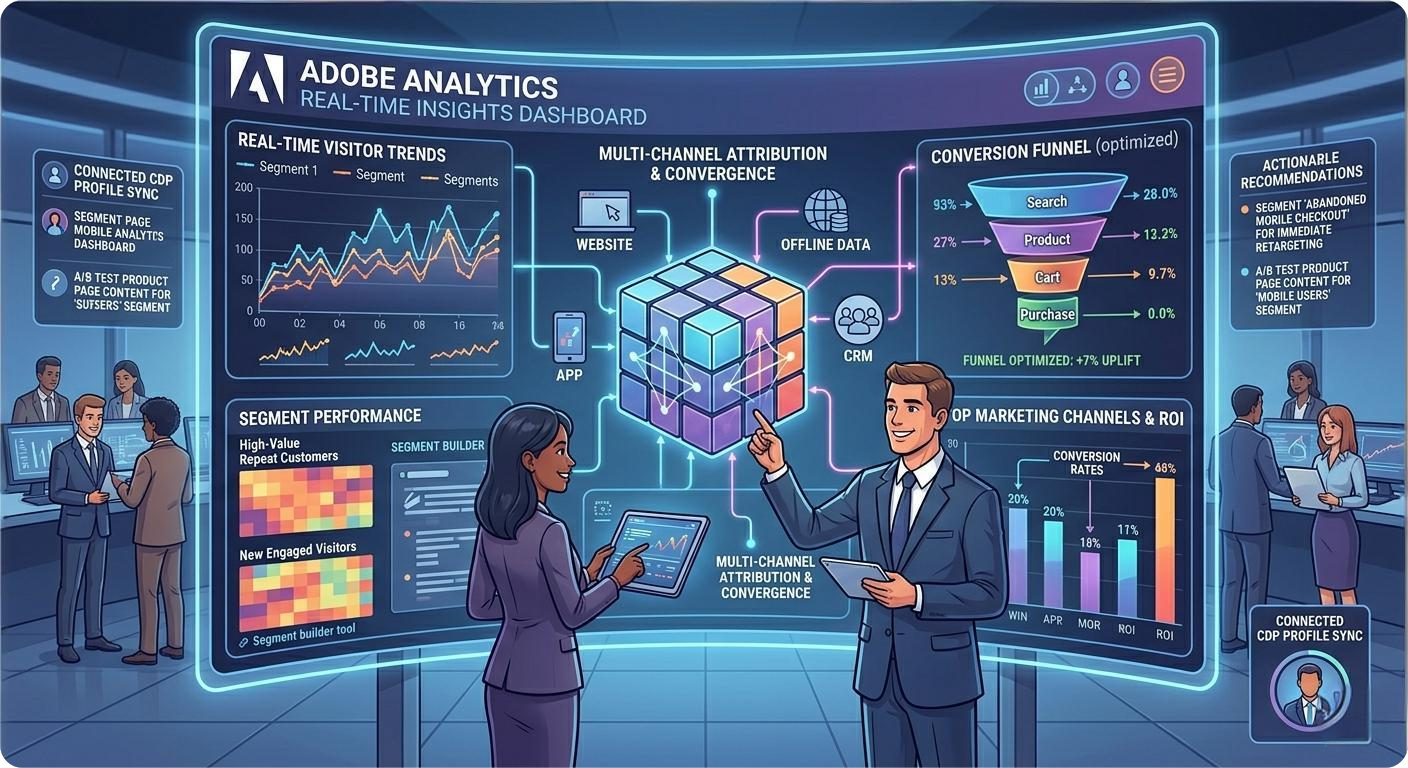
4. From Reports to User Perspective: How CDP Completes the Data Loop
Even if the analytics system is already built, many companies still encounter a problem: website data is clearly visible, but they still do not know who this user is, whether they have already appeared in the CRM or marketing system, or whether they were successfully converted subsequently.
At this point, the value of CDP emerges. Adobe positioning for Real-Time CDP is on Adobe Experience Platform, integrating multi-source data, forming unified, activatable customer profiles, and supporting segmentation and outreach in both B2B and B2C scenarios.
Therefore, if website data analytics optimization only stays at the Analytics level, what can be done is viewing behavior; when companies introduce CDP and begin unified customer profiles, tag management, audience segmentation, and subsequent activation, they truly enter the customer-centric, data-driven growth stage.
From a practical perspective, CDP mainly fills three types of capabilities:

Unified Identity Resolution
Under the premise of data authorization and privacy compliance, connect visitor behavior, form information, and CRM data

Unified Customer Profile
Let teams know not only that someone visited the page, but also which types of customers are more likely to convert

Unified Audience Activation
Synchronize high-intent audiences to marketing automation, advertising platforms, or sales systems
When this step is done correctly, website analytics is no longer just a retrospective tool, but becomes part of the growth engine.
5. Adobe Analytics and CDP Integration: Connecting Analysis with Operations
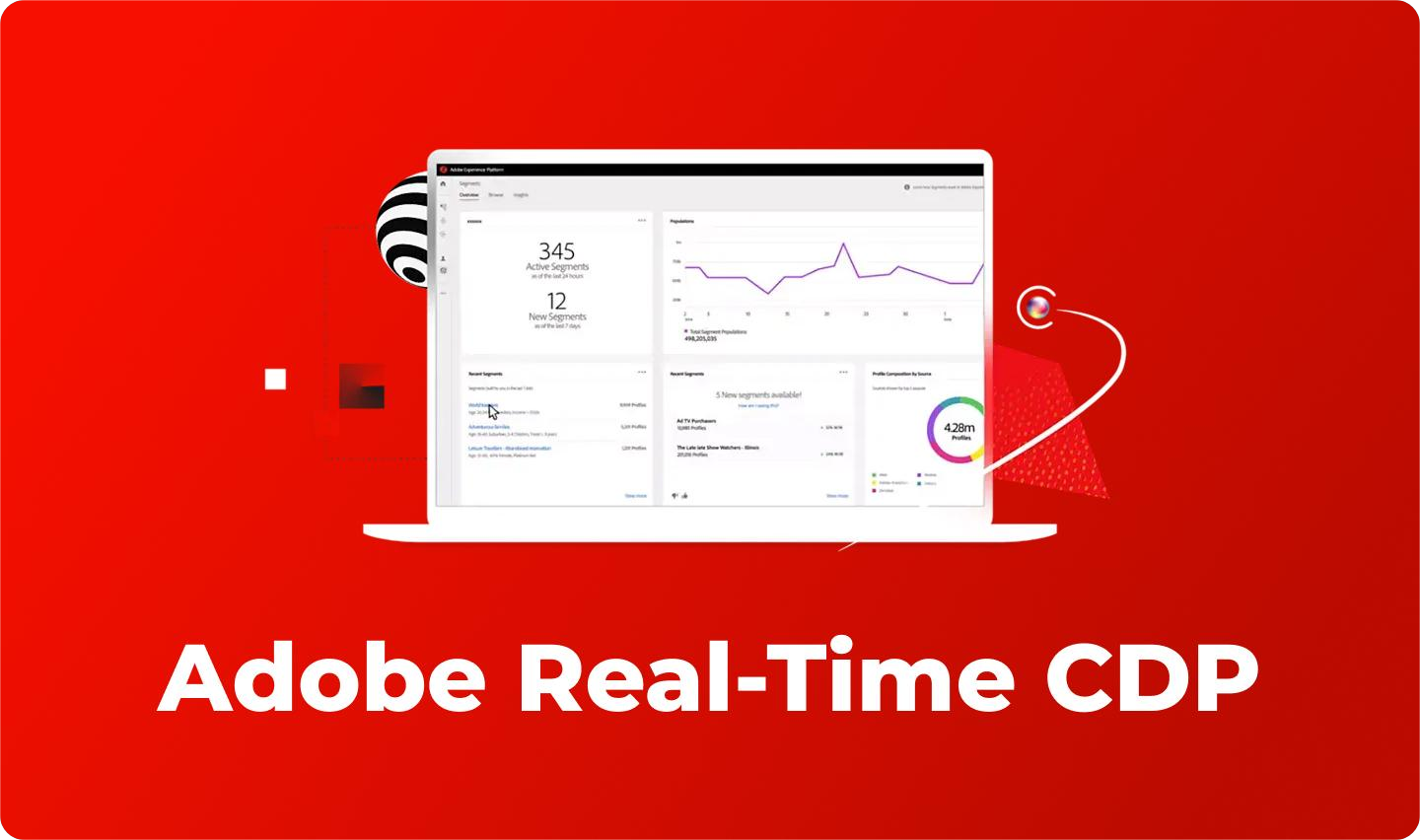
What companies truly want is not two systems existing side by side, but rather through Adobe Analytics and CDP integration, letting analytics data enter a unified customer view, and then reverse-using it for marketing and conversion optimization. Adobe Experience League provides multiple integration paths, including integrating Analytics data into Adobe Experience Platform, as well as based on Edge Network, Web SDK, and other methods integrated into Real-Time CDP related processes.
From a business value perspective, Adobe Analytics and CDP integration mainly solves three problems.
1. Analysis Beyond Page-Level Metrics
In the past, you could only see that a page conversion rate dropped; now you can also know which type of users churned the most severely.
2. Segmentation Beyond Static Labels
In the past, audience segmentation was often based on form fields; now you can combine browsing paths, interaction depth, historical behavior, and source channels to build more dynamic audience models.
3. Optimization Beyond Manual Decisions
In the past, operations teams decided to adjust content only after reviewing reports; now high-intent behavior can automatically enter nurture flows, or synchronize key audiences to sales teams.
Here, the value of mature Adobe Analytics implementation will be demonstrated again. Because if early tracking, event design, dimension naming, and conversion standards are inconsistent, even if later connected to CDP, it is difficult to form a credible closed loop.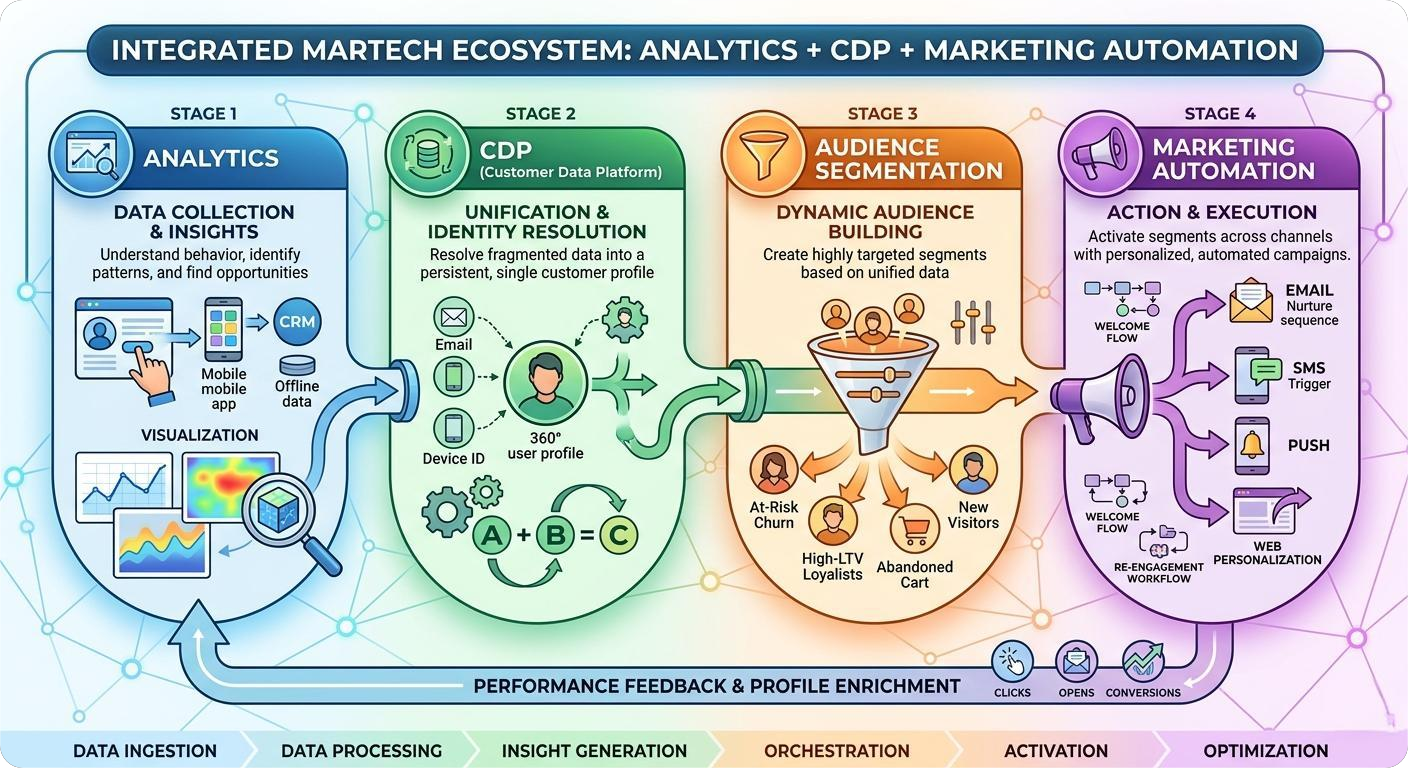
6. Steps to Build a Conversion Growth Loop
Companies must truly implement website data analytics optimization into business operations, usually proceeding in the following order.

Step 1: Define Business Objectives
Do not look at tools first; first clarify whether the website is for brand exposure, lead generation, content education, or online conversion.

Step 2: Unify Your Metrics Framework
Establish a core metrics system from visit, engagement, intent to conversion; avoid marketing, content, and sales operating in silos.

Step 3: Implement Analytics Tracking
Implement high-quality tracking around key pages, key behaviors, and key channels; this is the foundation for all subsequent judgments.

Step 4: Connect Your Customer Data Platform
Combine website behavior with CRM, marketing automation, membership, or sales data to establish a unified customer view.

Step 5: Establish an Optimization Process
Review data on a weekly or bi-weekly rhythm; turn findings into actual actions, such as adjusting landing page structure, optimizing form length, strengthening case study pages and CTAs, and automated nurturing for high-intent audiences.
The goal of this methodology is not to give companies more charts, but to make the website a truly sustainable conversion asset.
7. Common Pitfalls: Why Many Companies Have Data But No Growth
Many projects ultimately fail to produce results, usually not because the tools are not powerful enough, but because the methodology has problems.
Common pitfalls include:
-
Focusing only on traffic, not intent: Traffic growth does not equal high-quality lead growth
-
Only collecting data without governing it: Without unified naming and standards, the more data, the harder it is to use
-
Only analyzing without executing: Many reports, but not linked with content, channels, and sales actions
-
Only deploying tools without processes: Lack of clear data responsibility division; analysis results cannot enter business decision-making
This is why many companies, after launching platforms, still feel that analytics looks professional but offers limited help for growth. The truly effective path is to integrate website data analytics optimization with organizational processes, content optimization, and audience operations simultaneously.
8. Conclusion
Moving from website analytics to customer management, the key is not how many reports you add, but whether you connect analytics, profiling, segmentation, and operations. For companies, the next stage of website data analytics optimization is not viewing more data, but using more complete data to drive more accurate conversion actions.
When Adobe Analytics is responsible for understanding user behavior, CDP is responsible for integrating customer views, combined with automated operations and sales collaboration, the website is no longer just a display platform, but becomes a true data-driven growth hub.
If you are evaluating Adobe Analytics, CDP, or the complete website analytics and conversion optimization architecture, welcome to learn more about our related solutions; you can also visit the Contact Us page to discuss implementation paths better suited to your business stage with our consulting team.