
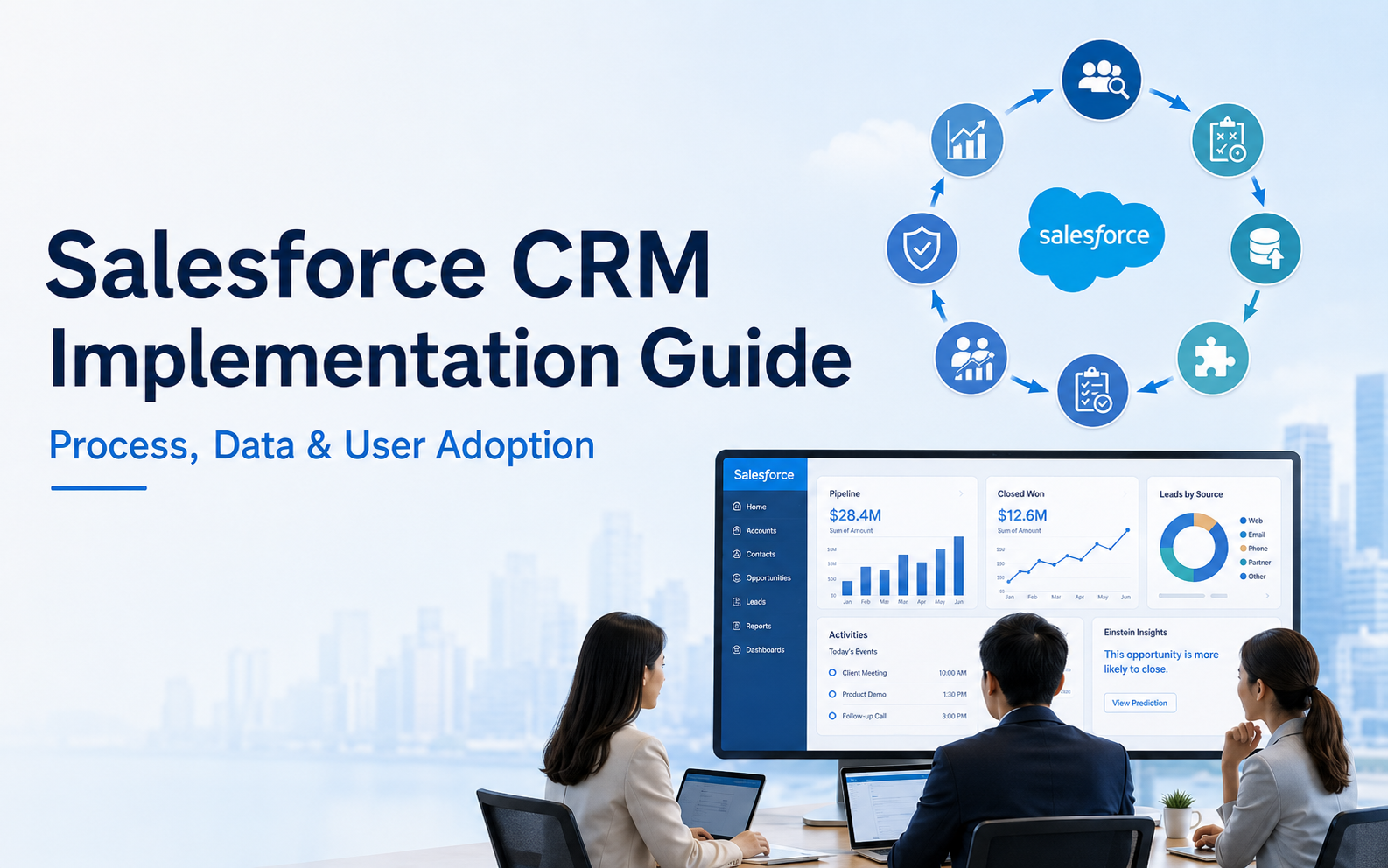
Salesforce CRM Implementation Guide
Customer Relationship Management (CRM), Salesforce
3 September 2026
Many companies invest in CRM yet continue to manage customers through Excel, email, and individual experience. The issue is usually not a lack of software features, but a lack of alignment across processes, data, ownership, and day-to-day habits. When LeadsTech helps enterprises plan CRM implementations, we start with real customer journeys and work scenarios so processes, responsibilities, and usage expectations are aligned before launch. This guide explains the major phases, common risks, and success metrics for enterprise Salesforce CRM implementation.
Key Takeaways (TL;DR)
- Salesforce CRM implementation should begin with business objectives, user roles, and core processes, not with fields and screen configuration.
- The solution should prioritize standard functionality and customize only when there is a clear business reason, reducing maintenance and upgrade costs.
- Data migration requires inventory, cleansing, mapping, and trial runs, with acceptance based on completeness, duplication rate, and relationship accuracy.
- Go-live is only the beginning; leaders must continue to monitor adoption, data quality, process efficiency, and opportunity outcomes.
What should companies resolve before implementing Salesforce CRM?
Companies should first translate “we need a CRM” into measurable business problems, such as incomplete sales activity records, slow lead assignment, duplicate customer data, manual forecasting, or service teams lacking purchase history context. Each problem needs an owner, a baseline metric, and an expected behavior change.
The next step is to map user groups. Sales teams need to update opportunities quickly, managers care about pipeline, forecasting, and activity quality, service teams need customer and case context, and IT owns security, integrations, and maintenance. If only one department designs the system, it may satisfy reporting needs while creating more input burden for frontline users. Workshops should start with real work scenarios: who needs what data, and at what point in the process.
Salesforce Well-Architected summarizes healthy solutions as Trusted, Easy, and Adaptable. For enterprises, this means protecting data and operational stability, helping users complete work easily, and preserving room for future growth. These principles are useful filters for deciding whether each customization request is truly necessary.
What are the main phases of an enterprise Salesforce CRM implementation?
A complete implementation usually covers discovery, solution design, configuration and development, data migration and testing, launch adoption, and continuous optimization. These phases can be iterative, but acceptance ownership should not be skipped. Larger organizations can start with one region or process before scaling.
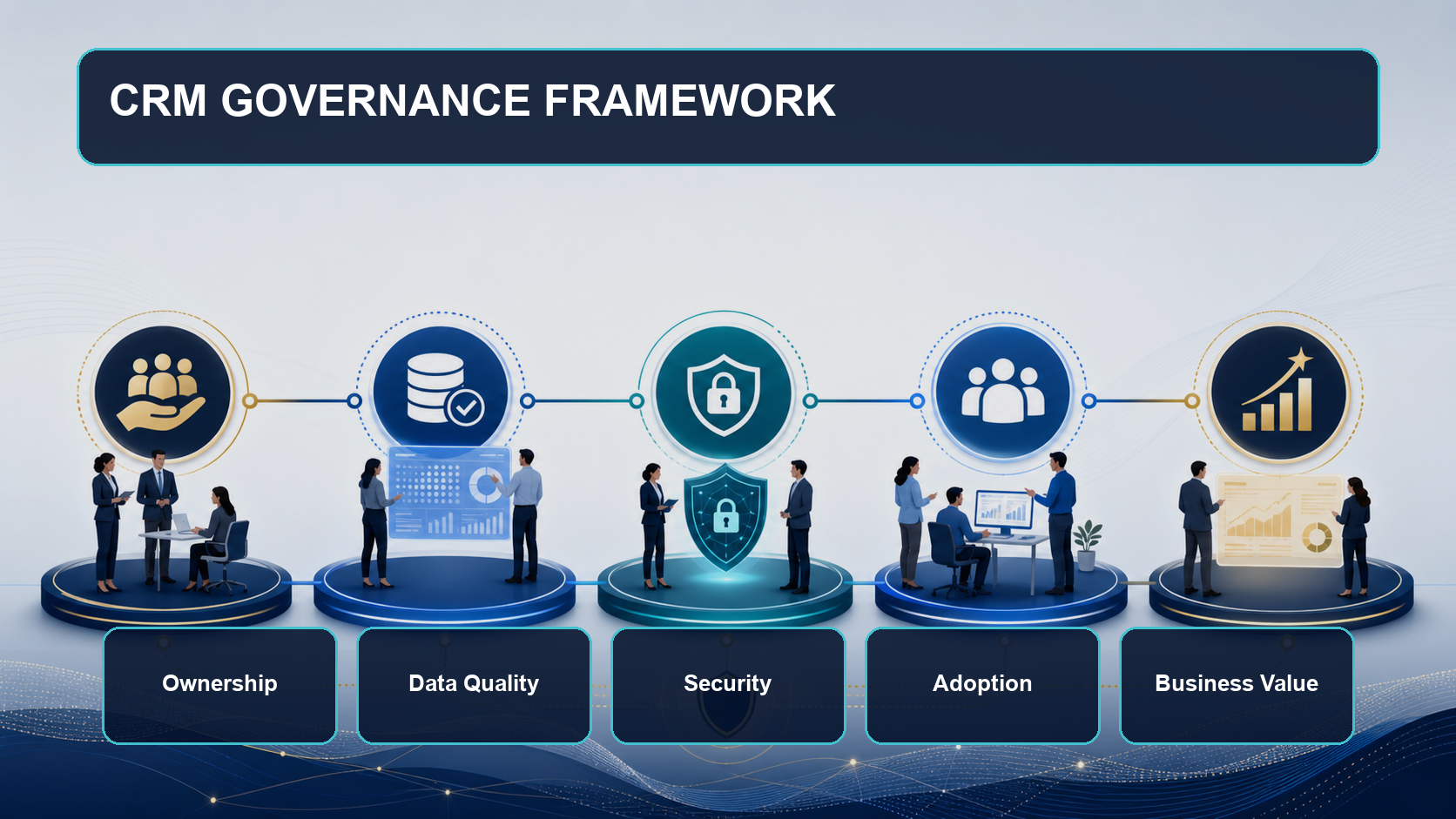

Discovery and Success Definition
Document current processes, pain points, roles, data sources, reports, and exceptions, then define clear success metrics. Requirements should be separated into must-have, should-have, and later-phase items to avoid overloading the first release.

Solution Design and Prototype Validation
Map standard objects such as Lead, Account, Contact, Opportunity, and Case to business language, then validate lifecycles, required data, permissions, assignment, and automation. A prototype walkthrough reveals gaps faster than a written specification.

Build, Testing, and Launch
Configure standard features, required integrations, and reports, then validate through unit, integration, performance, and User Acceptance Testing. Before launch, define the cutover plan, support window, rollback approach, and Go/No-Go criteria.
How should data migration, integration, and security be planned?
Data migration is not a full copy of the legacy system. First decide which objects, years, and records need to be retained, then define source-to-Salesforce field mapping, transformation rules, ownership, and relationship sequence. Before final migration, run at least one full trial and validate counts, required fields, duplicates, parent-child relationships, dates, and currencies.
For integrations, distinguish real-time, batch, and event-driven needs, and confirm which system is the System of Record for each field. If ERP, the website, and marketing platforms can all overwrite the same field, data conflicts will grow quickly. Interfaces also need error logs, retries, monitoring, and accountable owners.
Security design should progress from roles to object, field, and record-level access, following least-privilege principles. Integration accounts should not share personal logins; sensitive data, export permissions, offboarding, audit records, and retention policies should also be part of the design.
How can companies drive user adoption and ongoing governance?
Consider an industrial equipment company rolling out Salesforce CRM across Hong Kong, Singapore, and European sales teams. Previously, each region used a different Excel definition for opportunity stages, making pipeline comparison impossible. The company first standardized five opportunity stages and exit criteria, then required only the forecast-critical fields from frontline teams and delivered role-based training. After launch, it tracked weekly login rate, key field completeness, opportunity stage duration, and forecast variance, with regional managers responsible for handling exceptions.
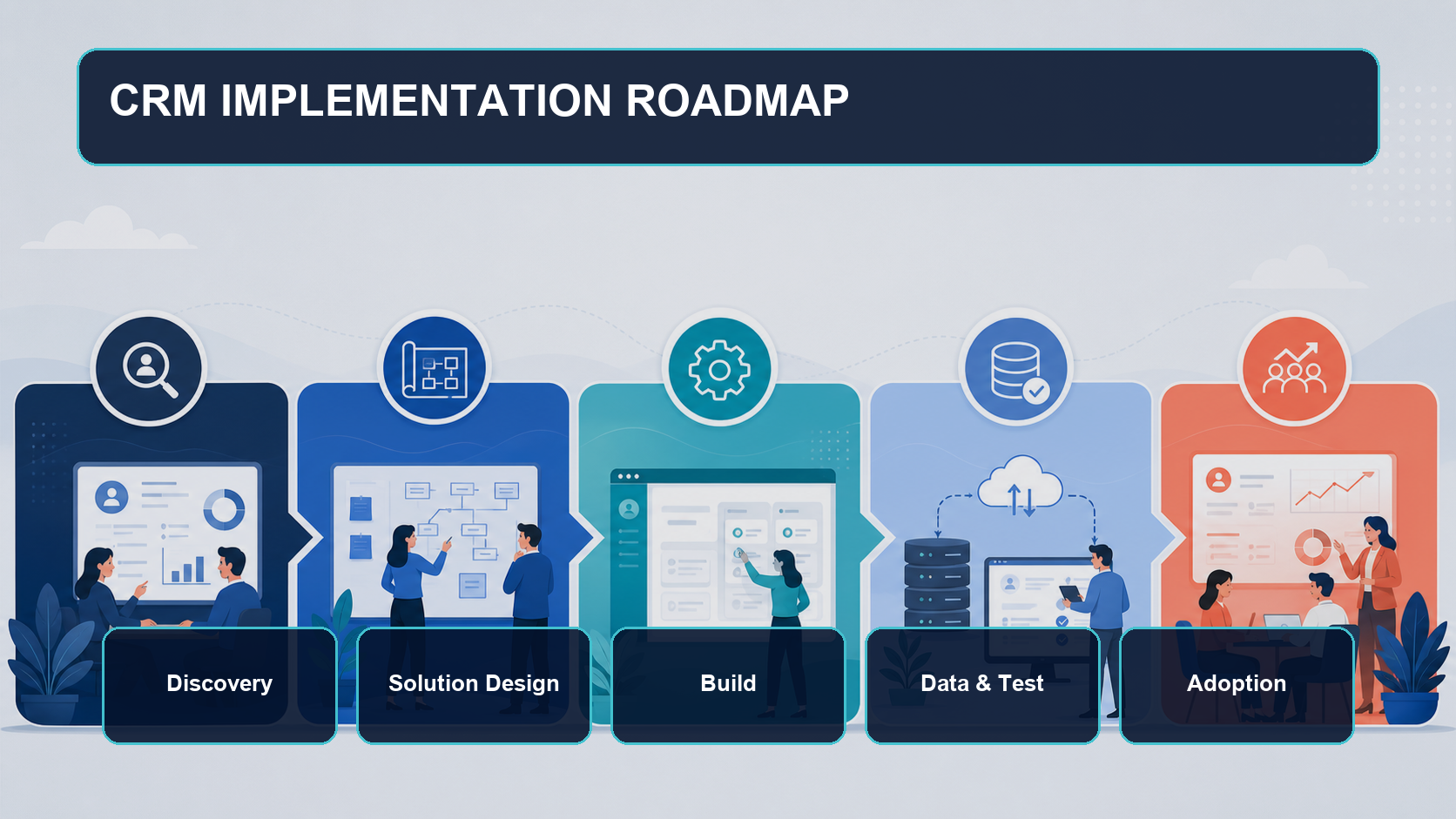
Ongoing governance requires a business product owner, system administrators, data owners, and a change approval process. New requests should state affected users, business value, data and security risks, testing approach, and maintenance ownership. Quarterly reviews can identify unused fields, duplicate automation, report adoption, and technical debt before the system becomes harder to manage.
Salesforce CRM Implementation Checklist
- Does each implementation objective have a baseline metric, target value, and owner?
- Have core processes, roles, exceptions, and approval points been confirmed by users?
- Does every customization have a clear reason why standard functionality is insufficient?
- Are data scope, cleansing, field mapping, deduplication, and acceptance rules complete?
- Are data ownership, integration frequency, error handling, and monitoring responsibilities clear?
- Have permissions been designed using least privilege and tested by role?
- Does UAT cover normal flows, exception flows, and key devices?
- Are training, launch support, adoption metrics, and change governance assigned to owners?
How should CRM implementation success be measured?
Success should be measured across adoption, data, process, and business outcomes. Useful indicators include active user ratio, key field completeness, duplicate record rate, first lead response time, opportunity stage duration, forecast accuracy, lead-to-opportunity conversion rate, and first response and resolution time for service cases. Metrics should be segmented by team and process, then compared with pre-implementation baselines.
Frequently Asked Questions (FAQ)
How long does a Salesforce CRM implementation usually take?
There is no single answer. Timeline depends on scope, user count, data quality, integrations, customization, and approval cycles. Enterprises should estimate by phased milestones rather than relying on one launch date.
Should we implement Sales Cloud or Service Cloud first?
Start with the most urgent business scope that can form a complete process. If the main issue is sales and opportunity management, begin with Sales Cloud. If customer support is the priority, evaluate Service Cloud first.
Does Salesforce CRM always require customization?
No. Standard objects, processes, and automation can often support core needs. Customization should be used only when the difference creates clear business value and the maintenance responsibility is manageable.
Should all legacy system data be migrated?
No. Scope should be based on operational, analytical, regulatory, and lookup needs. Low-value historical data can remain in a controlled archive to reduce cost and risk.
How can companies avoid low adoption after go-live?
Involve users in design and UAT, reduce unnecessary input, provide role-based training, and require managers to use CRM data in regular meetings and forecasting routines.
Conclusion
The core of enterprise Salesforce CRM implementation is connecting process, data, users, and governance into a sustainable way of improving work. Companies should define the most important business problems first, deliver in phases, and validate outcomes with adoption and business metrics. If you want to assess implementation scope, data migration, or integration design, contact us, or learn more about LeadsTech’s Salesforce Sales Cloud solution.


Further Reading
- Salesforce Sales Cloud: Complete CRM Sales Management Guide
Learn more about Leads, Accounts, Opportunities, and sales forecasting. - How to Choose a CRM System and Consulting Partner
Use this framework when comparing CRM platforms and implementation partners. - Global B2B Enterprise CRM: Salesforce Implementation Guide
Extend CRM operations across regions and cross-functional teams.
Related Articles

Enterprise AI MarTech Trends Analysis 2024-2029 Outlook Report
From AI content productivity tools to a core engine for revenue growth and marketing transformation
*The PDF will be sent directly to your inbox.

