
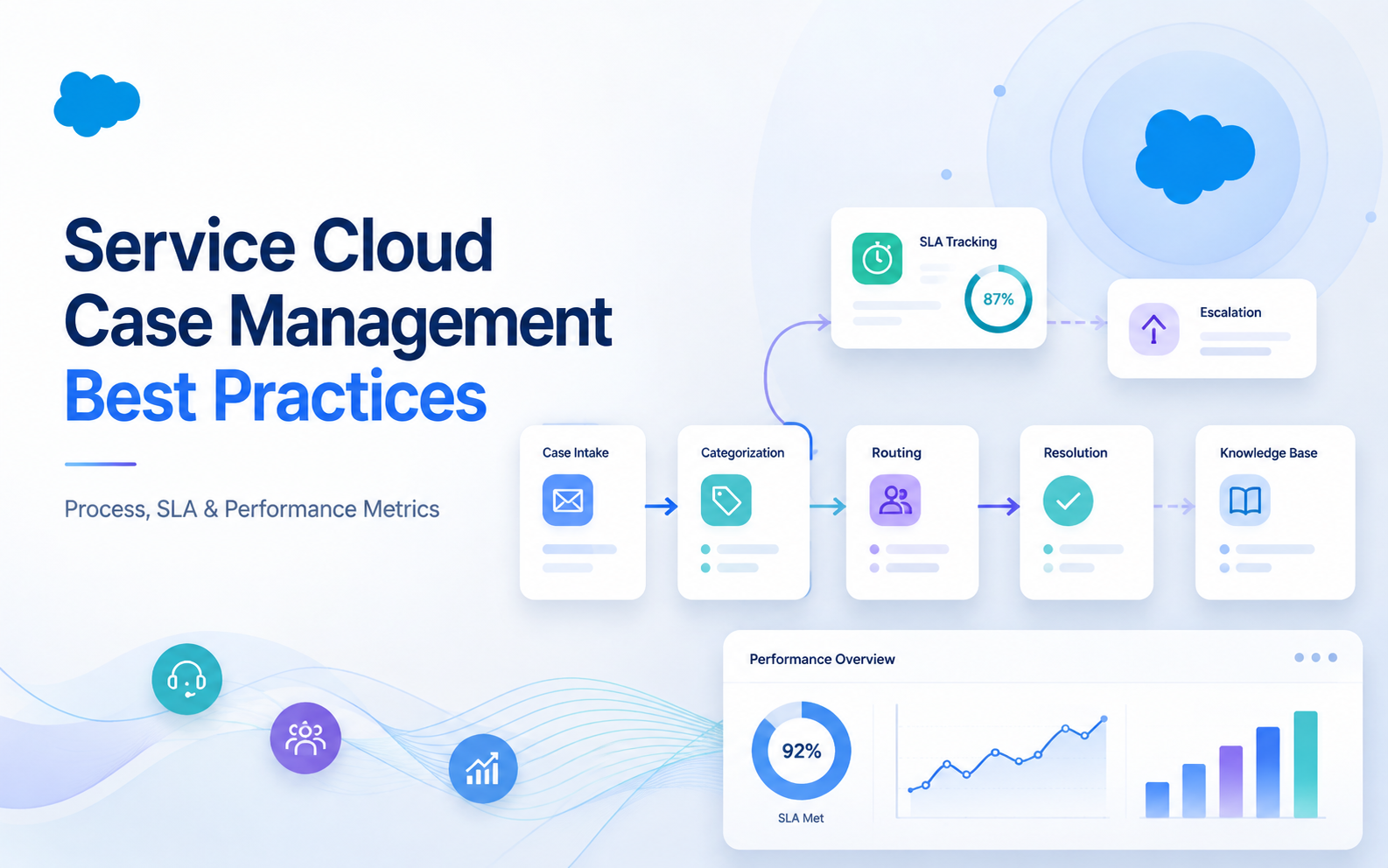
Service Cloud Case Management Best Practices
Customer Relationship Management (CRM), Salesforce
1 September 2026
When customer inquiries arrive through email, web forms, phone calls, and messaging channels, service teams often do not lack effort. They lack consistent case management rules. Service Cloud Case Management turns each inquiry into a trackable workflow that can be routed, escalated, measured, and improved. LeadsTech starts service operation planning by aligning intake channels, classification standards, and escalation ownership, so the case system becomes a collaboration process instead of another inbox.
1. Key Takeaways
- Strong case management starts with consistent intake data and classification, then uses Assignment Rules, Queues, or Omni-Channel to route work to the right people.
- An SLA is more than a deadline. It should connect priority, Entitlements, Milestones, reminders, and escalation paths so commitments can be monitored and acted on.
- Knowledge should be embedded in the resolution workflow, with frequent issues and new solutions feeding back into the knowledge base.
- After launch, teams should monitor speed, quality, and workload, including first response time, average resolution time, SLA attainment, reopen rate, transfer rate, and case backlog age.
2. Why Service Cloud Case Management Is More Than Ticket Logging
A case is an operational record of a customer issue. Beyond the subject and description, it should connect the account, contact, product, service level, source, priority, owner, interaction history, and resolution outcome. If an organization treats cases as an inbox, the data only shows who replied and what was said. If it treats cases as an end-to-end workflow, leaders can understand where issues come from, why delays happen, who is best suited to resolve them, and which problems can be prevented.
Before building the workflow, define when a case starts and when it ends. A case may begin through Email-to-Case, Web-to-Case, a phone record, or an integrated channel. Closing a case should not simply mean changing the status to Closed. The team should confirm that the customer received an answer, required follow-up work is complete, and root cause and resolution categories are captured. For issues that involve third parties or internal engineering teams, distinguish customer wait time, internal wait time, and active handling time so SLA reporting stays accurate.
3. How to Design Case Intake, Classification, and Routing
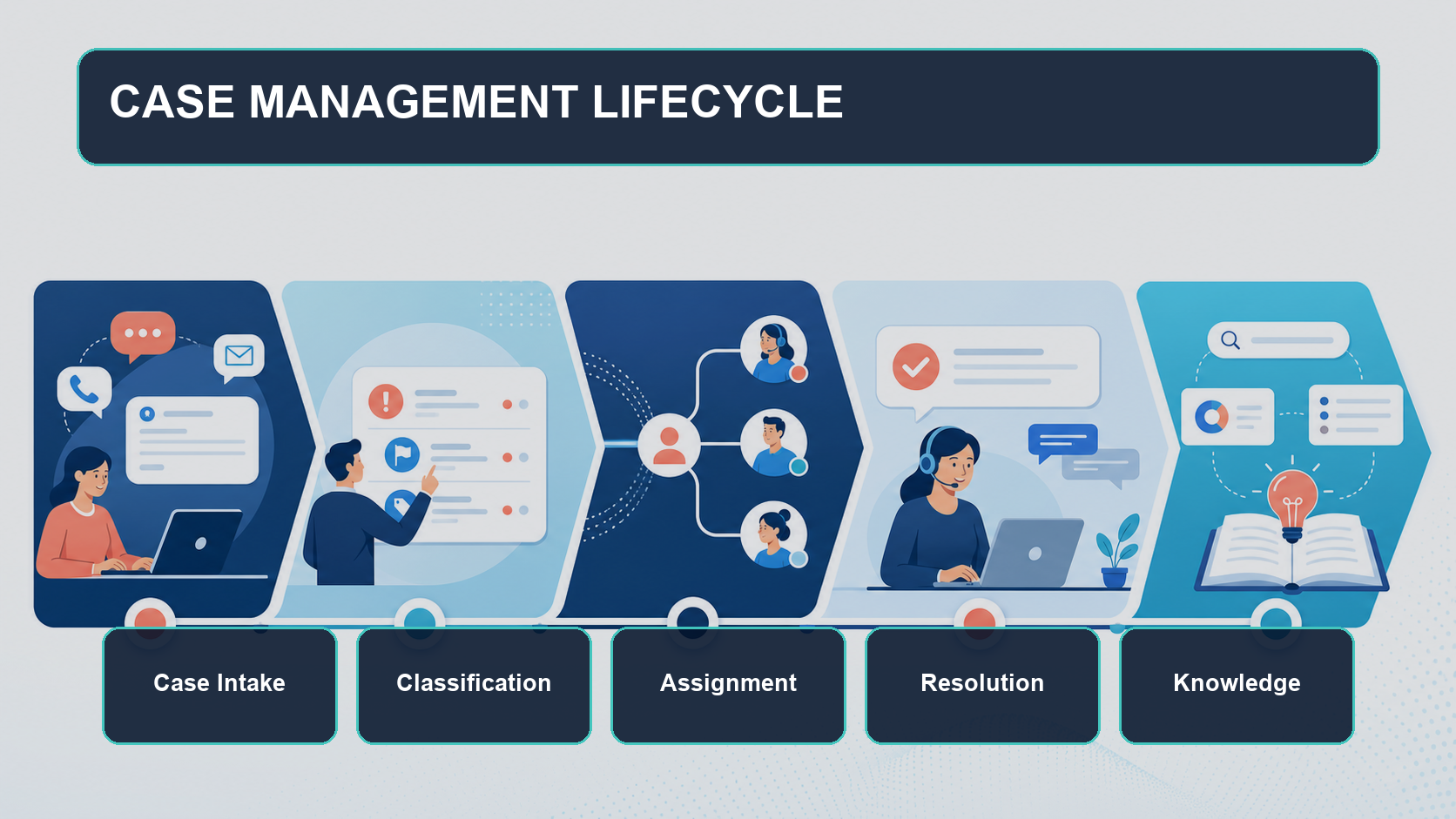
Start by keeping required fields focused on what is needed to route the case. Common fields include source, product or service, issue type, business impact, urgency, and customer service level. Too few fields force teams to ask the same follow-up questions. Too many fields make customers and agents skip input. A practical approach is to collect the minimum information at intake, then use Flow or agent updates to add root cause and resolution details during handling.
Salesforce Case Assignment Rules can assign new cases to users or Queues based on conditions. Queues work well as shared work pools. When the business needs to consider availability, capacity, skill, and priority, Omni-Channel may be a better fit. Whichever routing method you use, define a default owner or fallback Queue so cases that do not match a rule do not become orphaned work.
For example, a B2B industrial equipment company may receive general usage questions, parts ordering requests, and production line stoppage reports. The system could route a production stoppage from a platinum service customer as the highest priority to an available agent with the right product skill. Parts issues could go to a supply chain Queue, while general usage questions could surface Knowledge articles first. The point is not to copy the fields, but to translate business risk, customer commitments, and service capacity into testable routing conditions.
4. How SLA Governance, Escalation, and Knowledge Improve Resolution
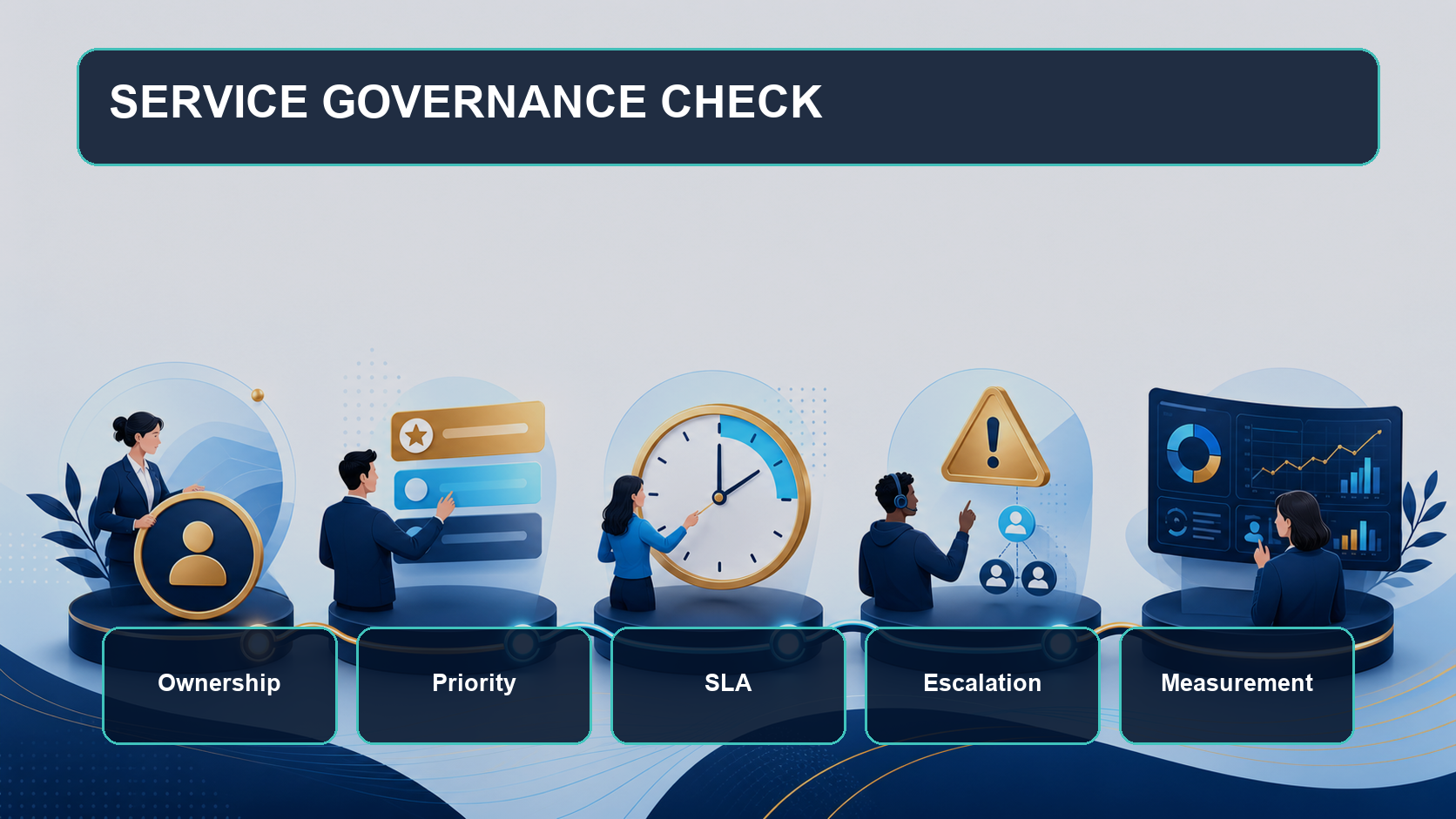
SLA design should start with customer commitments and work backward into system rules. Different service plans may require different first response and resolution targets, tracked through Entitlements and Milestones. Escalation Rules can trigger action when a case is not resolved within a defined time. Teams should also define who takes ownership after escalation, when managers get involved, how customers receive updates, and which conditions require cross-functional collaboration.
Knowledge turns individual experience into organizational capability. Agents should be able to search for or receive suggested articles in the case workspace and use consistent answers in their replies. After closure, if an answer is missing, outdated, or repeatedly needed, the team should create an update task. Each article needs an owner, review cadence, applicable product version, and retirement path. Otherwise, a larger knowledge base can make search results harder to use.
5. Service Cloud Case Management Launch Checklist
- List all intake channels and confirm that each one can create or associate the right case.
- Define required fields, picklist values, the priority matrix, and closure conditions.
- Prepare test cases for each Assignment Rule and add a default owner or fallback Queue.
- Translate service commitments into SLAs, Milestones, reminders, and escalation paths.
- Set roles, sharing rules, and sensitive data access to avoid overexposure.
- Connect common resolutions to Knowledge and assign content owners and review cycles.
- Pilot with a small team and test notifications, transfers, reopening, waiting states, and closure exceptions.
- Create manager dashboards and schedule monthly reviews of classification, routing, and backlog.
6. How to Measure Case Management Performance
Counting closed cases alone can reward fast closure without proving that the issue was actually resolved. Track first response time, average resolution time, SLA attainment, first contact resolution, reopen rate, transfer rate, backlog by age, and customer satisfaction. Segment these metrics by channel, product, issue type, priority, and service team to see whether bottlenecks come from higher demand, poor classification, skill gaps, or cross-functional waiting time.
Managers should regularly review high-priority, overdue, reopened, and repeatedly transferred cases, then turn root causes into improvement actions. If a case type is often misrouted, refine the field design or routing rules. If many inquiries share the same answer, improve self-service or Knowledge. If resolution time rises for a specific product, work with the product team to investigate the cause. Case management is not a one-time configuration. It is an operating loop.
7. FAQ
Which companies should use Service Cloud Case Management?
It is a good fit for organizations that manage customer inquiries across channels, service commitments, work routing, and service performance analysis. Teams can start with one support group and expand the process over time.
What is the difference between Assignment Rules, Queues, and Omni-Channel?
Assignment Rules use conditions to select a user or Queue. A Queue is a shared case pool. Omni-Channel can distribute work based on availability, capacity, priority, or skills. The right choice depends on the service model and routing complexity.
Does every case need an SLA?
Not always. Organizations can define different targets by contract, service plan, issue impact, and channel. The important part is to make eligibility, timing rules, pause logic, and escalation ownership clear and consistent.
Can a case be reopened after it is closed?
Yes, if the business process allows it. Keep the reopen reason and monitor reopen rate. If the new request is different from the original issue, creating a new related case is usually better for analysis.
How can teams keep automation rules from becoming too complex?
Assign rule owners, naming standards, priorities, and test cases. Validate every change in a test environment and remove outdated conditions regularly. When there are too many exceptions, simplify the business policy before adding more rules.
8. Conclusion
Effective Service Cloud Case Management is not a migration from an inbox to a CRM. It connects customer commitments, service ownership, and improvement data into an executable workflow. Organizations can start with high-volume channels and one service team, then build clear classification, routing, SLAs, Knowledge, and metrics before scaling. If you want to assess your current process, design a case workflow, or plan a Salesforce Service Cloud implementation, contact LeadsTech or explore our Salesforce Service Cloud solutions.


9. Further Reading
- Salesforce CRM Selection and Implementation Guide
Learn how B2B organizations can plan Salesforce CRM selection and implementation. - How to Choose a CRM System and Consulting Partner
Evaluate CRM platforms and partners through requirements, processes, data, and delivery capability. - How to Choose a Global Digital Partner: Adobe and Salesforce Capabilities
Compare Adobe and Salesforce ecosystem capabilities for global digital programs.
Related Articles

Enterprise AI MarTech Trends Analysis 2024-2029 Outlook Report
From AI content productivity tools to a core engine for revenue growth and marketing transformation
*The PDF will be sent directly to your inbox.

