
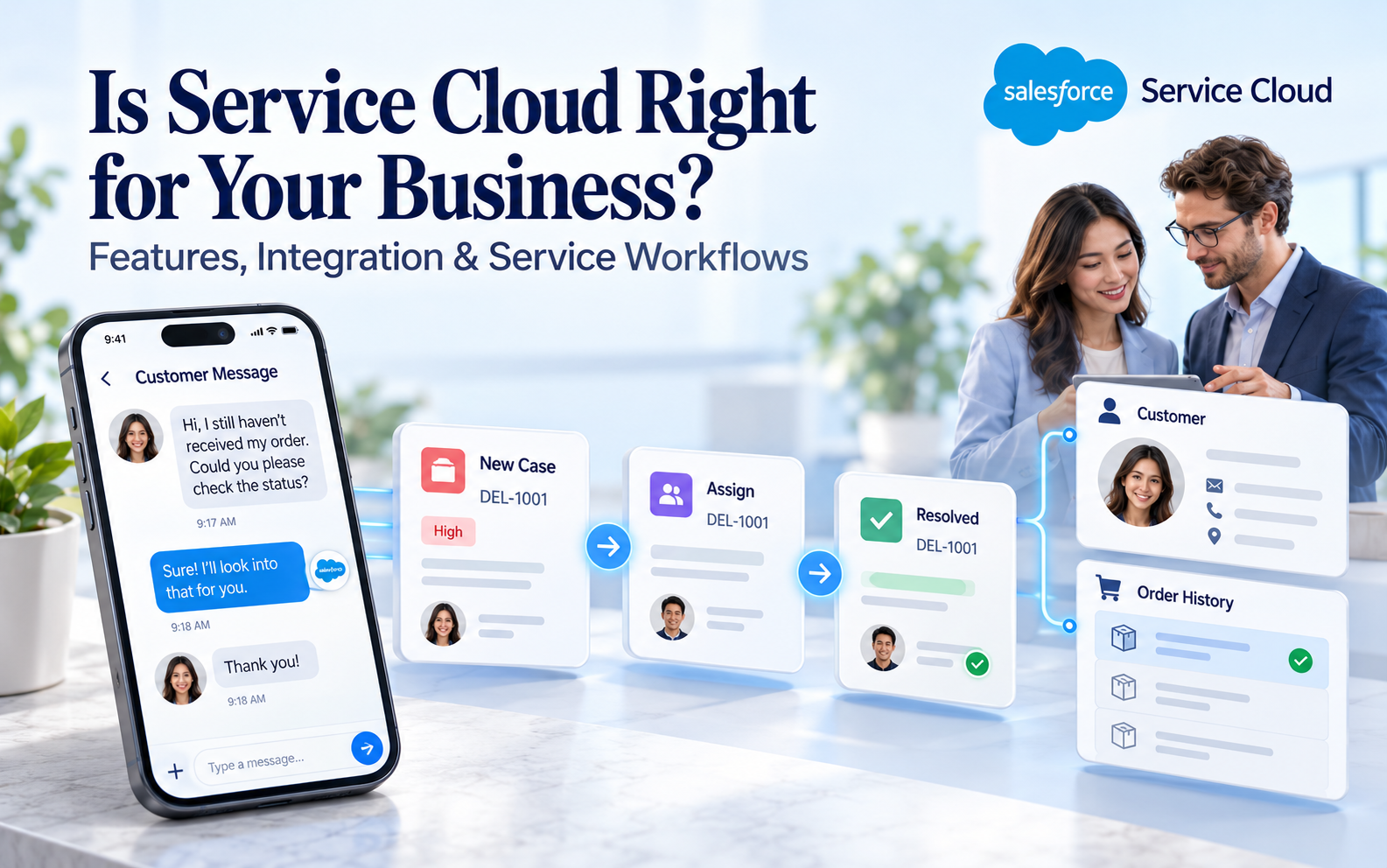
Is Service Cloud Right for Your Business? Features and Integration
Customer Relationship Management (CRM), Salesforce
2 November 2026
Before choosing a service platform, understand how your business receives issues, assigns responsibility and accesses customer information. A feature checklist alone cannot determine whether Salesforce Service Cloud is suitable. This article explores service workflows, data integration, user experience and long-term maintenance to identify the conditions businesses need to validate before implementation.
Summary
Service Cloud’s suitability depends on how customer needs, team workflows and data conditions work together. Validate the complete service path with representative cases, checking licensing, channels, integration and operational investment. This article uses the Service Cloud name; current Salesforce documentation also uses Agentforce Service. Start by validating one service scenario with a clear owner, then use the results to determine implementation and expansion scope.
1. Which Service Problems Make Service Cloud Worth Evaluating?
When inquiries are scattered across inboxes or tools, cases frequently lack owners, or agents repeatedly request information from other departments, evaluate ways to centralize cases and customer information. The aim is more coherent service, rather than merely replacing screens.
Multiple service teams, languages or product support requirements also call for a review of routing and handoff rules. A platform can execute rules, but first establish who should handle each case and what happens when suitable staff are unavailable.
Service Cloud supports case management, service workspaces and related capabilities, with the actual scope depending on the offering. Map current pain points to concrete scenarios, then check the necessary features and configuration. A product name is not a substitute for requirements.
If case volumes are low, workflows are simple and existing tools support service effectively, compare the effort of improving current arrangements first. More comprehensive platforms still require management and training. Real needs and maintenance capacity should jointly determine suitability.
If cross-team responsibilities remain unclear, organize workflows first. Work without an owner can remain stalled even in a new system. Separate organizational problems from tool limitations to clarify what implementation needs to solve.
2. Evaluate Features From Three Perspectives
What Service Experience Do Customers Need?
List the main inquiry methods, common issues and expected follow-up. Whether customers need case progress, information submission or conversations continuing across channels affects platform and integration requirements.
Include real constraints in each scenario. What handling can the business provide for after-hours inquiries, insufficient customer data or repeated contact about the same issue? Do not design only the ideal path and leave exceptions until after launch.
How Does the Team Complete Its Work?
Observe real tasks to identify the information agents need, knowledge they use and points at which work passes to other teams. Management alone should not determine workflow requirements. Future users should participate in demonstrations and trials.
Supervisors need pending volumes, routing status and service bottlenecks. These depend on accurate case definitions and status updates. An attractive dashboard cannot automatically fill gaps in the underlying data.
Can the Data Support Decisions?
Customer, contact, order, contract and equipment information may reside in different systems. Identify the data service work actually needs and whether it is available at the required time, rather than moving everything into the platform.
Data also needs reliable identification and sources. Matching names do not necessarily identify the same person, and the most recent update is not always authoritative. Define relationships and ownership rules before evaluating how the platform implements them.

Figure 1: Evaluate customer needs, team workflows and connected data together when selecting a service platform.
3. Do Case Management and Routing Match Actual Workflows?
Evaluate Case Management across creation, classification, assignment, handling, waiting, closure and reopening. Ask providers to demonstrate representative business cases and explain the data and manual actions required at each step.
For Omni-Channel routing, review work type, agent eligibility, availability and capacity together. If different skills or cross-team support are required, confirm the specific routing design and exceptions instead of relying on the label “automatic assignment.”
Current official documentation focuses on Enhanced Omni-Channel; Standard Omni-Channel was retired in Summer ’26. Check current versions and applicable configuration when reviewing an existing environment or proposal, rather than relying on outdated assumptions.
Test service deadlines against your actual commitments. First response, resolution and waiting for customers are different states. Business hours, holidays and time zones affect interpretation. Demonstrate calculations and exceptions using representative cases to establish applicability.
For telephone, messaging or self-service, confirm licensing, third-party dependencies and implementation work individually. A product capability does not mean every channel is included in one offering or that existing channels can connect seamlessly without preparation.
4. What Should a Data Integration Assessment Cover?
Reading, Updating and Authoritative Sources
Viewing an order and directly changing it are different integration requirements. Specify whether each dataset is read-only, allows requests or permits direct updates. Then confirm permissions, approvals and failure handling to avoid unclear operational boundaries.
Confirm how update results return to agents’ screens. If an external system needs time to process a request, display its current status rather than implying that clicking a button completes the work. This supports accurate customer replies and follow-up tracking.
Every key field needs an authoritative source. If several systems can change contact details or case status, define which value takes precedence in conflicts and keep traceable records. Replacing connectors alone generally cannot replace these business decisions.
Update Frequency and Exception Handling
Not all data needs the same update speed. Agents checking current progress and supervisors reviewing daily trends tolerate different delays. Choosing updates around use cases helps control integration complexity and maintenance effort.
Evaluate missing, duplicate and delayed data, as well as unavailable sources. Establish who receives alerts, whether retries are possible and whether retries can duplicate cases or notifications. One successful normal transfer is insufficient validation.
For existing connectors, check supported objects, fields and limits. For custom interfaces, estimate documentation, testing and future changes. Separate one-time development from ongoing maintenance to understand total investment.
5. Can User Experience and Knowledge Management Support Frontline Staff?
Have future agents complete everyday tasks, such as finding customer context, replying, adding records and transferring cases. Observe screen switching and duplicate entry. These actions reveal usability more clearly than feature counts.
Fields and mandatory requirements should fit the timing of actual work. Requiring extensive unavailable information as soon as a case arrives may encourage inaccurate entries. Assess whether data quality and operational effort are reasonably balanced.
Knowledge content needs sources, applicability and maintenance ownership. Confirm searching, review, updates and separation of internal and customer-facing material. Agents should know which guidance they can use and which scenarios still require specialist judgment.
For AI assistance, define the use case and available data before evaluating answer quality, human handoff and exceptions. Smooth demonstration conversations cannot represent every real issue. Validate business scenarios and check licensing and dependencies.
Teams across regions should also review languages, time displays and shift handovers. Configuration should support collaboration and help receiving agents understand earlier work. Do not test only one user operating in one time zone.
6. How Should You Estimate Implementation and Operating Investment?
Beyond platform licensing, consider requirements discovery, migration, integration, configuration, testing, training and ongoing support. Obtain explicit scope for external channels, additional features or usage-based calculations, rather than relying on the base offering’s name.
Migration effort depends on historical data quality. Inconsistent case categories, missing customer relationships and scattered attachments can add preparation work. Sample checks reveal difficulties more accurately than total record counts alone.
Operations need service process ownership, system administration and data support. Internal and external teams may share these duties, but specify who approves changes, handles exceptions and maintains knowledge so management continues after launch.
Evaluate future expansion too. When adding products, regions or channels, which settings can be reused and which need extra integration and testing? This supports comparison of long-term suitability rather than initial implementation alone.
Plan service arrangements during cutover. Training, continuity for existing cases and parallel systems all consume staff capacity. Without preparation, frontline agents may face new operational demands alongside existing service pressure.
7. Validate Suitability Through One Complete Service Scenario
Focused validation should trace an inquiry through resolution and review, covering receipt, routing, handling and management visibility. Its purpose is to establish key assumptions and gaps, rather than demonstrate every feature at once.
For example, a hypothetical B2B business integrating email service with order lookup can select a common issue and validate case creation, customer matching, routing, order information and replies. This is an illustrative evaluation scenario, not an actual client implementation result.
Add exceptions such as temporarily unavailable order data, no suitable agent and a customer replying again. Clear explanations of ownership, next steps and information status in each case provide stronger evidence of operational suitability.
Record outcomes as achieved, needing additional work or still lacking prerequisites. If a critical source is unavailable, integration work may come first. If workflows function but create excessive operational effort, adjust screens and rules.
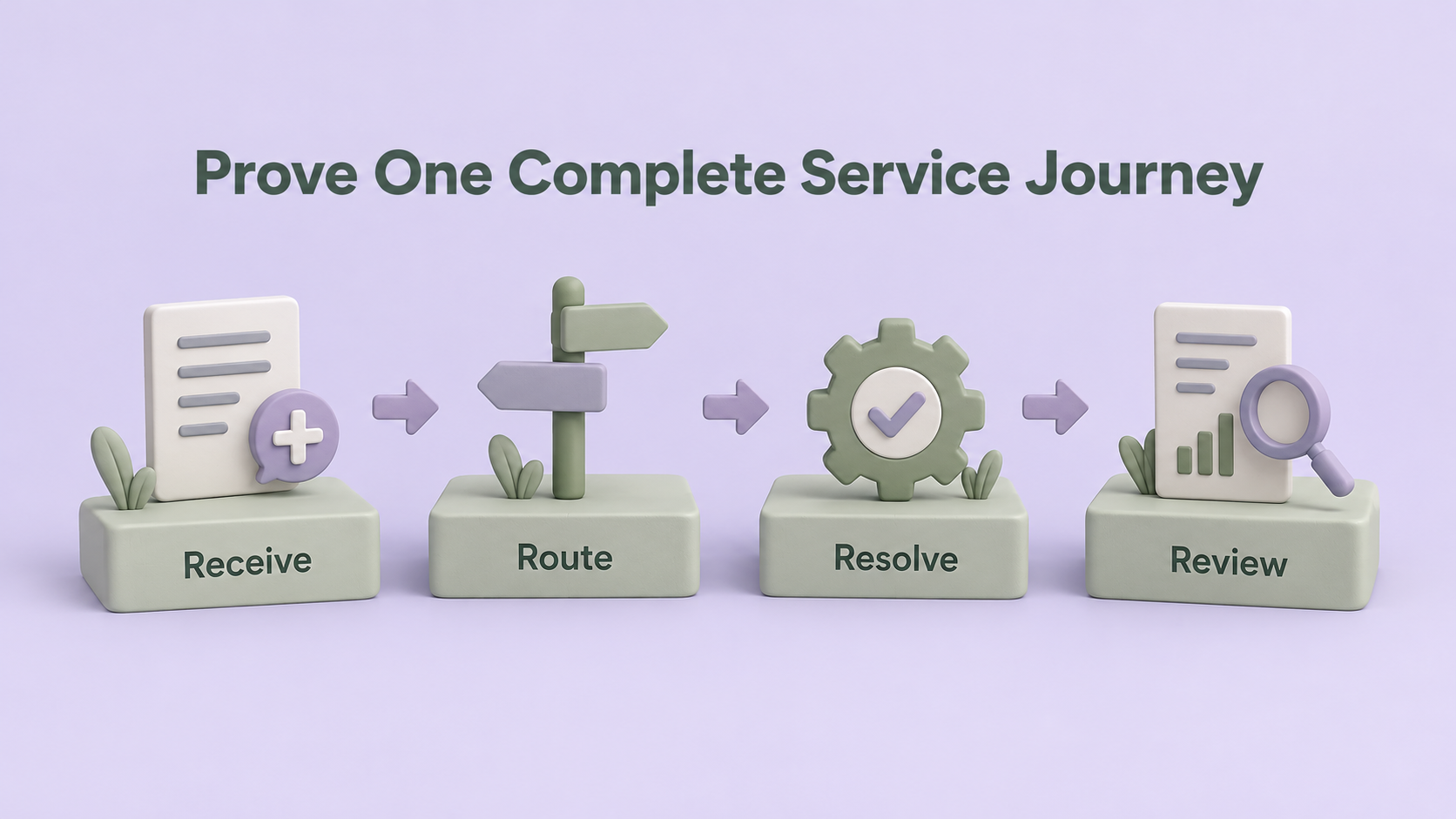
Figure 2: Validate suitability through a complete process of receipt, routing, resolution and review.
8. A Shared Checklist Before Purchasing
- Key service pain points have become testable representative scenarios.
- Case definitions, responsibilities and service deadlines are understood consistently.
- Product, channels, additional capabilities and licensing scope have been checked.
- Customer identification, data ownership and integration limits are confirmed.
- Frontline staff have tried key tasks and exception workflows.
- Implementation, migration, training and long-term maintenance effort is estimated.
- Initial validation has evidence and unresolved items have handling plans.
Separate essential conditions from optional advantages, then compare solutions using the same scenarios and evidence. An impressive feature demonstration cannot replace verification of core requirements if it does not support the main workflow.
Keep important assumptions and deferred scope in the decision record. When the service model changes, teams can reassess instead of mistaking initial tradeoffs for permanent constraints.
What Evidence Should Providers Supply?
For every essential scenario, ask providers to distinguish direct configuration from integration or additional implementation, and identify owners. Compare demonstration results, formal documentation and delivery scope to reduce conflicting expectations after purchase.
Clearly mark unvalidated capabilities and assign confirmation methods and deadlines. Capabilities critical to initial service cannot rest on future plans alone. Optional later requirements can remain in the expansion list.
Ask future administrators to rehearse a small change, such as adjusting case categories or updating knowledge. Observe required permissions, documents and tests. This reveals actual daily maintenance work beyond a completed implementation demonstration.
Confirm handover materials at the end of the engagement, including workflows, settings, data mappings and unresolved issues. The business should be able to access and understand them, providing a clear maintenance starting point and preserving context through staffing changes.
Service, IT and purchasing stakeholders should jointly review this evidence so the final decision rests on consistent information.
9. Frequently Asked Questions (FAQs)
Should Existing Sales Cloud Users Automatically Choose Service Cloud?
Service requirements, data and the actual offering still need evaluation. An existing Salesforce environment provides integration context but does not replace validation of workflows, channels and operational capabilities.
Does a Small Service Team Need a Comprehensive Platform?
It depends on workflow complexity and growth needs, rather than headcount alone. Compare simpler arrangements for straightforward work. Where collaboration and reliable tracking are necessary, evaluate whether the platform supports those essential scenarios.
Will Platform Implementation Always Improve Service Efficiency?
A tool alone cannot guarantee improvement. Data, workflows, knowledge and usage all affect results. Establish baselines and acceptance methods, then observe actual changes instead of directly projecting business outcomes from vendor examples.
10. Conclusion
Validate Service Cloud’s suitability through customer needs, team workflows and data conditions together. Compare solutions with complete service scenarios and understand integration and long-term investment to align selection with actual business needs.
LeadsTech can help businesses discuss Salesforce service platforms, data integration and implementation options, clarifying the initial scope and future development.

If you are evaluating a service system, organize your existing channels, main case types and integration requirements, then discuss an appropriate implementation path with the team.

11. Further Reading
-
How to Choose a CRM System and Consulting Partner: A Business Guide
Build consistent selection criteria around requirements, solutions and collaboration capabilities.
-
Global CRM Systems: Manage the Customer Lifecycle With Salesforce
Understand customer relationship management through cross-team data and workflows.
Related Articles

Enterprise AI MarTech Trends Analysis 2024-2029 Outlook Report
From AI content productivity tools to a core engine for revenue growth and marketing transformation
*The PDF will be sent directly to your inbox.