

Slow page loads, unresponsive buttons, and forms that shift while someone is typing can interrupt browsing and discourage inquiries. Connecting performance testing to real user tasks helps you identify which issues deserve attention first. LeadsTech can help test and optimize website performance, using representative pages to identify bottlenecks that affect browsing and inquiries. This guide covers test scope, key metrics, optimization methods, and acceptance testing so your team can improve the website experience over time.
Summary
Start website performance optimization with important pages and user tasks. Combine controlled tests with real-world data to assess loading, responsiveness, and visual stability separately. Once you identify a bottleneck, adjust images, code, servers, or third-party services, then retest under the same conditions. Core Web Vitals help assess experience, but good scores do not guarantee search rankings. Content quality, functional usability, and ongoing maintenance still need attention.
1. Decide Which User Tasks to Improve
Build Test Coverage Around Important Page Types
Corporate websites often include home, service, product, article, search, and contact form pages. Each page type can use different images, code, and external services. Testing only the home page can miss the steps that actually affect inquiries.
Choose representative pages based on traffic, business importance, and known issues, then document what visitors need to accomplish. Finding specifications, switching languages, downloading information, or submitting a request each involves a path that testing should cover.
Sample multilingual and regional sites as well. Longer text, different fonts, or local images can change loading and layout even on the same template. Results from one language version cannot simply be applied to another.
Record Devices, Regions, and Page States
A fast office connection and a high-end computer may not reflect your customers’ environment. Include common mobile devices, realistic network conditions, and the regions you serve, and retain the configuration for each test.
First-time and cached visits, as well as signed-in and signed-out sessions, can load different content and resources. Record cookie choices and the state of embedded videos and chat tools so environmental differences are not mistaken for improvements.
You do not need to test every URL at once. Use representative templates to find shared issues, then check page-specific content. This directs limited time toward work that can improve more of your important visits.
2. Understand Core Web Vitals
As explained in web.dev’s Core Web Vitals thresholds documentation, Google’s Core Web Vitals measure when main content appears, how the page responds to interactions, and how much the layout shifts. Assess the 75th percentile of page views, separating contexts such as mobile and desktop, rather than relying only on averages.
- LCP: Largest Contentful Paint measures when the main visible content appears. The good threshold is 2.5 seconds or less.
- INP: Interaction to Next Paint measures how a page responds to user interactions. The good threshold is 200 milliseconds or less.
- CLS: Cumulative Layout Shift measures unexpected movement in the page layout. The good threshold is 0.1 or less; this value is not measured in seconds.
The 75th percentile means that approximately three-quarters of the relevant page views achieve that value or better. It is neither an average of the three metrics nor the result of a single tool run. Keep the reporting period and grouping conditions visible when interpreting it.
Interpret each metric separately. An image appearing earlier does not establish that a filter works smoothly. A responsive button does not prove that late-loading content will leave a form in place. Each problem needs its own diagnosis and validation.
These metrics do not provide a complete usability assessment. Functional and experience testing must also establish whether content is clear, error messages are understandable, and tasks can be completed with a keyboard.
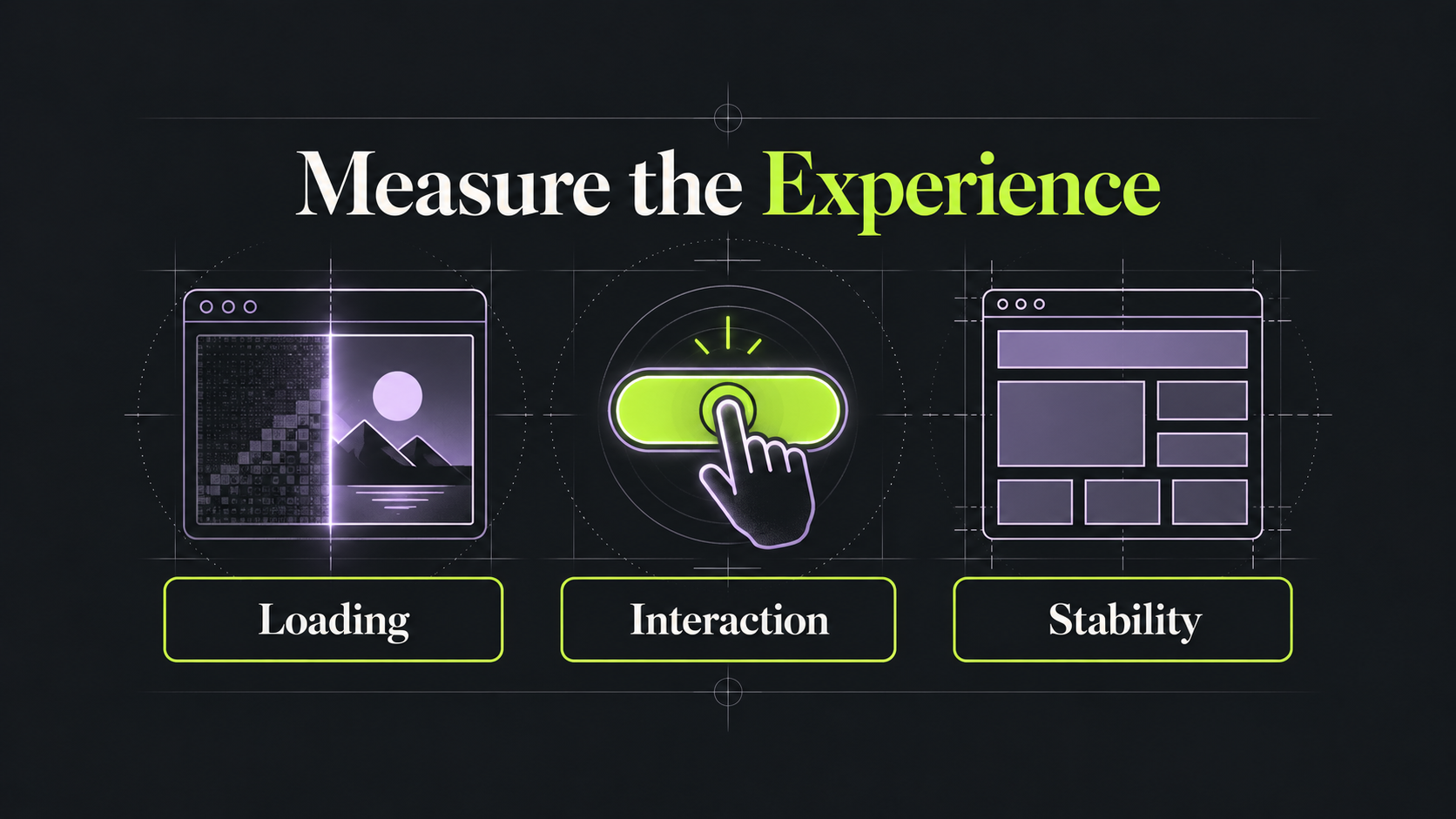
Figure 1: Loading, responsiveness, and visual stability represent different aspects of experience and require separate diagnosis.
3. Combine Lab Tests with Real-World Data
Use Controlled Tests to Reproduce and Locate Issues
Lighthouse, browser developer tools, and other performance tools show resource loading, main-thread work, and visual changes under defined conditions. Use them to establish a baseline, reproduce problems, and check whether a change has the expected effect.
A score or TBT value from a typical load-based Lighthouse report is not a substitute for actual INP. Test menus, search, filters, and forms as well, observing execution work and visual feedback during those interactions.
Repeat tests several times and retain both typical performance and its range of variation. Presenting only the fastest run hides instability. When an external service occasionally adds latency, record the cause and conditions for retesting.
Use Field Data to Check Whether Visitors Benefit
Real user monitoring reflects visitors’ devices, networks, and actual interactions. Group results by page type, region, and version to uncover issues hidden by sitewide averages, then investigate them in a controlled environment.
web.dev’s explanation of differences between lab and field data helps clarify why measurements vary. PageSpeed Insights field data and lab results may differ because their samples and conditions differ. Common CrUX reporting uses a rolling 28-day window, so a newly deployed change will not be fully reflected in that window immediately.
Insufficient field data does not establish that a site is either fast or slow. Retain a controlled baseline, build suitable real user monitoring over time, and state clearly what the current evidence covers.
Distinguish Experience Testing from Load Testing
Frontend experience tests and server load tests answer different questions. Experience tests examine what visitors see and use; load tests can examine response times, errors, and system resources at a specified request volume.
If you expect an event or increased traffic, plan representative paths and traffic scenarios separately, with system owners confirming the environment and execution arrangements. Connect load-test results back to user experience rather than checking only whether the system stays online.
4. Choose Optimizations Based on Diagnostic Evidence
Break Down Where Loading Time Is Spent
Check the initial server response, then identify when key resources are discovered, begin downloading, and finish displaying. If response or rendering is the bottleneck, compressing the main image alone may still leave the main content appearing late.
For images, adjust display dimensions, compression quality, and format, and provide versions suited to different screens. Do not lazy-load the main above-the-fold content image. Schedule images farther down the page according to the use case so every resource is not competing at once.
Check styles and fonts too. Before removing resources or changing their loading sequence, establish which page types and languages depend on them. Faster loading should not introduce missing characters, flicker, or layout errors.
Investigate Main-Thread Work Behind Slow Interactions
Delay after a click can include waiting, event processing, and the subsequent visual update. Reproduce the specific interaction, identify work that occupies the main thread for too long, and decide what can be reduced, split, or deferred.
A filter, for example, may not need to reprocess the entire dataset after every action. Examine the calculation scope, repeated work, and rendering approach. Provide necessary feedback promptly so users do not assume the button has failed.
After changing code, test repeated interactions, rapid switching, and larger datasets. Making the first click faster while later actions accumulate delay is not a complete improvement.
Prevent Layout Shifts Through Space and Loading Order
Reserve appropriate space for images, videos, ads, and embedded content so they do not suddenly push the body text down when they load. Font swaps and dynamically inserted content can also cause shifts. Use visual recordings to identify their sources.
Do not stop checking after the first few seconds. Shifts can also occur while scrolling, expanding information, and interacting with the page. Important buttons and input fields should remain in predictable positions throughout the task.
Preserve information users need while optimizing. Hiding every prompt or removing useful content may improve a metric while making tasks harder to complete. Validate performance changes through actual use as well.
5. Assess Servers and Third-Party Services
Server processing, data queries, redirects, and caching strategies can all affect the initial response. Measure first, then decide whether to change code, infrastructure, or content delivery. Do not assume that upgrading hosting will resolve every issue.
A CDN can improve resource delivery where appropriate, but personalized, signed-in, and dynamic content needs correct cache rules. Distinguish responses that can be shared from those that cannot, and test when content updates take effect.
Third-party tags, videos, chat, and marketing tools should each have a purpose and an owner. Identify which pages need them and when, then assess conditional loading, duplicate-tag removal, or lighter presentation options.
After changing the loading order for tracking or consent management, revalidate the corresponding behavior. Less code does not establish that analytics, forms, and preference handling still work correctly.
6. Compare Results Before and After Optimization
Keep Conditions Consistent and Document Changes
For each improvement, record the page, version, test region, device, network, and cache state. Compare results using a consistent method and identify changed resources or settings so others can reproduce the findings.
Test reports should present each metric, observed bottlenecks, and functional results. Record any content, campaigns, or third-party tools launched at the same time to avoid attributing every traffic or contextual difference to one change.
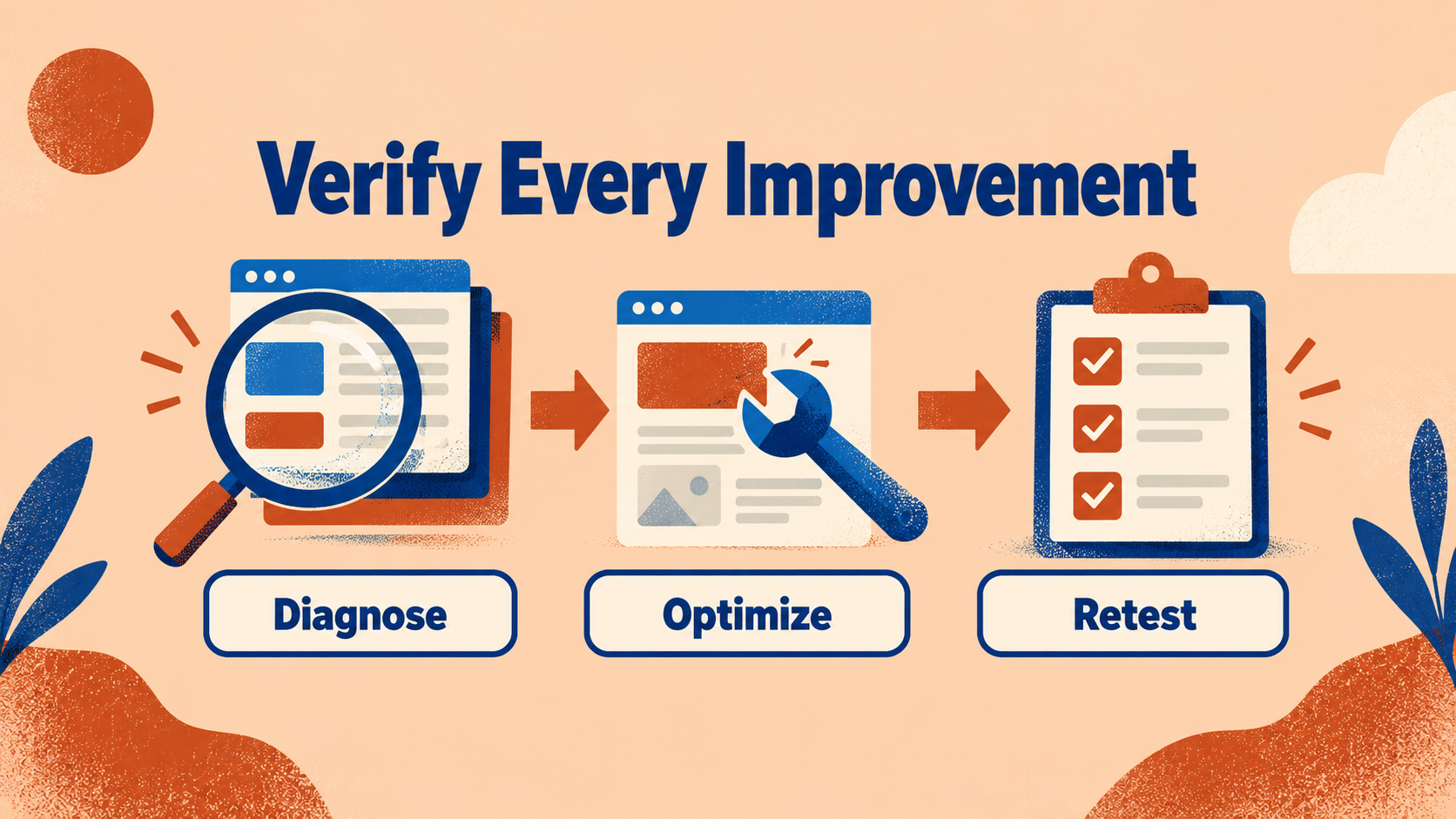
Figure 2: Retain diagnostic evidence and test conditions to establish whether each change delivers the expected improvement.
Also list unresolved issues, limitations, follow-up recommendations, and owners. For problems that cannot currently be reproduced, retain the triggering conditions and available evidence. Do not present an unconfirmed assumption as a resolved issue at handover.
Include Key Functions and Real Visits in Acceptance Testing
After retesting performance, check menus, search, downloads, language switching, and form submissions, including both success and failure messages. The relevant owners should also verify analytics events and required data delivery.
Suppose a B2B product page responds slowly because of large images and interactive code. The team could improve a representative template first, then validate specification browsing and the inquiry flow on mobile. This is a hypothetical scenario, not an actual customer result.
After controlled tests pass, observe real-world performance under comparable visit conditions. Inquiry rates or other business metrics can provide supporting context, but content, traffic sources, and seasonality also affect them. Do not attribute every change to speed optimization.
7. Establish Monitoring and Improvement Priorities
Prioritize Work by Impact and Evidence
An optimization backlog should identify affected page types, the visits involved, severity, confidence in the diagnosis, and required effort. Addressing reproducible bottlenecks that disrupt important tasks is usually more valuable than pursuing every tool recommendation.
A shared template change can affect many pages, so check representative samples. A major campaign page may also be important for a limited period and warrant separate testing based on business plans. Sitewide traffic alone should not determine priorities.
For unconfirmed issues, start with a limited investigation and a testable hypothesis. Estimate diagnosis and implementation separately so the team knows whether the next step is gathering evidence or making a validated improvement.
Build Performance Requirements into Routine Updates
Use your baseline to set reasonable resource and performance budgets, such as image payloads, code size, and metric ranges for important page types. Set these limits alongside functional requirements and check them when adding content or tools.
Editors need clear image and video specifications, developers need release checks, and marketing teams need to maintain a third-party tag inventory. If optimization rules are known only to the technical team, routine updates can still make the site gradually slower.
Define what happens when a performance budget is exceeded. If a new feature is necessary, assess whether other overhead can be reduced, then adjust targets and validation scope. Each exception should not become an untracked permanent addition.
Assign monitoring owners, review frequency, and incident procedures. When performance regresses, compare deployment and content records to identify the change, then decide whether to fix or revert it. This makes improvement a sustainable operating practice.
8. Frequently Asked Questions
Does a higher performance score guarantee better SEO rankings?
No. Google’s page experience guidance explains that Core Web Vitals are part of its ranking systems, but good scores do not guarantee high rankings. Relevant, useful content and the overall search and user experience still matter.
Why do tool results differ from what customers experience?
Test conditions may differ from customers’ devices, regions, networks, and interactions. Combine controlled tests with real-world data and reproduce the specific actions customers encounter, rather than comparing only an overall score.
Do we need to keep testing after optimizing the site once?
Yes. Content updates, code deployments, and third-party services can all change performance. Retest representative pages around important changes and use ongoing monitoring to check whether previous improvements hold.
9. Conclusion
Website performance testing should help visitors find information and complete tasks more smoothly. Establish baselines with representative pages, address bottlenecks through evidence, and validate both functionality and real-world results to turn technical improvements into a better experience.
LeadsTech can discuss your website performance testing and optimization needs, starting with important page types, key markets, and current issues to define the work.

To investigate slow pages or difficult interactions, bring representative URLs, visitor environments, and reproduction steps so we can discuss the assessment scope.

10. Further Reading
-
How CMS Affects SEO: A Website Content Management Optimization Guide
Explore the relationship between content management systems, website structure, and SEO.
-
Choosing an SEO/GEO Consultant or Service Provider: An Evaluation Guide
Assess optimization partners through goals, deliverables, and validation methods.
Related Articles

Enterprise AI MarTech Trends Analysis 2024-2029 Outlook Report
From AI content productivity tools to a core engine for revenue growth and marketing transformation
*The PDF will be sent directly to your inbox.