
Braze Core Features in 2026: Canvas, BrazeAI, and Personalization
Marketing Automation, Personalized Marketing
20 November 2026
Evaluating Braze in 2026 takes more than checking a feature list. Canvas, BrazeAI, cross-channel messaging, and personalization serve different purposes and depend on the right data and operating processes. This guide explains what each capability can do, where it has limits, and which combinations to test first.
1. Key Takeaways (TL;DR)
Evaluate Braze data, journeys, messaging, and analytics together. BrazeAI offers distinct capabilities for operational assistance, contextual reasoning, and learning from outcomes. Test the audience, journey paths, content, and results in an end-to-end scenario. Confirm which features your plan includes and what each requires.
2. How Should You Evaluate Braze Core Features?
Choose one customer task, such as completing onboarding. List the data the task needs, the conditions for entering the journey, the messages to send, and the event that marks completion. This turns a feature list into work you can test and sign off on.
LeadsTech can help plan a Braze implementation, design journeys, and organize data and testing. The platform provides the capabilities. Consultants help put the rules into practice and plan the handoff. Check whether the approach fits your systems and what your team can support.
Capabilities change as the product evolves. During procurement, check what your account and plan support, which channels are available, and whether you qualify for advanced features. Confirm what is included before relying on a demo or roadmap item.
3. How Do Data, Canvas, and Cross-Channel Messaging Work Together?
User attributes describe a person’s current state, while events record actions. Both support segmentation and personalization. Verify data sources, identity rules, and update timing so journeys do not run on outdated information.
Use Canvas to orchestrate multi-step journeys with delays, conditional branches, and messages. A Campaign may suit a single-step initiative. Define entry, exit, and re-entry together to prevent duplicate triggers.
Channels can include email, push notifications, in-app messages, and Content Cards, depending on configuration. Check which channels your frequency caps cover. Skipping a message because of a cap does not automatically remove the user from Canvas.
4. Which BrazeAI Capability Fits the Task?
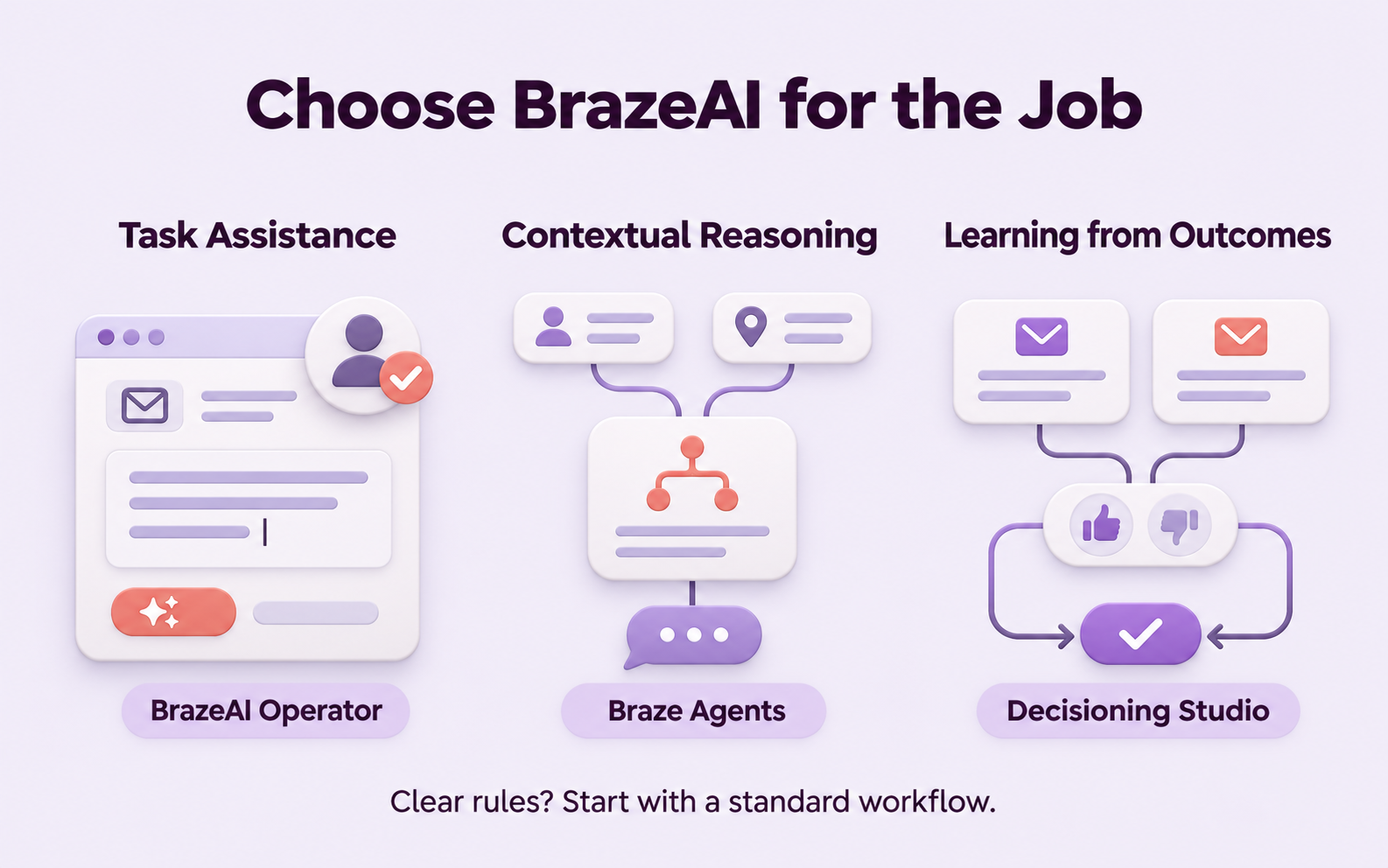
Operational Assistance
BrazeAI Operator helps draft content, campaigns, Canvas journeys, or segments within the platform. Permissions and other controls still apply. Review both the content and the results of its actions.
Contextual Reasoning
Braze Agents use the user context you explicitly provide to generate content or assist with decisions. They do not automatically access all customer data or learn better approaches from outcomes. Manage inputs, testing, and usage.
Learning From Outcomes
Capabilities such as Decisioning Studio optimize against configured options and outcomes. Go focuses on recurring email scenarios. Pro supports a wider range of business goals and decision setups, with different prerequisites and service needs.
Start with a standard workflow when clear rules can handle the task. Use artificial intelligence (AI) where it serves a defined purpose.
5. How Do You Use the Right Data for Personalization?
Liquid is a templating language that varies message copy based on data. Catalogs store non-user data such as products or offers. Connected Content retrieves external information through an application programming interface (API).
You can combine these features, but their data sources and update methods differ. Define fallback content or stop rules for missing values, stale information, and external service outages. Test links and content across languages.
6. Example: Which Features Should You Start With for Onboarding?
Suppose a membership business finds that new customers often stall during setup. Adding complex AI right away could increase maintenance work while leaving inaccurate event data unresolved.
Verify user identity and completion events first. Then use Canvas to deliver onboarding guidance in the appropriate language and stop reminders once setup is complete. Evaluate an AI capability when you encounter a content or decision task that existing rules cannot handle.
Track data accuracy, journey outcomes, setup completion, and unsubscribe feedback. Measure the time spent operating and reviewing the workflow. This hypothetical example does not assume that enabling a feature will improve performance.
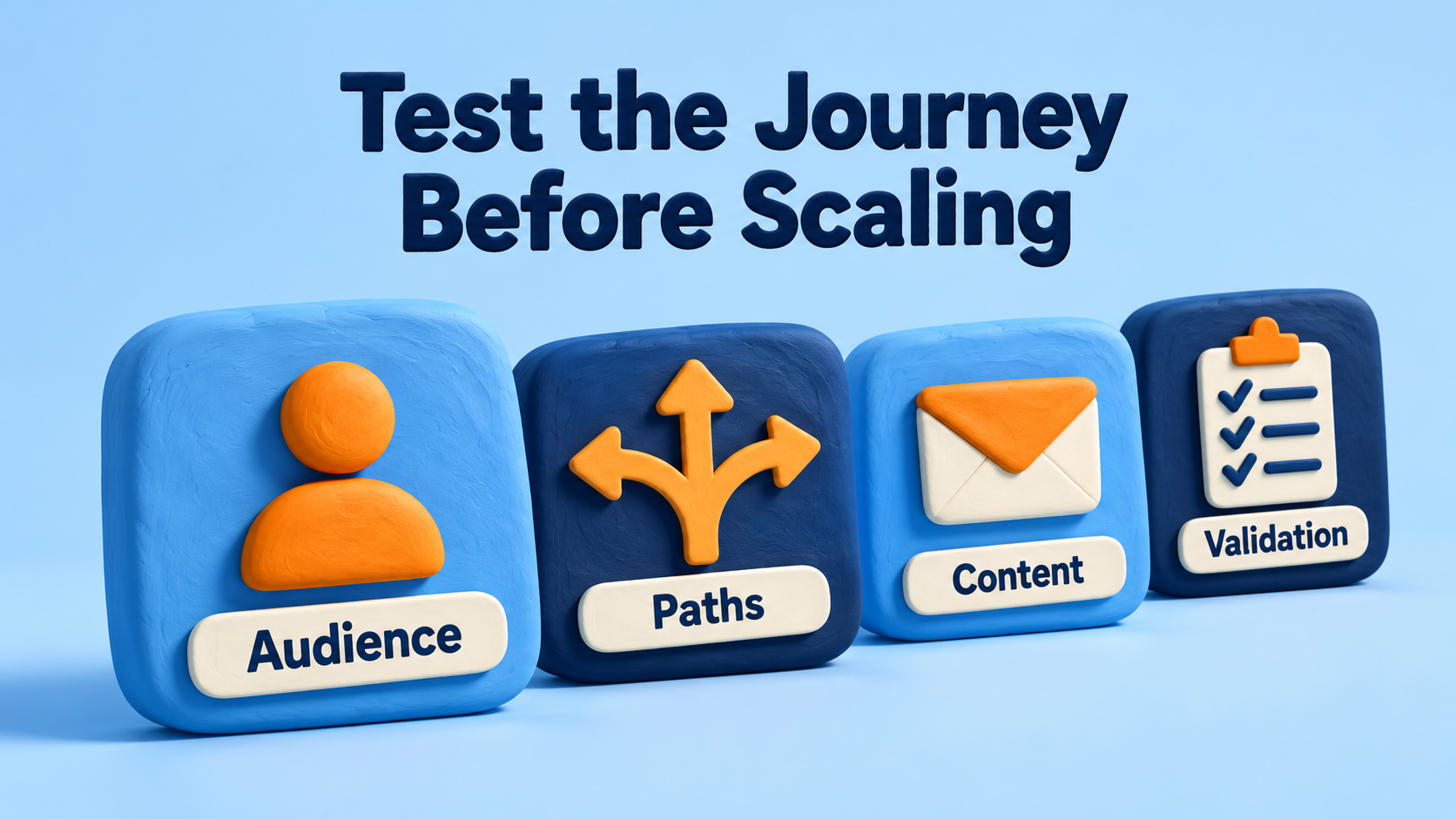
7. Six Checks for Validating Features
- Have you defined a clear customer task and an event that marks completion?
- Have you checked user identity, events, and data latency?
- Have you tested journey entry, exit, and re-entry?
- Do channel eligibility, frequency limits, and exceptions meet your needs?
- How will you handle missing content, links, and external service outages?
- Are plan entitlements, usage, operating responsibilities, and handoff clear?
8. Frequently Asked Questions
Do all core Braze features require Canvas?
No. Use Canvas for multi-step journeys and a Campaign for single-step initiatives. Choose based on the task.
Do all BrazeAI capabilities automatically learn from outcomes?
No. Operator, Agents, and learning-based optimization serve different purposes. Check what each takes as input and how it works.
Are Catalogs and Connected Content the same?
No. Catalogs store data for reference. Connected Content retrieves information from an external API. Their update methods and failure handling differ.
Can we scale immediately after a successful demo?
Validate your own data, end-to-end journey paths, exceptions, and ability to maintain the workflow before scaling.
9. Conclusion
Braze features are valuable when they support a clearly defined task. Validate the data and journey first, then choose the personalization and AI capabilities your team can maintain.

To prioritize Braze features and implementation work, talk with LeadsTech about scenario design, testing, and ongoing operations.

10. Further Reading
- Global CRM Systems: Manage the Customer Lifecycle with Salesforce
See how the customer lifecycle reveals where teams need to connect data and engagement workflows. - How to Choose a CRM System and Consulting Partner
Learn what to evaluate in a CRM system and consulting partner, from requirements and delivery to long-term operations.
Related Articles
Enterprise AI MarTech Trends Analysis 2024-2029 Outlook Report
From AI content productivity tools to a core engine for revenue growth and marketing transformation
*The PDF will be sent directly to your inbox.
Email Error
Please enter a valid email address.
Thank You!
The whitepaper has been sent to your inbox. If you don’t see it, please check your spam or promotions folder.