
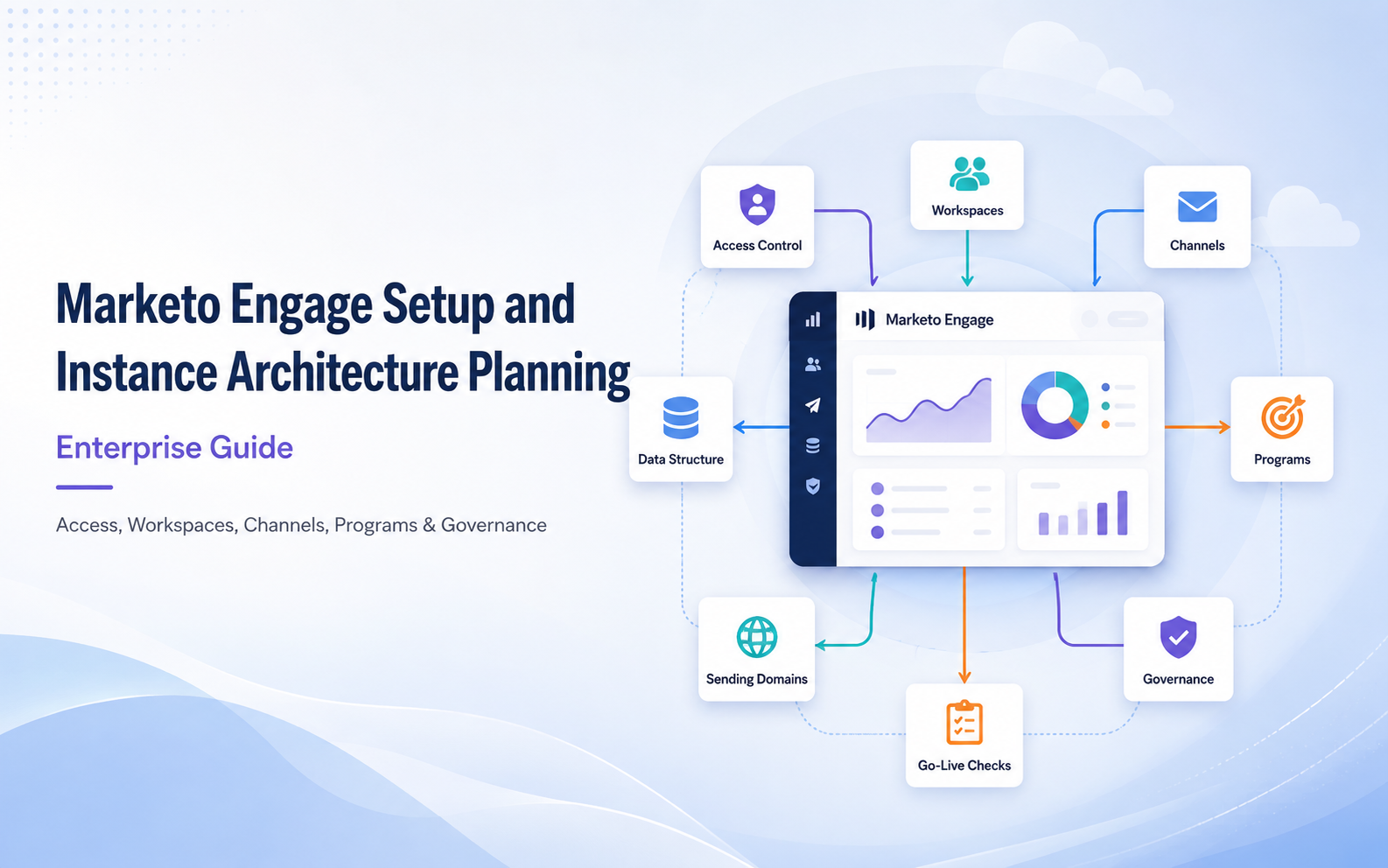
Marketo Engage Setup and Instance Architecture Planning | Enterprise Guide
Marketing Automation, Marketo, MarTech
5 September 2026
A successful Marketo Engage implementation is rarely defined by whether the first email can be sent. It depends on whether the instance enables different teams to work safely, reuse assets, and measure performance consistently. When permissions, data boundaries, Channels, naming standards, and sending domains are not defined early, growth quickly leads to duplicate Programs, inconsistent reporting, and operational risk. From LeadsTech’s experience, teams should align the operating model, data boundaries, and shared naming rules inside one governance framework before configuring the instance.
1. Key Takeaways (TL;DR)
- Confirm the operating model and data boundaries before deciding on Workspaces or Person Partitions, instead of copying the organization chart into the platform.
- Build a governable foundation with least-privilege roles, standardized Channels, required Tags, Program Templates, and naming rules.
- Treat sending domains, tracking domains, SPF, DKIM, DMARC, website tracking, and CRM sync as cross-functional launch work.
- Continuously improve the instance through adoption rate, asset reuse, failure rate, data completeness, and audit findings.
2. Why Plan the Marketo Instance Architecture First?
The instance is the shared operating environment for all marketing assets, People data, Smart Campaigns, integrations, and permissions. It is not a folder cleanup project. It turns decisions such as who can do what, where data lives, how campaigns are measured, and how errors are prevented into system rules. With a clear architecture, new markets can clone from templates and keep the same reporting logic. With a messy architecture, every campaign requires teams to reinterpret fields, success statuses, and list sources.
3. A Five-Layer Foundational Setup Framework
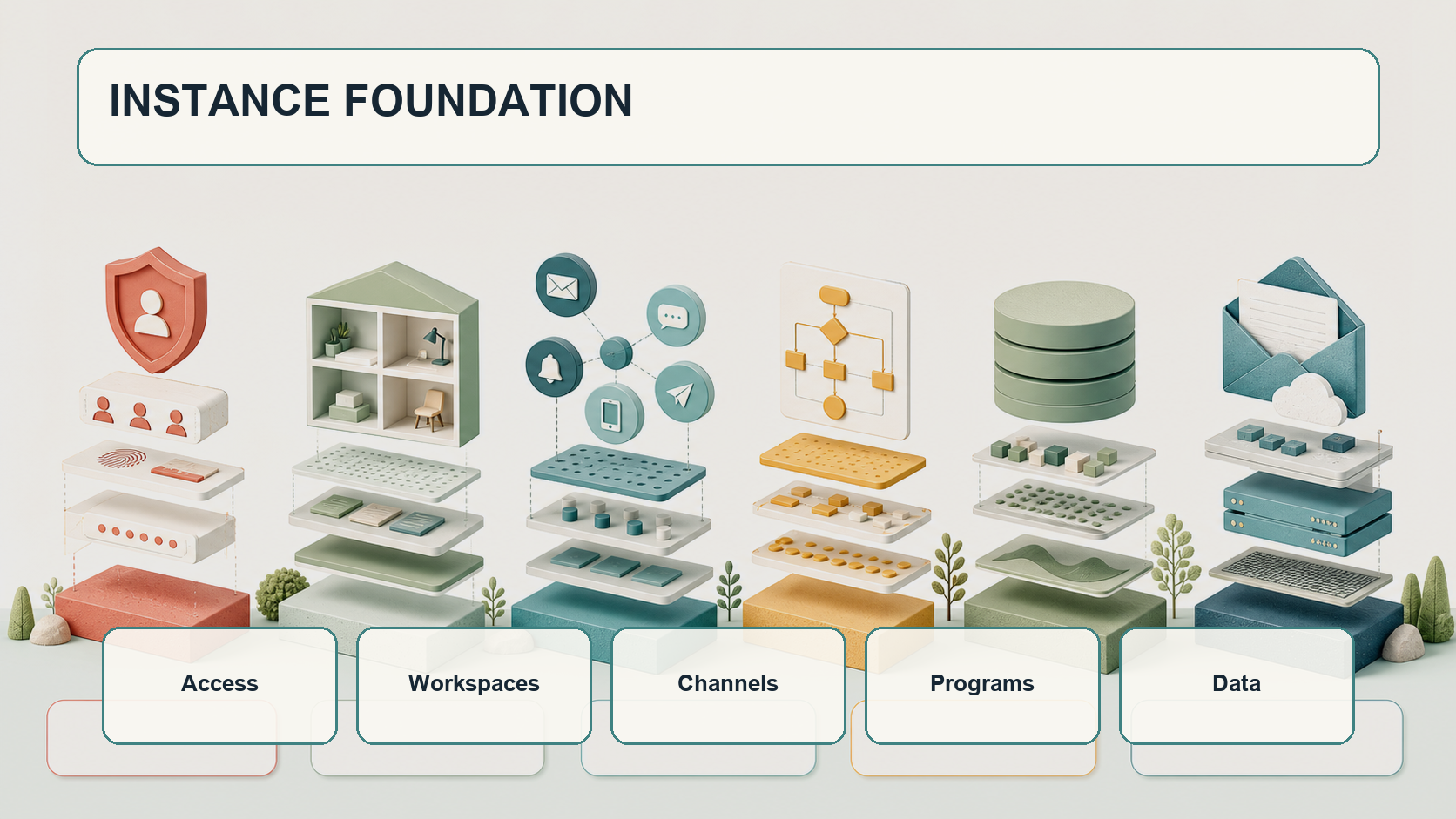
1. Access: Roles and Least Privilege
Start by listing roles such as Admin, Marketing Operations, Campaign Builder, Analyst, Agency, and API User. Then grant view, create, approve, activate, import, export, or delete permissions based on responsibilities. Adobe’s permission model requires some sub-permissions to sit under higher-level Access permissions, so each role should be validated with a test user instead of only checking the configuration screen. API users should also have independent names, limited permissions, and a clear owner for credential rotation.
2. Workspaces: Asset Boundaries
Workspaces are useful when regions, brands, or business units genuinely need separate assets. If teams heavily share templates and processes, too many Workspaces can increase copying and synchronization overhead. Shared templates, Segments, Smart Lists, or Snippets should sit in governed shared folders with a central owner.
3. Channels and Tags: Measurement Language
Every Program uses a Channel, and the Channel’s Member Status and Success definitions directly shape reporting. For example, a Webinar Channel may use Invited, Registered, Attended, and No Show, with Attended defined as Success. Tags describe dimensions such as market, product, quarter, Program Owner, or Campaign Type. Keep only dimensions that are truly used for filtering, reporting, or governance, and make important Tags required.
4. Programs: Reusable Execution Units
Create Program Templates for Email, Webinar, Event, Nurture, Content Download, and other common scenarios. Each template should include standard Folders, Tokens, Smart Lists, Smart Campaigns, Emails, Landing Pages, and reports. Tokens should separate values that campaign owners may edit from system values maintained only by administrators, reducing leftover links or sender errors after cloning.
5. Data: Fields and Lifecycle
Build a Field Dictionary that defines source system, data type, write authority, sync direction, required rules, sensitivity level, and retention policy. Standardize critical fields such as Lifecycle Stage, Lead Source, Consent, and Country, including exception handling. Avoid using multiple near-duplicate fields to express the same concept.
4. How to Choose Between Workspace and Person Partition
A Workspace separates marketing assets. A Person Partition acts more like a separated People database, and different Partitions do not deduplicate or interact with each other. Person Partitions should be evaluated only when regulation, data ownership, or business requirements truly require People data separation. If the goal is simply to limit which campaigns a team can edit, Workspaces with Roles are usually simpler. This design is difficult to rebuild later at low cost, so validate it with data flows and exception cases, and confirm with Adobe support or a consultant when needed.
5. Launch Foundations for Sending, Tracking, and Integrations
Sending readiness requires Marketing, IT, Security, and web teams to work together. At minimum, confirm Email Tracking CNAME, Landing Page CNAME, From Domain, SPF, DKIM, and DMARC. Deploy Munchkin tracking on the website and exclude internal or test traffic. Keep forms, cookie consent, and the privacy policy aligned. For CRM sync, first define field ownership, sync filters, duplicate data strategy, and error notifications. This article focuses on architecture boundaries rather than mixing sync details with campaign build work.
6. Design Governance for Day-to-Day Operations
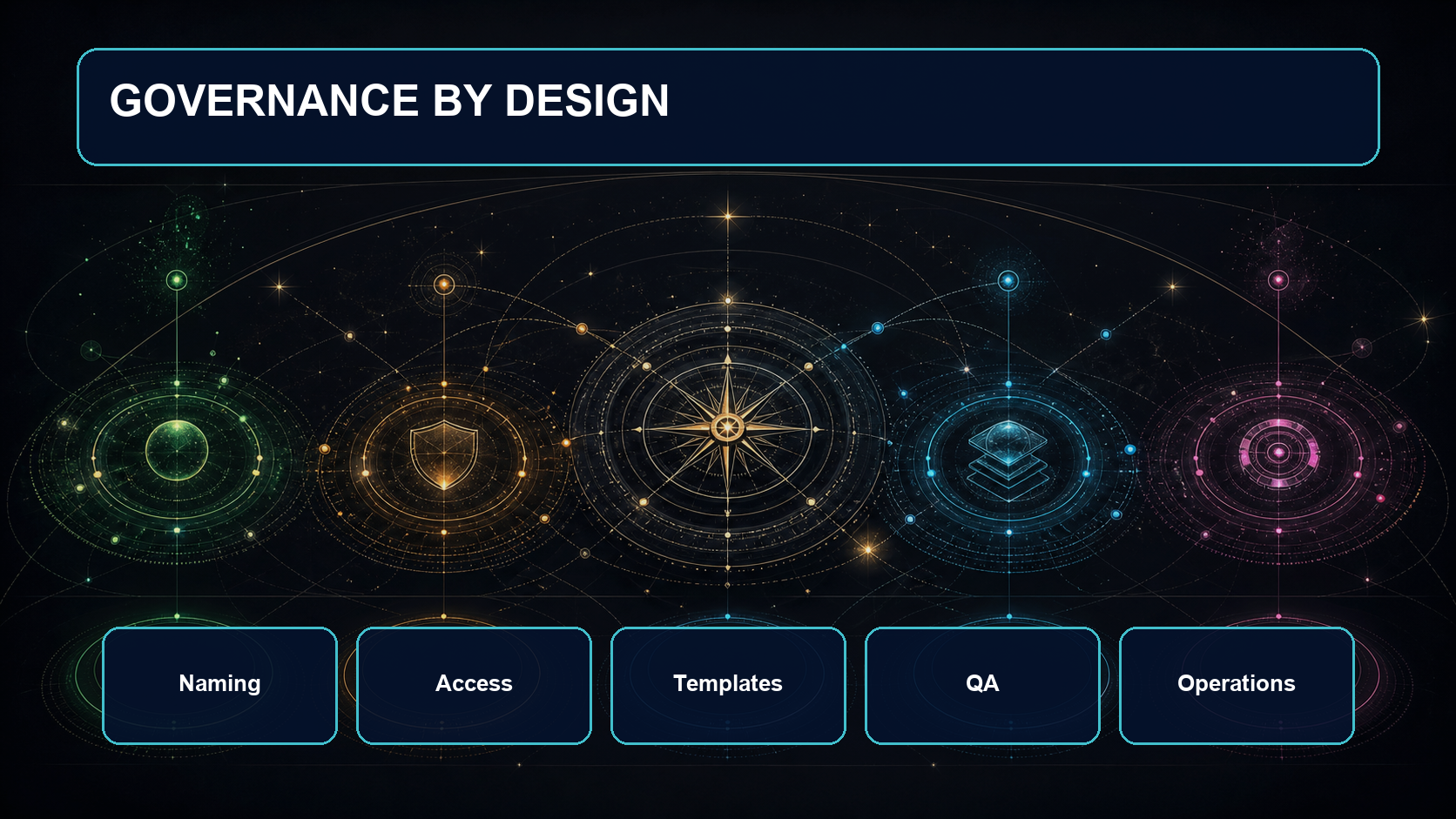
A Naming Convention may use a pattern such as Region_BusinessLine_CampaignType_YearMonth_ShortName, but not every attribute should be forced into the name. Dimensions that can be managed by Tags should stay in Tags. Add an Archive Policy, Clone Policy, Approval Flow, Emergency Stop, and Change Log. Marketing Operations should regularly review unused assets, failed Smart Campaigns, sync errors, and permission changes.
Scenario: Three B2B Markets Sharing One Instance
Assume a company operates in Hong Kong, Taiwan, and Singapore with the same products but different languages and campaign rhythms. A good starting point is to build a common measurement language through shared templates and unified Channels and Tags, then decide whether regional Workspaces are needed based on asset and responsibility boundaries. People data can remain in a shared data boundary unless regulation requires separation. The central team governs templates, fields, and sending foundations, while local teams build Programs from Templates. Quarterly governance reviews then refine standards based on errors, reuse, and conversion data.
7. Marketo Engage Launch Checklist
- Are roles designed with least privilege, and do Admin and API users have clear owners?
- Are Workspaces or Partitions based on asset and data boundaries rather than the organization chart alone?
- Can Channel Member Statuses, order, and Success definitions support unified reporting?
- Do Tags, Folders, Programs, and Campaigns have naming, required-field, and archive rules?
- Are reusable Program Templates, Tokens, and QA checklists in place?
- Have SPF, DKIM, DMARC, CNAME, Munchkin, and Consent been tested?
- Do critical fields have a source, write authority, sync direction, and data quality rules?
- Are failure notifications, change logs, monthly audits, and emergency stop processes defined?
8. How to Measure Instance Health
Do not look only at sending volume. Track template adoption, duplicate asset ratio, Program build cycle time, Smart Campaign failure rate, CRM sync errors, required-field completeness, bounces and Spam Complaints, permission exceptions, and archive completion rate. Each metric should point to an owner and an improvement action, rather than becoming another report that no one acts on. Every metric should also have a baseline, target, review cadence, and escalation condition.
9. Frequently Asked Questions (FAQ)
Does every country need its own Workspace?
Not necessarily. A Workspace is worth creating only when assets, team responsibilities, or processes truly need separation. Highly shared teams can often use Folders, Roles, Tags, and Templates instead.
What is the difference between Workspace and Person Partition?
A Workspace mainly separates assets, while a Person Partition separates People data. The latter affects deduplication and data interaction, so it carries higher complexity and risk.
Can a Channel be changed after it is configured incorrectly?
Settings can be adjusted, but existing Program Member Statuses may not be updated retroactively. Validate reporting with representative scenarios before go-live.
Are more detailed naming rules always better?
No. Names should support search and recognition. Reporting dimensions should be managed through Tags, otherwise names become too long and lose consistency through manual entry.
When should sending domains be configured?
Start before campaign build begins, because DNS, Security, IT approval, and sending tests usually involve multiple teams and can require substantial lead time.
10. Conclusion
A strong Marketo Engage instance architecture does not mean turning on every feature at once. It means aligning permissions, assets, data, measurement, and operating ownership. Starting with a minimum viable standard, then expanding through pilots, audits, and feedback, helps teams balance speed with governance. To assess an existing environment or plan a new implementation, contact us and explore LeadsTech’s Adobe Marketo Engage solutions and marketing automation services.


Further Reading
- What Is Marketing Automation?: Understand the platform’s role in marketing and sales workflows.
- How to Choose a Marketing Automation Platform: Compare requirements, integrations, and operating capabilities.
- The Complete Guide to B2B Marketing Automation: Extend into nurturing, conversion, and cross-team workflows.
- Marketing Automation vs CRM: Differences and Integration: Clarify responsibilities across the two platform categories.
Related Articles

Enterprise AI MarTech Trends Analysis 2024-2029 Outlook Report
From AI content productivity tools to a core engine for revenue growth and marketing transformation
*The PDF will be sent directly to your inbox.
Email Error
Please enter a valid email address.
Thank You!
The whitepaper has been sent to your inbox. If you don’t see it, please check your spam or promotions folder.

