
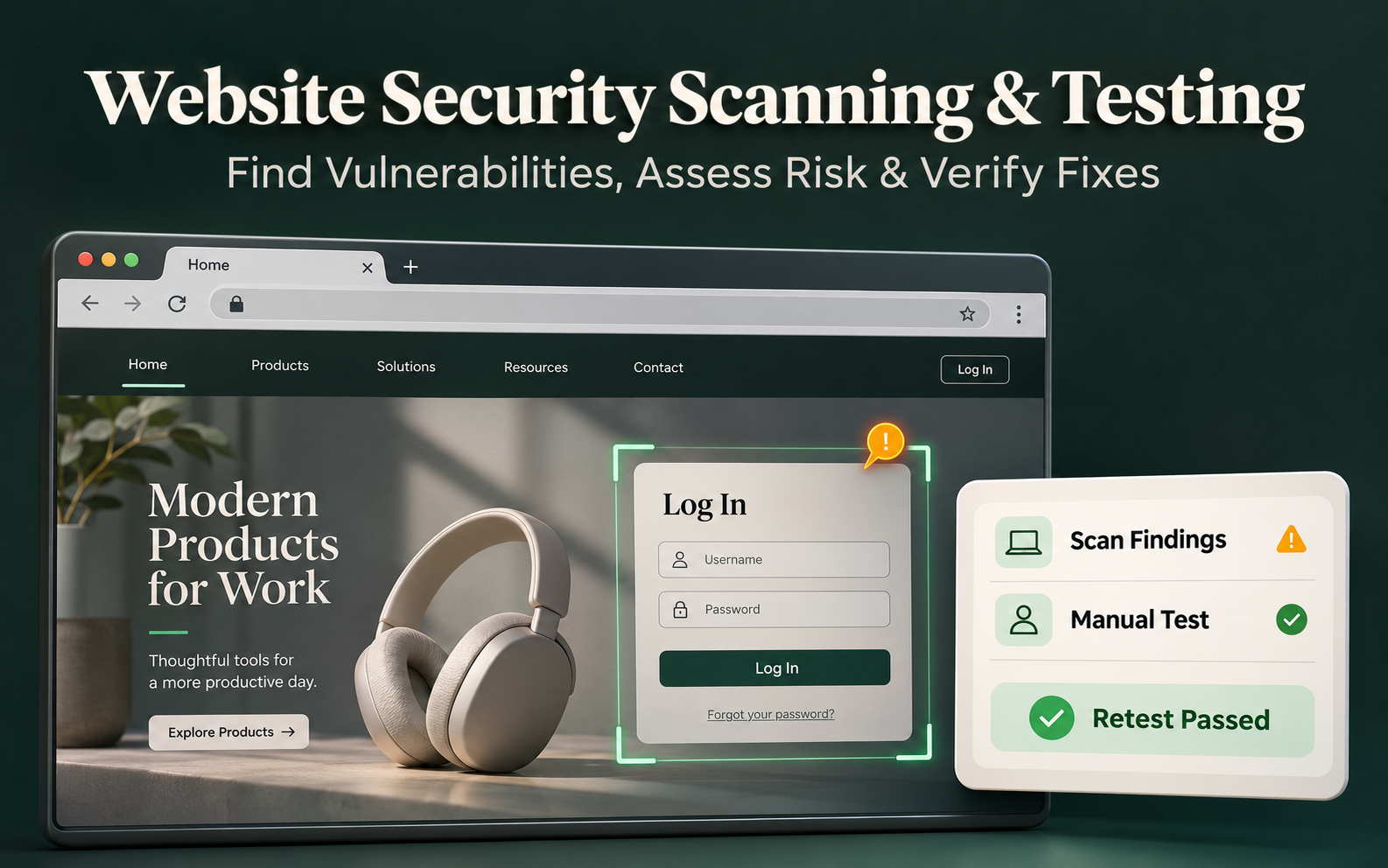
Website Security Scanning and Testing: A Guide to Finding and Fixing Risks
Content Management System (CMS)
11 November 2026
Is an encrypted connection enough to keep a website safe? For businesses that handle inquiries, member sign-ins, and event registrations, a website security scan is a starting point for understanding risk. This guide explains how scanning differs from security testing, how to prioritize fixes, and how to turn findings into work your team can carry out.
Summary
Security scans help identify common weaknesses. A full security test also considers roles, permissions, and business workflows. Verify tool alerts before using them to guide fixes. Define the scope first, prioritize findings by exposure and business impact, and retest to confirm that the fixes worked.
1. How Do Website Security Scanning and Security Testing Differ?
A scan checks a website against a list of known issues, such as outdated packages, unsafe settings, or potentially exposed information. Scans are easy to repeat. An alert still needs verification, and scan results cover only the features and conditions tested.
Security testing examines a wider range of scenarios. For example, can a regular member read someone else’s data, or can someone bypass approval during registration? Answering these questions often requires understanding how the business operates.
LeadsTech’s website security testing and optimization service helps businesses assess risks, document recommended fixes, and plan retesting so marketing, technical, and maintenance teams can work from the same findings.

2. Which Website Features Should You Test First?
Start with features that handle important data and customer tasks. These include sign-in, inquiry forms, file uploads, the admin area, and application programming interfaces (APIs), which let systems exchange data.
A home page scan can miss permission issues that only occur after sign-in. Provide test accounts for different roles, explain what each role can view or change, and list any third-party systems and areas outside the test scope.
Review platform and plugin maintenance, error messages, publicly accessible backup files, and encryption settings. Base the checks on how your own website works.
3. Which Vulnerabilities Should You Fix First?
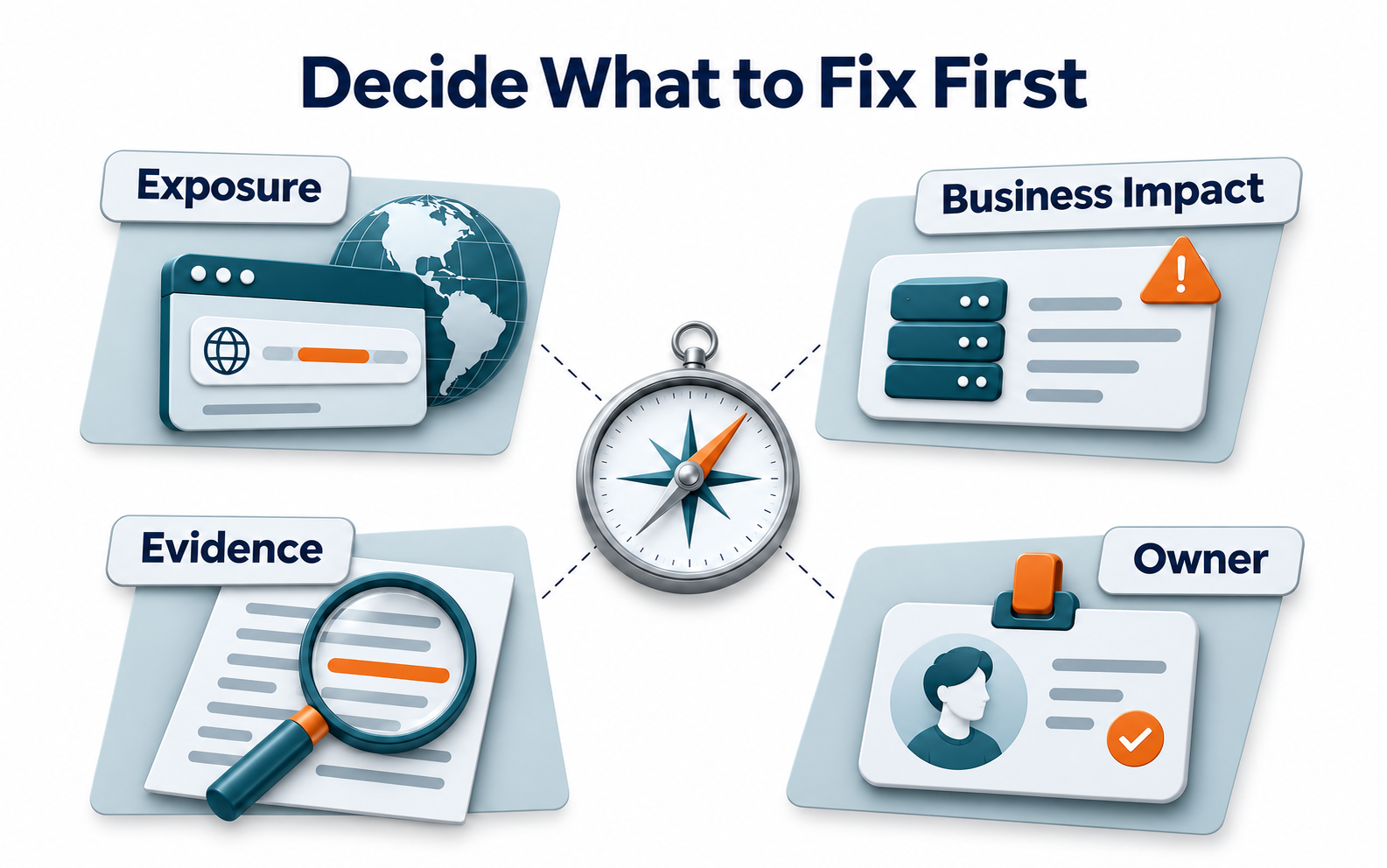
Confirm the issue first. Then assess whether it is reachable from outside, what conditions are required, and how much data or how many services could be affected. Use technical severity alongside business impact and the protections already in place.
For example, a data access issue at a public entry point typically deserves attention before a low-impact alert in a restricted test environment. Record the evidence, affected versions, owner, and expected completion date.
If you cannot fix the issue immediately, consider restricting access or disabling the affected feature. Record that measure as temporary and agree when to reassess it. Keep the issue open until the underlying problem has been addressed.
4. Example: Preparing an Event Registration Website for Launch
Suppose a new event website collects contact details and attachments and syncs them to an internal platform. If anyone can download the attachments, attendees’ data and trust in the brand may be at risk even if the page appears to work normally.
First verify what attendees, event staff, and administrators can access. Then test the upload and synchronization workflows. After fixing any issues, retest with the same roles and conditions and confirm that legitimate registrations still work.
Track open confirmed high-risk issues, time to fix, retest results, and registration errors. This example is hypothetical and does not describe actual customer results.
5. Six Checks Before Security Testing
- List production sites, test sites, subdomains, and their owners.
- Identify key forms, sign-in roles, and points where systems exchange data.
- Agree in writing on when testing can take place and which actions are allowed or prohibited.
- Prepare test accounts and data. Use real customer information only where necessary.
- Ask for a report that distinguishes confirmed issues, unverified alerts, and areas outside the test scope.
- Assign owners and deadlines for fixes and agree how to confirm them through retesting.
Make sure someone is available during testing to handle service disruptions. For more intrusive checks, start in a suitable test environment and decide how to validate the results in production.
After testing, plan additional checks for new features, plugin updates, and permission changes so security testing keeps pace with the website.
6. Frequently Asked Questions
Does a clean website security scan mean the site is secure?
No. The results reflect the tools, scope, and conditions of that scan. Sign-in roles and business workflows outside its scope still need assessment.
Do we still need security testing if our website uses encryption?
Yes. Encryption mainly protects data in transit. You still need security controls for permissions, application code, and software packages.
Should we fix every alert immediately if we receive a large number of them?
Verify the alerts first, then prioritize by exposure and business impact. Give confirmed high-risk issues an owner and a plan for remediation.
Why retest after fixing a vulnerability?
A change may leave the underlying issue unresolved or affect another feature. Retest the original issue and confirm that legitimate workflows still work.
7. Conclusion
Website security scans are useful when they surface risks you can verify and address. Start by identifying key features and data, then define how your team will test, fix, and retest.

To turn a vulnerability list into a remediation plan, discuss the testing scope, ownership of fixes, and ongoing maintenance with LeadsTech.

8. Further Reading
- What Is a Content Management System (CMS)? A Guide for Business Websites
Learn the basics of managing website content, choosing a platform, and handling day-to-day maintenance.
- Global Website CMS: A Guide to Multilingual and Multimarket Content Management
Explore how to define responsibilities and content workflows across sites and markets.
Related Articles

Enterprise AI MarTech Trends Analysis 2024-2029 Outlook Report
From AI content productivity tools to a core engine for revenue growth and marketing transformation
*The PDF will be sent directly to your inbox.
Email Error
Please enter a valid email address.
Thank You!
The whitepaper has been sent to your inbox. If you don’t see it, please check your spam or promotions folder.