
Website Security Testing Checklist: Scanning, Pen Testing, and Remediation
Content Management System (CMS)
12 November 2026
Have you received a long security testing checklist and still wondered whether anyone actually checked member data or the quote request process? Start with the functions your business depends on. This guide covers what to test, how scanning and manual verification work together, and what to check when commissioning and accepting the work.
Summary (TL;DR)
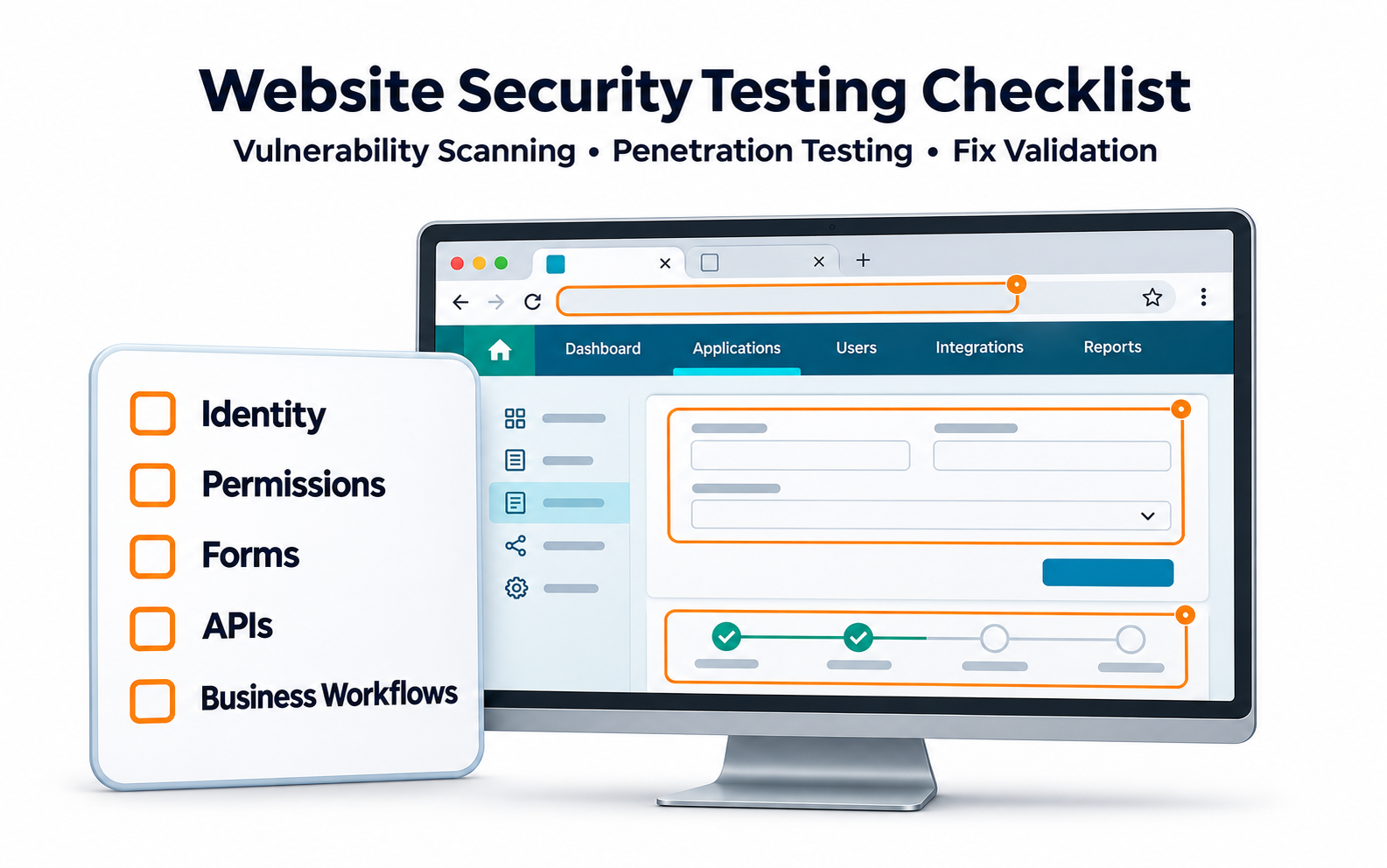
Website security testing should cover identity, permissions, data, and business workflows, with any untested areas clearly marked. Vulnerability scanning finds common issues, while manual verification checks rules specific to the business. Each finding should include evidence, business impact, the person responsible for the fix, and the retest result.
1. How Do You Decide What to Test?
List what visitors, members, partners, and administrators do, what data they handle, and what happens if an action fails. Different roles can face very different risks on the same URL.
For a distributor downloading a quote, the main security question is whether they can access only their own documents. LeadsTech’s website security testing and optimization service helps map critical workflows, assess risks, and recommend fixes.
Define where the production site, test site, and third-party platforms begin and end. Pricing a test by URL count alone can underestimate the complexity of authenticated workflows and data exchange.
2. What Should You Check Across the Four Core Areas?
Identity and Permissions
Authentication verifies who the user is. Check sign-in, password reset, and account recovery. Authorization determines what users can do. Test whether any role can read or modify data it should not be able to access.
Hiding a button is insufficient to protect data. The system must check permissions when it receives a request. Use test accounts from different organizations and roles, beyond a single administrator account.
Data and Workflows
Check input limits, error messages, and data access for forms, search, and file uploads. Application programming interfaces (APIs) exchange data between systems and need the same authorization checks.
Test whether users can bypass approval, registration, ordering, or discount rules. For attachments, verify format, size, content, storage location, and download permissions. A filename alone is insufficient.

3. How Do Scanning and Manual Verification Work Together?
Vulnerability scans can check for common flaws and changes to versions and settings. Confirm that the scanner logged in successfully and reached the required paths. Mark functions that the scanner did not reach as untested.
Penetration testing checks whether a weakness can have a real impact within a scope authorized in advance. Ask the testing team to explain its objectives and constraints before taking a closer look at high-risk roles and workflows.
Include the platform, plugins, publicly accessible backups, and administrative entry points. The depth of testing can vary, but the report should clearly state what was tested and what was outside the test coverage.
4. Example: Redesigning a Distributor Portal
Suppose an equipment company adds quote downloads and order approvals. A distributor who can see another company’s quotes could expose sensitive business information and damage trust. That risk matters even when a scan of the public homepage produces no alerts.
Create test accounts for different companies to check data boundaries and approval roles. Then test attachments, APIs, and account recovery. Assign each fix to the owner of the affected feature.
Track coverage of critical workflows, time to fix confirmed issues, and retest pass rates. Check that legitimate orders still go through. This hypothetical example assumes no specific improvement.

5. Eight Checks for Commissioning and Acceptance
- Are the boundaries of the production site, test site, and third-party services documented?
- Does testing cover signed-out and signed-in access and user roles across different companies?
- Are critical forms, attachments, and data interfaces in scope?
- Does the report distinguish scanning, manual verification, and untested areas?
- Are testing windows, permitted actions, and escalation contacts confirmed?
- Does each finding include the conditions, evidence, and business impact?
- Are remediation owners, timelines, and interim measures documented?
- Did the team retest under the original conditions and confirm that legitimate functions still work?
At acceptance, pick one finding and ask the team to walk through the evidence and the fix. If the report only provides a red-and-green status summary, ask for the details the maintenance team needs to act on it.
6. Frequently Asked Questions
Are more security checks always better?
Coverage matters most for critical roles, data, and workflows. A long generic checklist cannot substitute for in-depth testing.
Is an administrator account enough for testing?
Usually you need accounts with different permissions and from different organizations to verify the restrictions ordinary users face.
Can we start with only a few features if time is limited?
Yes. Phase testing by risk and document how you chose the sample, what remains untested, and when to test it. Limit any claims about passing to the scope you actually tested.
Is a completion date sufficient to accept a remediation report?
Record the version containing the fix, the retest results, and any remaining limitations to confirm the issue was addressed.
7. Conclusion
Website security testing should show whether critical functions are adequately protected. Start by mapping roles and workflows, then require evidence and clear ownership for remediation and acceptance.

If you need to coordinate testing, development, and maintenance, talk to LeadsTech about the testing scope and remediation support.

8. Further Reading
- What Is a Content Management System (CMS)? A Guide for Enterprise Websites
Learn the basics of website content management, platform selection, and routine maintenance.
- Global Website CMS: A Guide to Multilingual and Multinational Content Management
Plan ownership and content workflows across multiple sites and regions.
Related Articles

Enterprise AI MarTech Trends Analysis 2024-2029 Outlook Report
From AI content productivity tools to a core engine for revenue growth and marketing transformation
*The PDF will be sent directly to your inbox.
Email Error
Please enter a valid email address.
Thank You!
The whitepaper has been sent to your inbox. If you don’t see it, please check your spam or promotions folder.