
Vulnerability Scanning vs. Penetration Testing: How to Choose
Content Management System (CMS)
13 November 2026
Businesses preparing to assess website security often get two options: vulnerability scanning and penetration testing. The right choice depends on which risks you need to investigate. This guide compares what each method tests, which website functions it covers, and what it delivers, so you can budget for testing, remediation, and retesting together.
Summary (TL;DR)
Vulnerability scanning helps find common weaknesses on an ongoing basis. Penetration testing verifies their potential impact within an authorized scope. The two methods can complement each other. Compare coverage, business scenarios, and the depth of verification, and set aside resources to fix what you find. A report alone does little to reduce risk.
1. What Does Each Method Tell You?
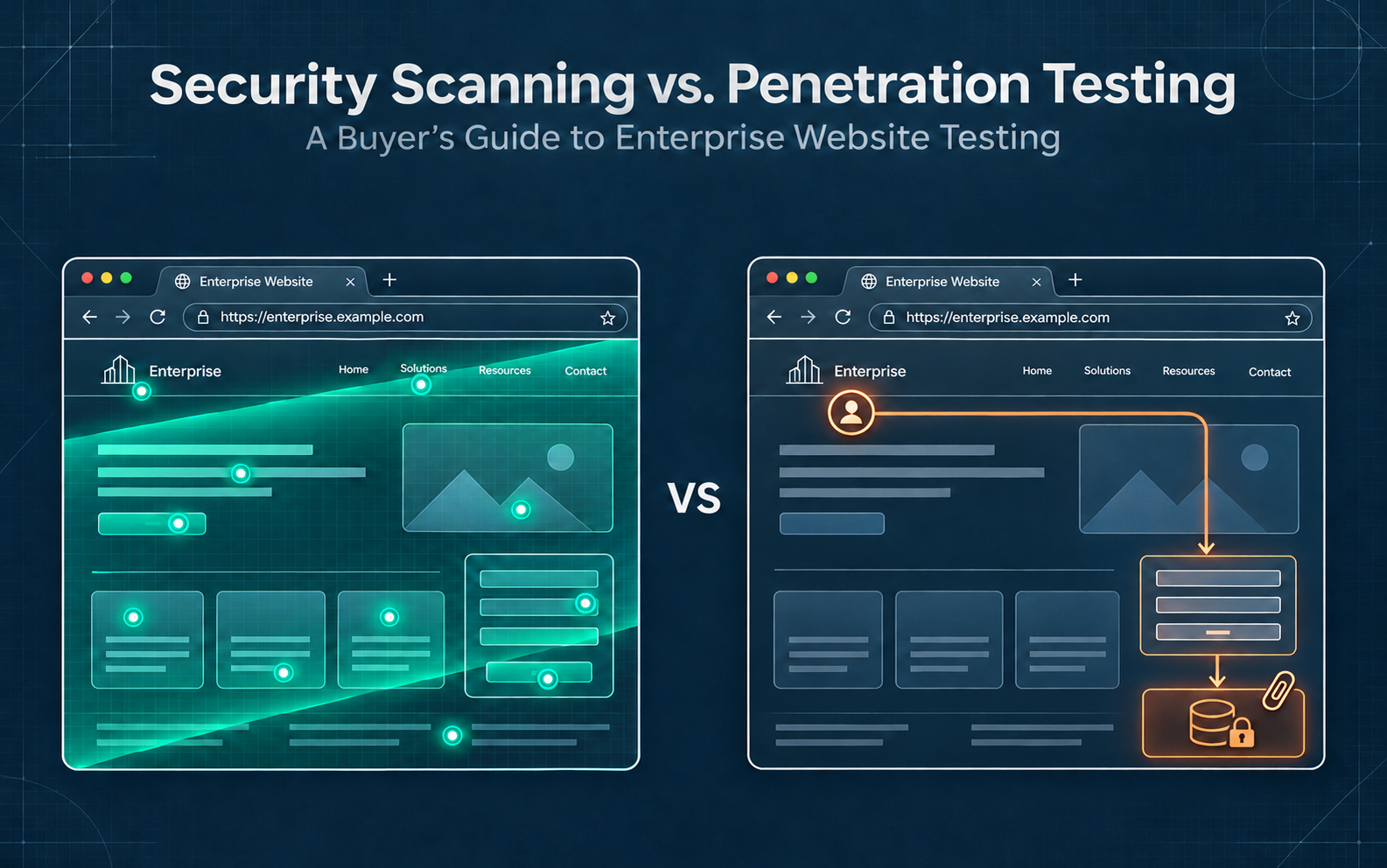
Vulnerability scanning identifies where known issues may exist, such as outdated packages, exposed information, or common misconfigurations. Scans are easy to repeat, but the results still need validation. Any function the scanner cannot reach remains untested.
Penetration testing works within clearly authorized limits to verify whether weaknesses could affect data, permissions, or services. Manual testing has time and scope limits. The service name alone tells you little about how much of the site was verified.
LeadsTech’s website security testing and optimization service helps teams use critical functions and risks to define the scope, plan fixes, and arrange follow-up verification. That gives procurement teams a concrete basis for discussion.
2. Three Criteria for Comparing Testing Methods
Coverage
A “website security test” may cover only public pages or include signed-in functions, admin areas, and data interfaces. Agree on the assets and roles in scope before comparing quotes.
Business Scenarios
Registration, member quotes, orders, and approvals all have different rules. If the concern is who can see whose data or which step must happen first, confirm that manual testing covers the workflow.
Evidence and Verification
The report should describe test conditions, evidence, and impact, and distinguish confirmed findings from alerts that need investigation. Agree in advance on whether the service includes retesting after fixes.
3. When Should You Use Each Approach?
If you are starting to inventory website assets or want to track common configuration and version issues, build an asset list and schedule regular scans. Assign someone to confirm alerts and arrange updates or fixes.
Consider deeper manual testing when adding member features, handling sensitive data, or running complex approval workflows. Ask testers to investigate specific risks. A request to “test the whole site” leaves too much of the scope open to interpretation.
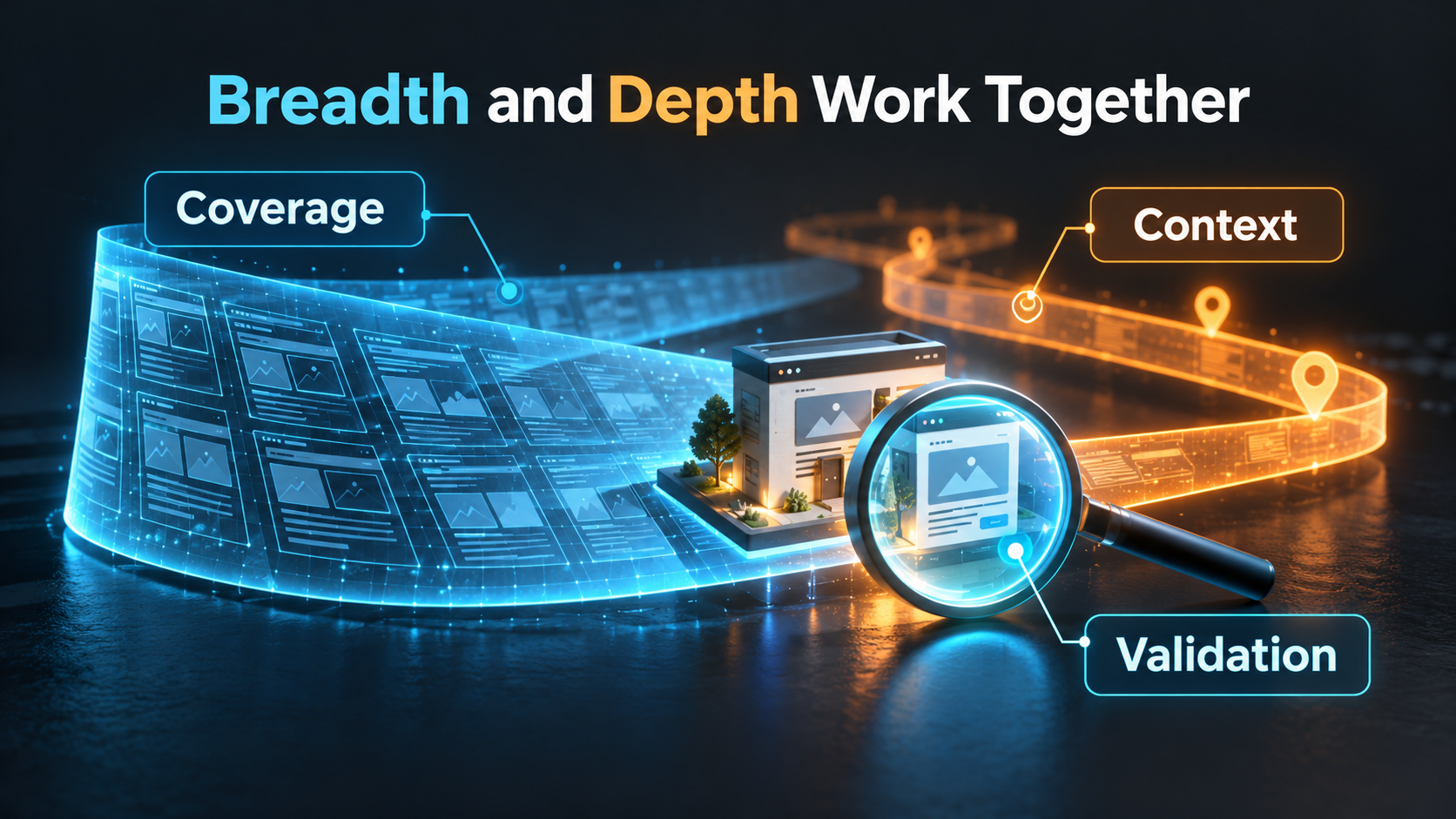
Use scans for routine checks and schedule deeper verification for major changes and high-risk workflows. Set the frequency according to how often the site changes, the sensitivity of the data, and your team’s capacity to act on findings.
4. Example: Adding Member-Only Quotes to a Public Website
Suppose an industrial supplier adds member-only quotes and document downloads to a site that previously only showcased its products. If members can see one another’s prices, the site may expose sensitive commercial information and damage customer trust.
Keep using scans to check baseline settings, and add test accounts for different companies to verify document access and the quote workflow. Define which data each member is allowed to see, then arrange fixes and retesting.
Track coverage of key roles, the number of confirmed issues still open, time to fix them, and retest results. Check that members can still download the documents they are entitled to access. This example is hypothetical and makes no performance claims.

5. Seven Questions to Ask Before Buying Testing Services
- What data risks and business decisions should this test address?
- Does the scope specify domains, admin areas, data interfaces, and third-party boundaries?
- Does the test cover signed-in roles and critical workflows?
- How will the report distinguish automated scans, manual verification, and untested areas?
- Have you agreed on test windows, permitted actions, and escalation contacts?
- Will the report include evidence, impact, and recommendations the team can act on?
- Who owns remediation, retesting, and final sign-off?
With a limited budget, prioritize workflows that affect the current release decision. Document the areas left untested and schedule follow-up testing. Reserve time and budget for fixes before the report arrives.
Ask each provider to explain how they would test the same scenario and show a sample deliverable. This makes differences in their approach easier to see than comparing tool counts or testing days alone.
6. Frequently Asked Questions
Do we have to choose between scanning and penetration testing?
You can use both. Scanning supports repeatable checks, and penetration testing verifies risks in critical scenarios.
Does penetration testing always cover every signed-in role?
Coverage varies. List the roles, accounts, and workflows in scope so everyone knows what the team will test.
If the site passed a scan, do we need to test again after a redesign?
Assess what changed. New permissions, data interfaces, or plugins may introduce different risks, so the earlier report cannot verify the updated site.
How can we tell whether a lower quote is suitable?
Compare coverage, depth of manual testing, reporting, and retesting before comparing prices. A lower price may simply cover less work.
7. Conclusion
Start by defining the risk questions your business needs to answer. A clear scope, evidence requirements, and named owners for fixes make the results easier to act on.

Talk to LeadsTech about your website functions, upcoming changes, and maintenance capacity to assess which combination of tests fits your needs.

8. Further Reading
- What Is a Content Management System (CMS)? A Guide for Enterprise Websites
Learn the basics of website content management, platform selection, and routine maintenance.
- Global Website CMS: A Guide to Multilingual and Multinational Content Management
Plan ownership and content workflows across multiple sites and regions.
Related Articles

Enterprise AI MarTech Trends Analysis 2024-2029 Outlook Report
From AI content productivity tools to a core engine for revenue growth and marketing transformation
*The PDF will be sent directly to your inbox.
Email Error
Please enter a valid email address.
Thank You!
The whitepaper has been sent to your inbox. If you don’t see it, please check your spam or promotions folder.