
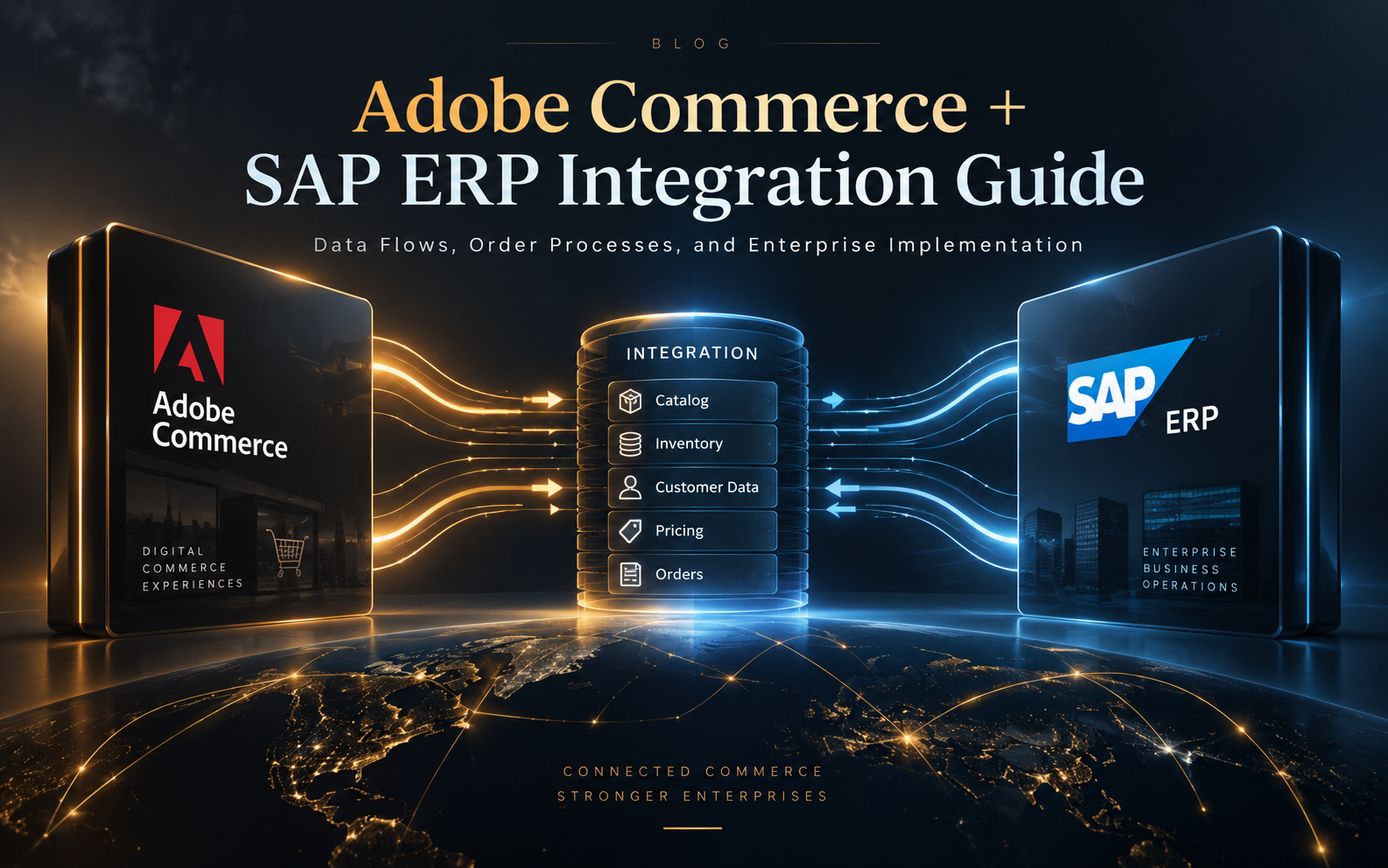
Adobe Commerce + SAP ERP Integration Guide: Data and Order Flows
Adobe Commerce (Magento), e-commerce Platforms, ERP, MarTech
19 September 2026
When Adobe Commerce serves as the online transaction channel and SAP ERP manages products, pricing, inventory, and financial processes, the challenge extends beyond connecting APIs. Data ownership, synchronization timing, and error handling must work consistently across both systems. LeadsTech can help businesses assign ownership for products, prices, inventory, and orders before designing Adobe Commerce and SAP ERP data flows. This article uses a hypothetical scenario to outline the key decisions in integration planning.
Summary
Before integration, identify the authoritative source for products, pricing, customers, inventory, and orders. Then design the data flows, monitoring, testing, and governance needed after launch.
1. Why Integrate Adobe Commerce with SAP ERP?
Adobe Commerce supports shopping, product browsing, checkout, and customer interactions. ERP maintains product master data, pricing, inventory, customers, orders, shipments, and invoices. If each system maintains the same data independently, the website may display outdated prices and sales teams may struggle to confirm order status.
In B2B e-commerce, for example, customers need to see contract pricing, and orders must enter SAP ERP for credit checks and shipping. Before development begins, define which system calculates prices, how often inventory is updated, and what the storefront displays when ERP rejects an order.
Before defining your integration scope, review how Adobe Commerce supports B2B and B2C commerce across different customer journeys.
2. Define Data and System Boundaries Before Integration
Identify the Authoritative Data Source
Create a data responsibility matrix for product names, SKUs, specifications, prices, inventory, customer credit, and order status. Document the source, who updates it, synchronization direction and frequency, and how conflicts are resolved.
Distinguish Real-Time and Non-Real-Time Processes
Inventory and pricing may require queries that return near-real-time information, while product descriptions, images, and categories can be synchronized in batches. Making every data flow real time adds coupling and cost.
Choose the Integration Layer and API Approach
Confirm the SAP ERP version, existing middleware, authentication, network segmentation, and API limitations before deciding whether to integrate directly or use an integration platform.
Plan Error Handling and Retries
Define traceable retry and manual intervention mechanisms for invalid formats, missing SKUs, expired prices, ERP connection failures, and duplicate orders.
3. Common Adobe Commerce and SAP ERP Data Flows
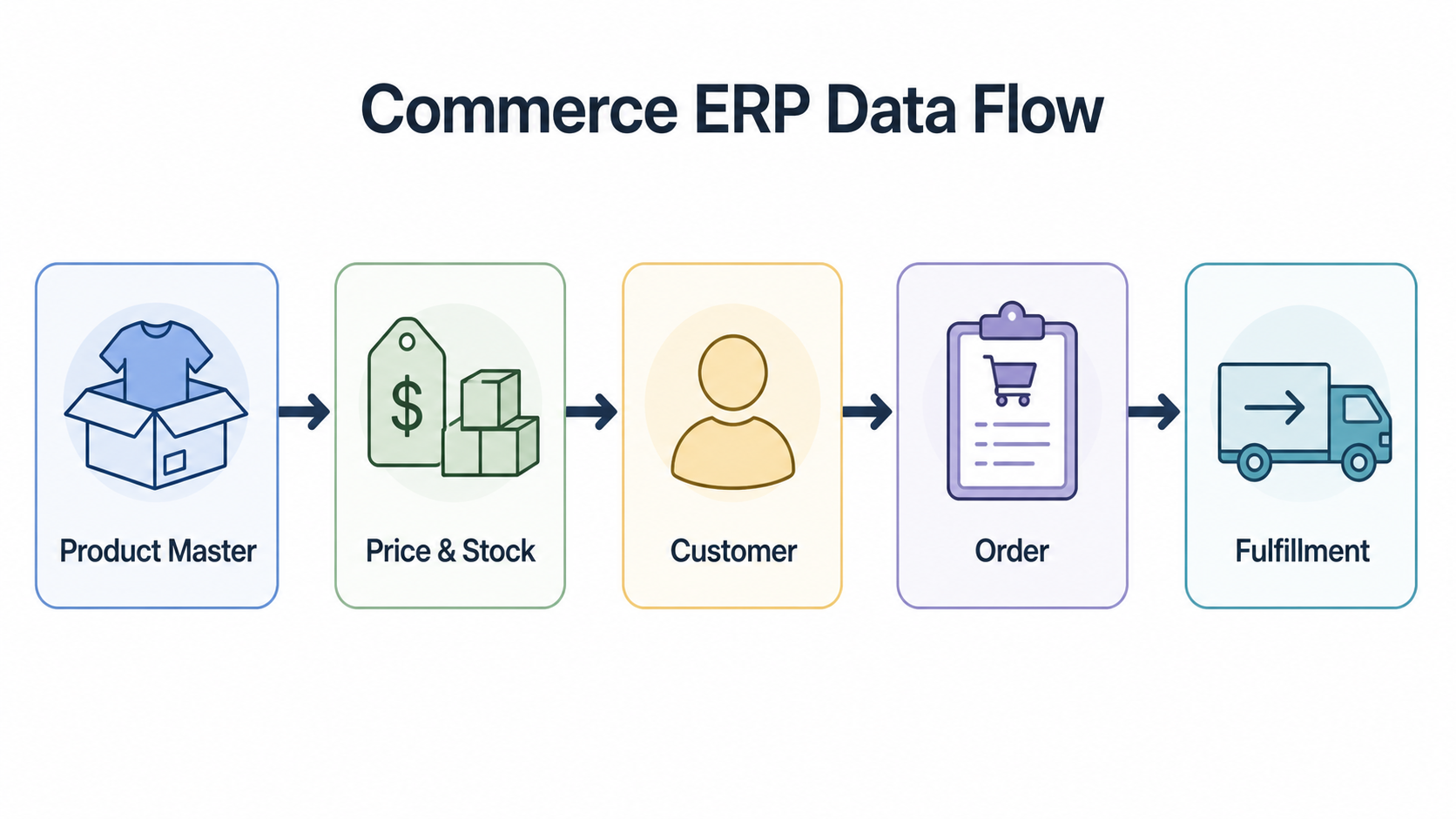
For product master data, SAP ERP or a PIM can send SKUs, attributes, categories, and sellable status to Adobe Commerce. Pricing and inventory can be updated through batches, events, or API queries according to business needs.
Commerce typically collects customer and order information and sends it to ERP for credit checks, order processing, shipping, and invoicing. Commerce can display the latest progress once ERP returns order confirmations, delivery updates, or refund outcomes.
4. Implementation Stages and Testing Methods
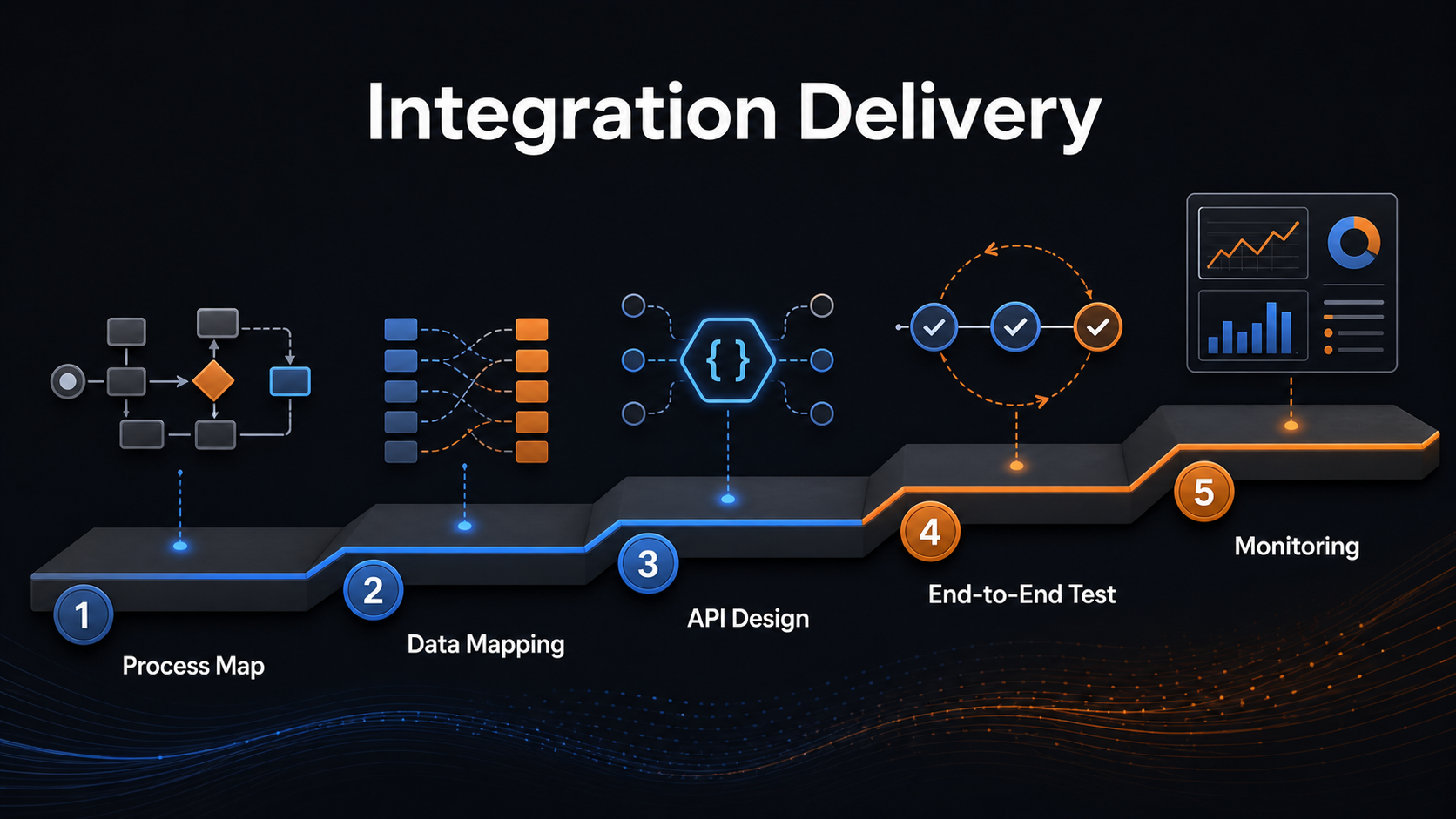
- Document both standard and exception workflows across e-commerce, sales, customer service, warehouse operations, finance, and IT.
- Define field mappings, formats, required-field conditions, code conversions, and versioning rules.
- Keep development, test, staging, and production environments separate, and grant only the minimum permissions required.
- Test products, pricing, inventory, customers, orders, cancellations, refunds, ERP downtime, and duplicate messages.
- After launch, track success rates, synchronization delays, error types, and the volume of orders that require manual entry.
5. Hypothetical Example: Planning a B2B Integration
A parts manufacturer could begin with a pilot covering one market and one product group. Validate SKU, pricing, inventory, customer, and order workflows before gradually adding markets. Success should mean more than completing the integration: data must be traceable, orders must flow reliably, and customer service teams must be able to view their status.
6. Frequently Asked Questions (FAQ)
Can Adobe Commerce Integrate with SAP ERP?
Yes. The approach depends on the versions, deployment environment, data models, and existing integration platform. First confirm the APIs, authentication, data mappings, and ownership of each process.
Should SAP ERP or Adobe Commerce Manage Pricing?
When pricing depends on contracts, regions, customer tiers, or credit terms, define the authoritative source first. Then decide whether to use real-time queries or a synchronization strategy.
Does ERP Integration Require Real-Time Synchronization?
No. Choose real-time, near-real-time, or batch synchronization based on data freshness requirements, error risk, traffic, and cost.
What Are the Most Common Integration Project Risks?
Common risks include unclear data ownership, incomplete field mappings, missing retry and monitoring mechanisms, testing that covers only standard workflows, and no designated owner for resolving data inconsistencies after launch.
7. Conclusion
Start Adobe Commerce and SAP ERP integration with business processes and data responsibilities, then choose the APIs, synchronization approach, and technical architecture. Validate core workflows in a small pilot before applying the approach to additional markets and products.


LeadsTech can help businesses assign ownership for products, prices, inventory, and orders before designing Adobe Commerce and SAP ERP data flows.
8. Further Reading
Related Articles

Enterprise AI MarTech Trends Analysis 2024-2029 Outlook Report
From AI content productivity tools to a core engine for revenue growth and marketing transformation
*The PDF will be sent directly to your inbox.
Email Error
Please enter a valid email address.
Thank You!
The whitepaper has been sent to your inbox. If you don’t see it, please check your spam or promotions folder.

